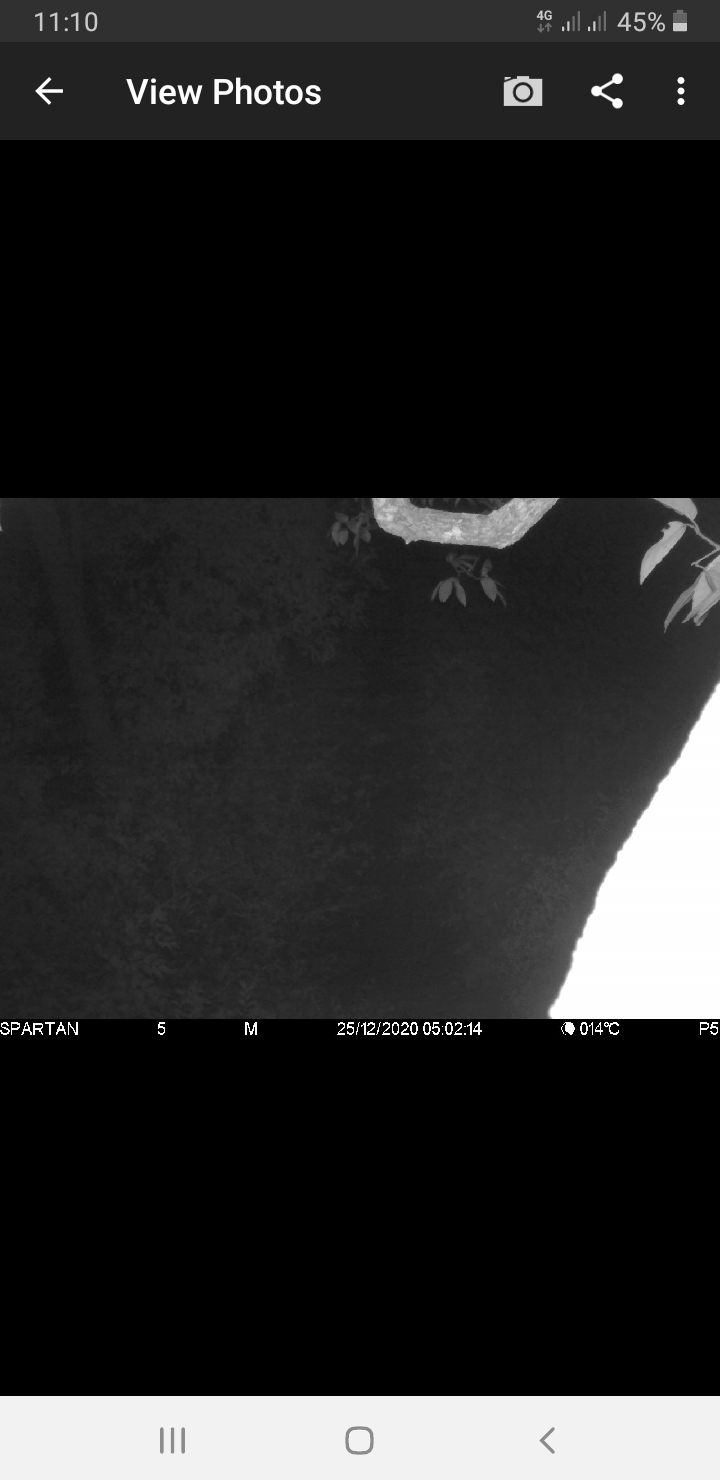
No Sim card

Comments

16 comments

  • Elizabeth Swoope

    That’s a generic “can’t connect to the network message” which is very confusing. Have you formatted your SD card, tried a different SD card, checked the antenna? If it’s the SIM, you may need to replace it, although that’s a less common reason for the problem than a flaky SD card.

    0
    Comment actions Permalink
  • Aung Lwin Oo

    Previously, I used micro SD card. Now, I have changed a full-sized SD card. Sim is working well. In set up mode, it passes hello test. The problem is it quits sending status report and photos after a couple days of installation. I have installed 7 cameras and almost all cameras are having the same issues.

    0
    Comment actions Permalink
  • Elizabeth Swoope

    Please contact real tech support, support@spartancamera.com. Johnny and I don’t have experience with that model camera but tech support will. You need to talk to tech support because you are having a lot of problems that you shouldn’t be having.

    Are the full-sized SD cards you are using “to spec”? Name brand (SanDisk is a good brand), class 10 (which you said yours is), 80 MB/s or a little faster, formatted in the camera.

    0
    Comment actions Permalink
  • Aung Lwin Oo

    Here is spec of SD card


    I have sent email to support tech but no reply yet

    0
    Comment actions Permalink
  • Elizabeth Swoope

    Someone should get to you soon. You did format the SD card in the camera and you have tried a different SD card or two? 

    0
    Comment actions Permalink
  • Aung Lwin Oo

    I did formatting SD card in the camera whenever I tried in set up mode.  

    Here is micro SD card I used previously

    Now I have changed a full-sized sony brand SD card


    But, same issues happen with these two different SD card as well. 


    0
    Comment actions Permalink
  • Elizabeth Swoope

    These cameras don’t work with microSD. You’ve tried other full-sized cards in this camera?

    Tech support really needs to help you with these. There is something happening that we probably can’t diagnose here. 

    0
    Comment actions Permalink
  • Aung Lwin Oo

    I also have tried with other different full-sized SD card.  

    It is SanDisk brand (class 10/ 95 MB/s transfer speed/ 32 gb) but same issues wouldn't get fixed. 

    0
    Comment actions Permalink
  • John Lockburner

    You can try (temporarily) swapping SIM cards from one of your other cameras and see if you still get that message.

    0
    Comment actions Permalink
  • Elizabeth Swoope

    I’m told that tech support is now in touch with you and working to resolve the problems you are having. Hopefully they’ll get you fixed up.

    0
    Comment actions Permalink
  • Aung Lwin Oo

    Yes Johnny, I will try and let you know what happens then.  

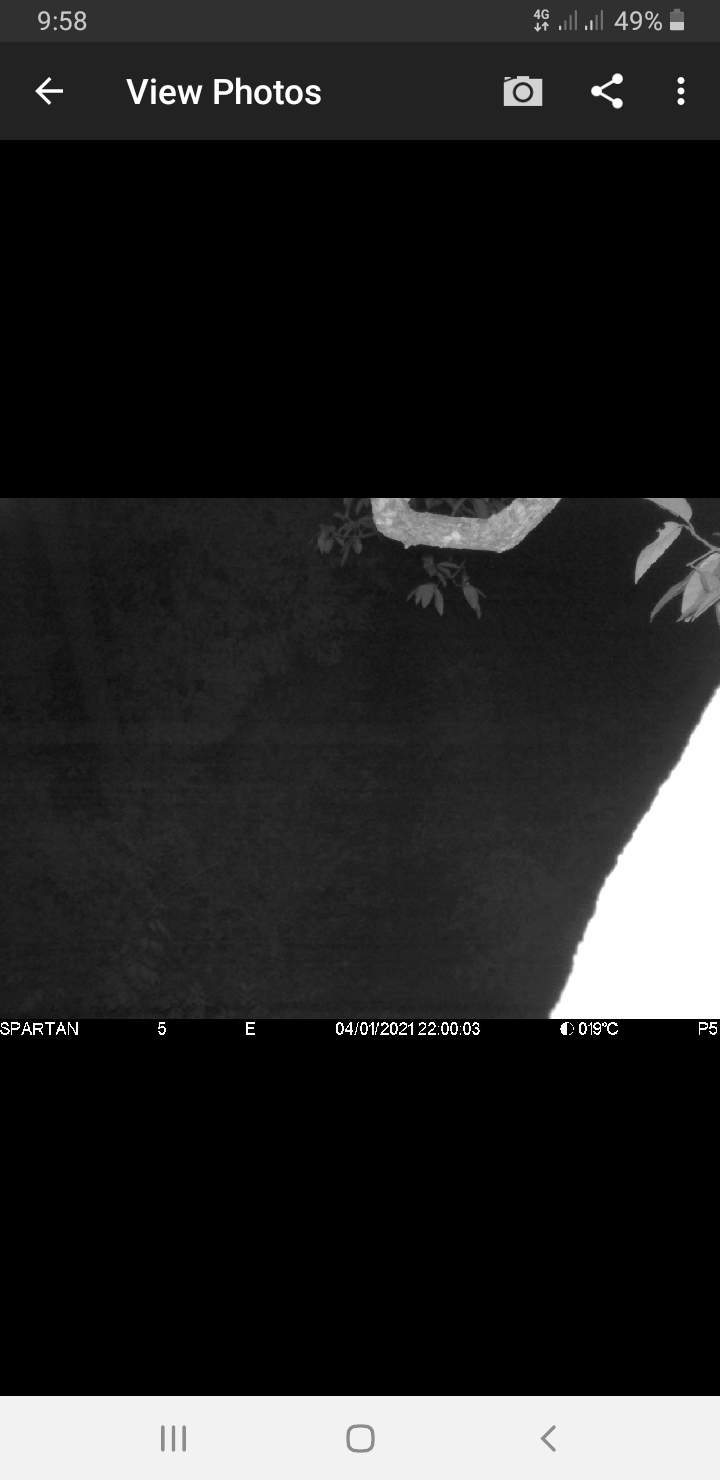
    Can anyone tell me why my night photo is too black.  I can't even see what is in there. I have updated installing it today and it is strange that photo is too black. 
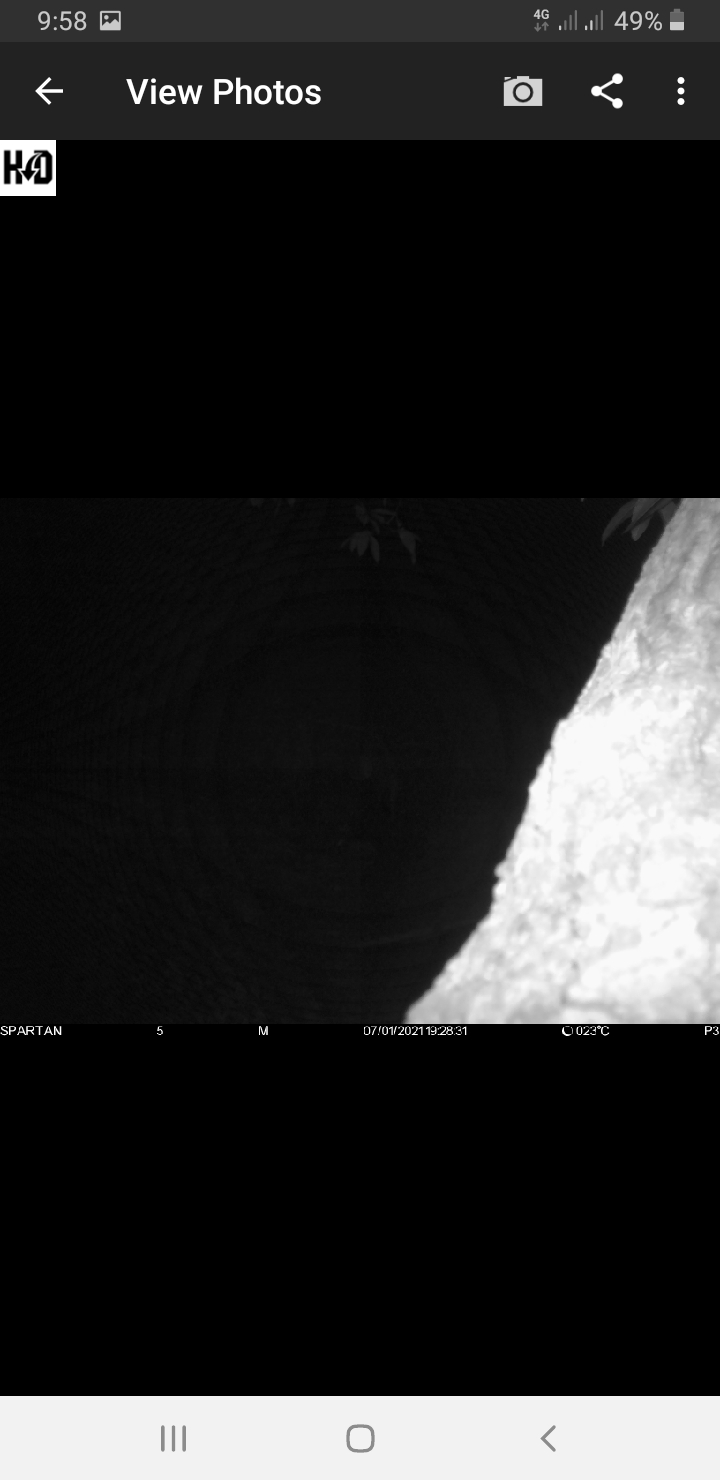
     

    Here is previous photos sent by this camera before updated installation. 
    0
    Comment actions Permalink
  • Aung Lwin Oo

    Thanks Elizabeth.  Hope it will get fixed. 

    0
    Comment actions Permalink
  • John Lockburner

    Whatever is up close to the camera is causing the camera to meter down the flash so it's not so bright. 

    0
    Comment actions Permalink
  • Elizabeth Swoope

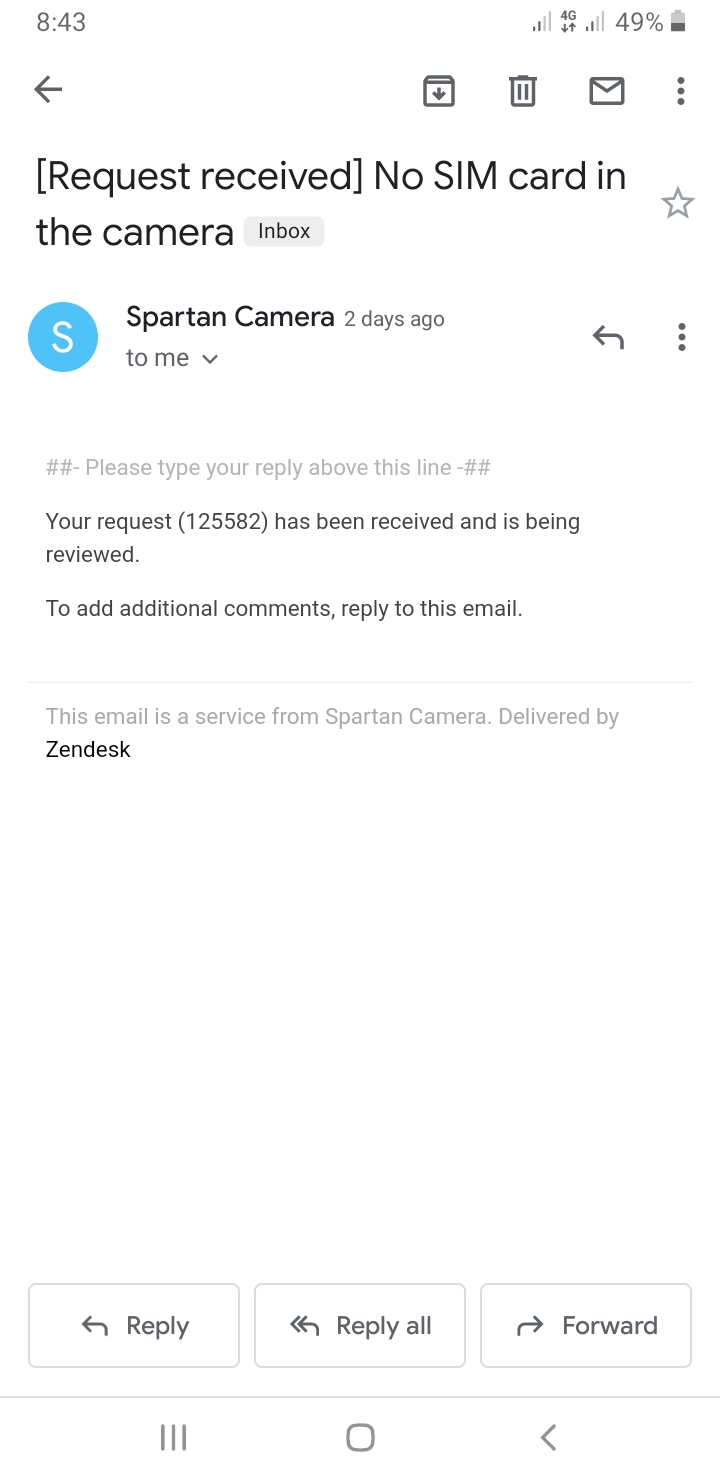
    Another difference is that the brighter photo is an event photo. The flash isn't metered on those. The darker photo is a motion-triggered photo. Light is metered on those.

    Is that light area in the lower right corner an animal or a tree trunk (something that's part of the set)? If it's an animal, there's nothing you can do. It it's part of the set, you need to figure out a way to position the camera so that it is not within the frame or you will continue to have problems.

    0
    Comment actions Permalink
  • Aung Lwin Oo

    Here is previous motion photo sent by this camera. 


    The light area is the tree trunk.  I think it is the cause of problem.  I will figure it out. 

    0
    Comment actions Permalink
  • Elizabeth Swoope

    Anything you can do to get that trunk (and that branch at the top, if possible) out of the frame should help tremendously. You may have to get creative with using sticks as shims to get the camera position just right. Good luck! Looks like you are doing interesting work.

    0
    Comment actions Permalink

Please sign in to leave a comment.