encrypted images not able to open

Having trouble reading encrypted images downloaded to my windows machine.
The files are downloaded to my windows folder in a zip file - which has filename.JPG files.
Unzip the Files, then try to load the files in the GoWireless application.
The GoWireless application can't load the "encrypted" *.JPG files at all.
Very sparse documentation with this product and sketchy quality and support...
Please improve!!!!
-

There’s no GoWireless application. (That’s the name for the old app for mobile devices.)
Do you mean the decryption application? For tech support on that, please email support@spartancamera.com or call 770-582-0004 9 am-6 pm Eastern M-F. Encryption isn’t a feature that is used much so Johnny and I have pretty much no experience with it or the software.
-
I followed a link from a post to download the wireless encrypted image viewer windows app (from https://my.spartancamera.com/download) for encrypted photos. I've seen some outdated links so we need to be careful i guess.
Yes - I do mean the decryption application. I'll email support to find out where I can get it from.
I turned encryption off and requested the HD image - then the HD version actually was uploaded un-encrypted - go figure.
-
I’m not surprised that the HD version was unencrypted. I think the thumbnails are what’s encrypted.
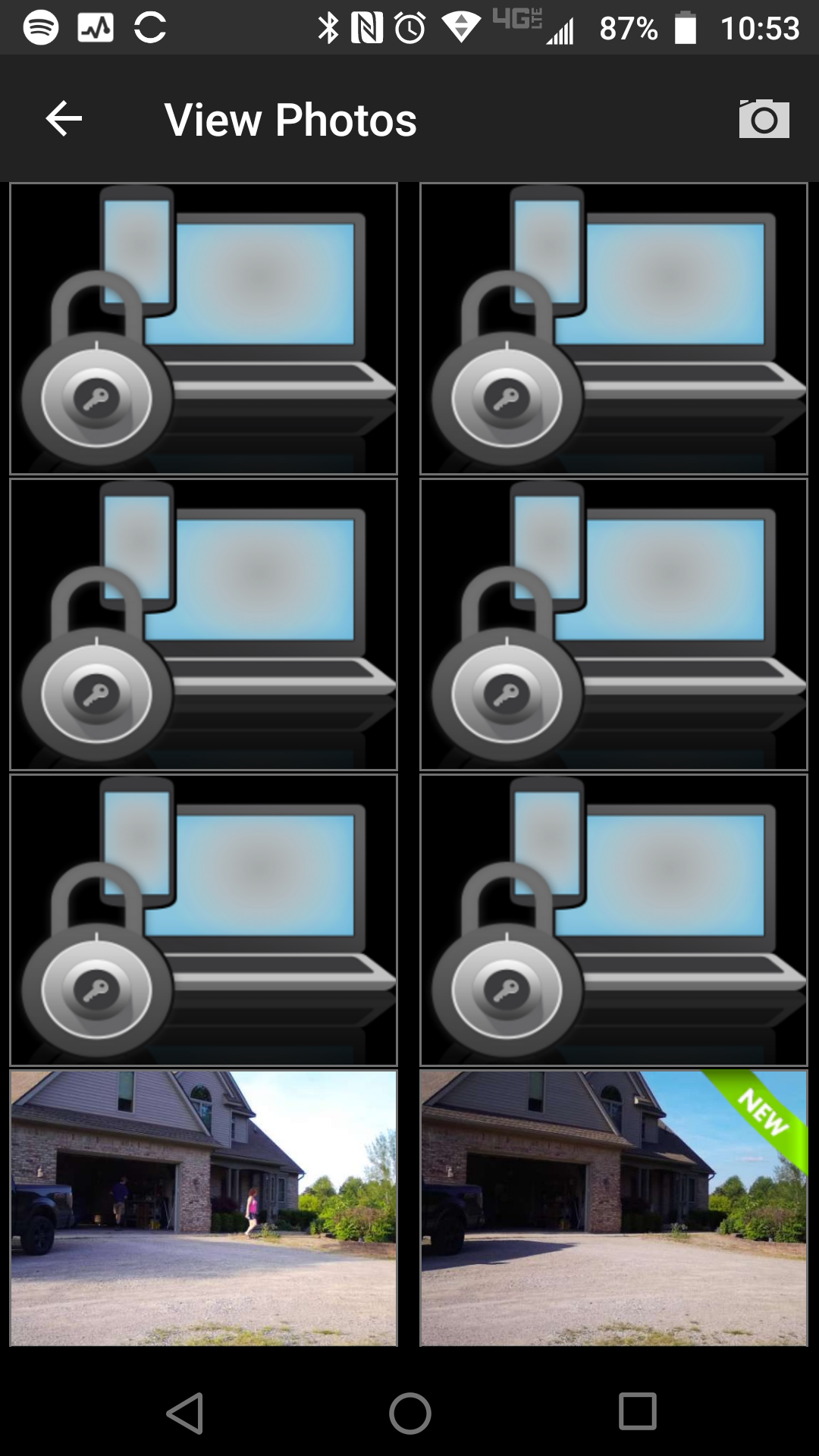
I set a camera to encrypted and transmitted 5 encrypted photos, downloaded them, and downloaded the viewer.
I suspect that the files should have a different extension than jpg but I have no idea what that extension might be. The fact that the viewer is there and the encrypted photos aren’t downloading properly (meaning with the wrong extension or perhaps something else) would seem to indicate that encryption is not used by anyone.
We mainly hear about it when someone gets those little lock pictures and wants to know why.
-
I have reported this but there probably won’t be any quick resolution unless it involves changing the extension on the downloaded files. The developers are working on adding features to the app. I’m thinking that pretty much nobody uses encryption so any sort of fix would be a very low priority.
-
I saw that the file-open dialog does not have a file extension filter on it as well. I tried changing the extension to try to get it to open it, even tried dragging the files into the app - but no luck.
I don't necessarily want encryption on my photos but I thought I would give it a try. It's a nice feature to have in case you want to ensure no one views sensitive camera pics just browsing on your PC or intercepts them from your internet traffic. I agree the current "encryption" method is not the best for usability purposes but it requires the recipient to have the decryption app at least. A better way is to provide a private key perhaps at the camera.
No issue on not providing a quick solution.
Thanks.
-
I suspect that feature may be removed entirely. There’s no telling how long it’s been broken, but it’s likely been several months at least. It wouldn’t surprise me if yours is the first complaint about it not working, which would mean that nobody is using it.
I’d be surprised if anyone being concerned about intercepted encrypted photos would be using internet connections that would be susceptible to interception or a computer that would allow just any old person to rummage through it, but I could be wrong.

Please sign in to leave a comment.
Comments
13 comments