Camera’s Not Working Properly

-

E is an event photo, that's either a manual photo you take in set up mode or a scheduled daily picture. P5 is full battery power and P3 means it's getting low. Do you have any start-stop times set in your camera settings? Is the firmware up to date and is power save turned on? What SD card size and class are you using?
-
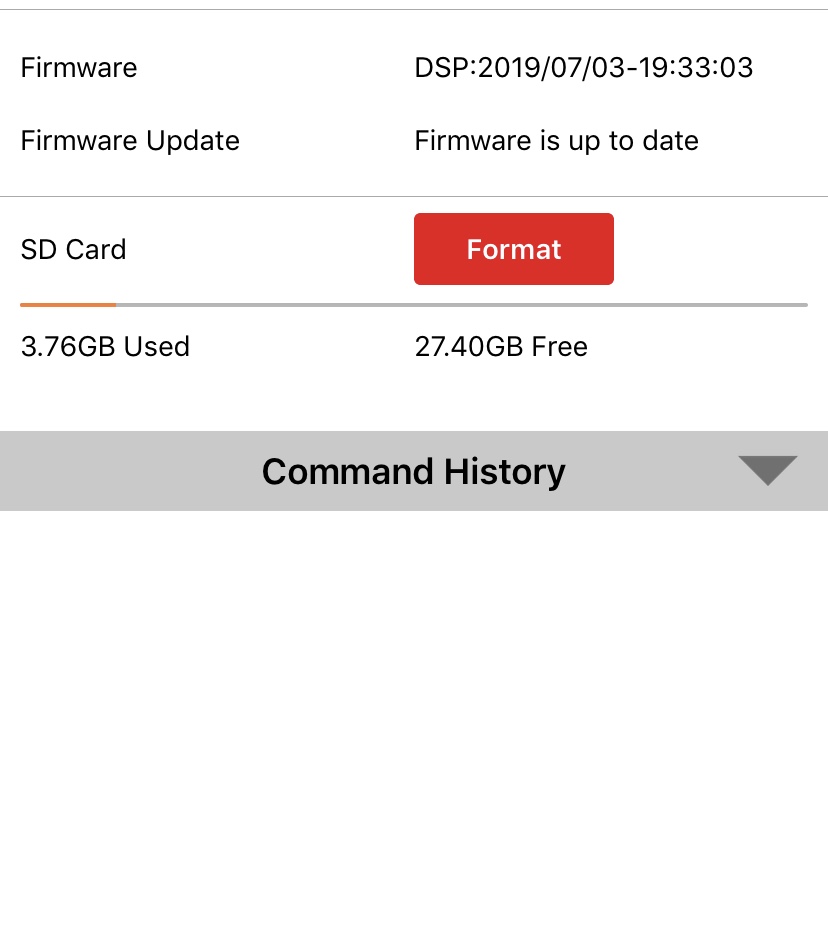
My 1st camera has a scheduled event "take Photo" every day at 12 and a "send status report" every day at 1600. That is working properly. However, it is not sending any more Motion photos. It was working properly when I first got it a month ago, however, the past week I have yet to get anything. It says the firmware is up to date "DSP2019/07/03".
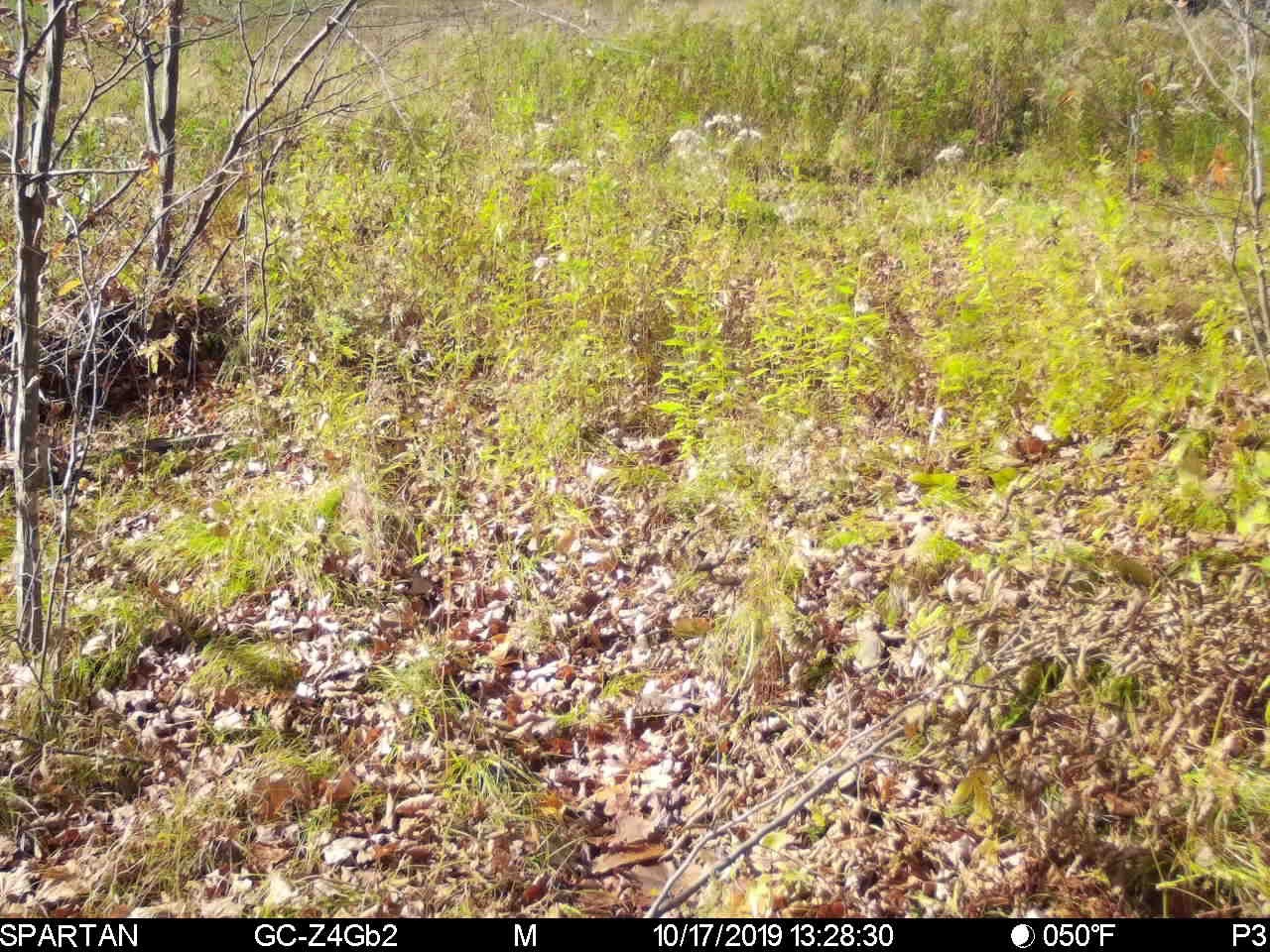
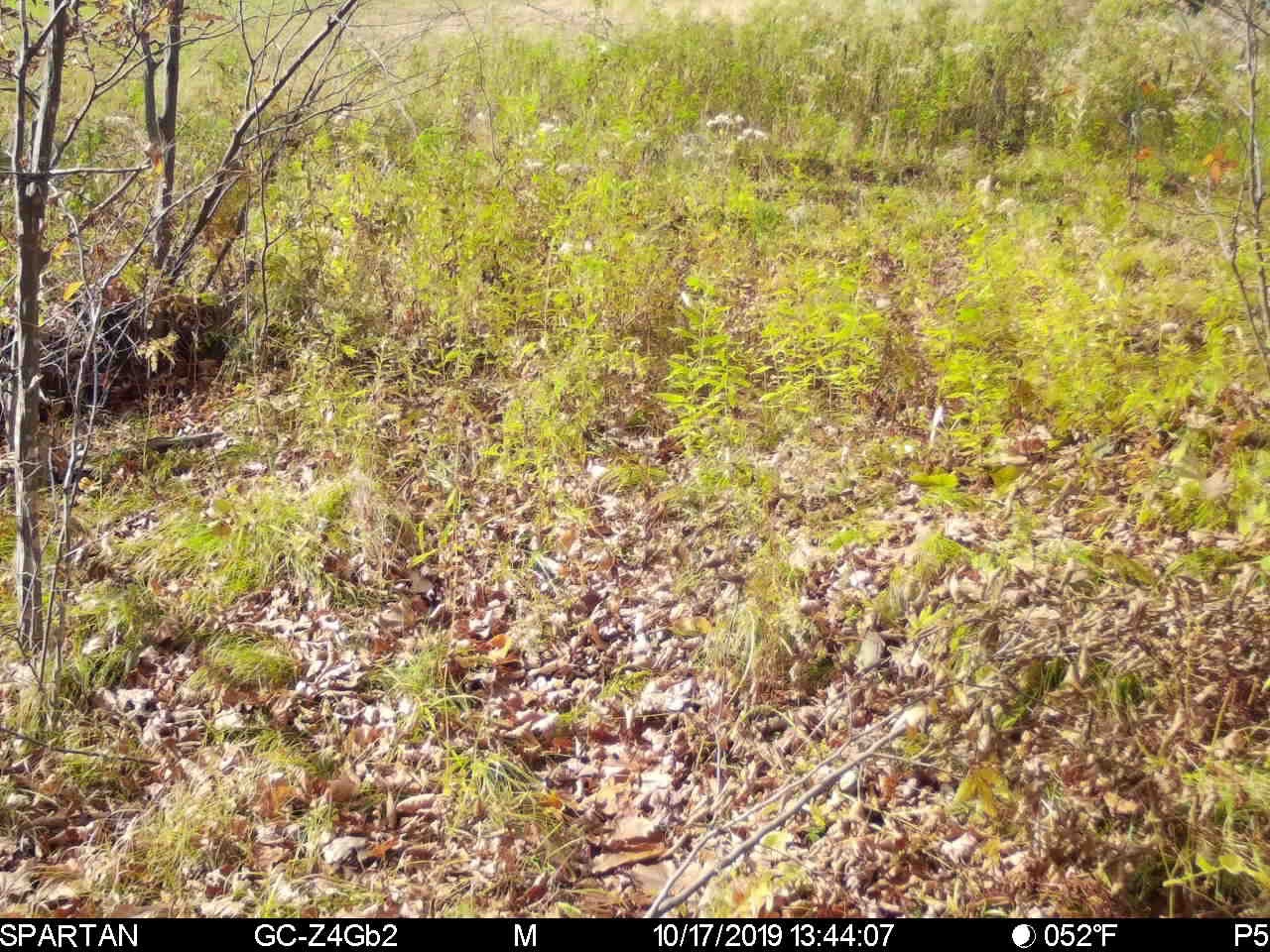
I should also note that around 1300 to 1357 it sends me five of these “Motion” pictures daily with no motion, all around the same time. As you can see, some of the pictures either say "P3" or "P5", these are both pics from the same camera.
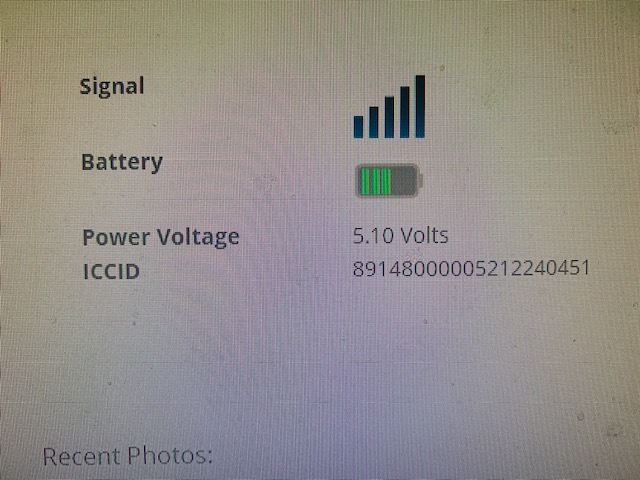
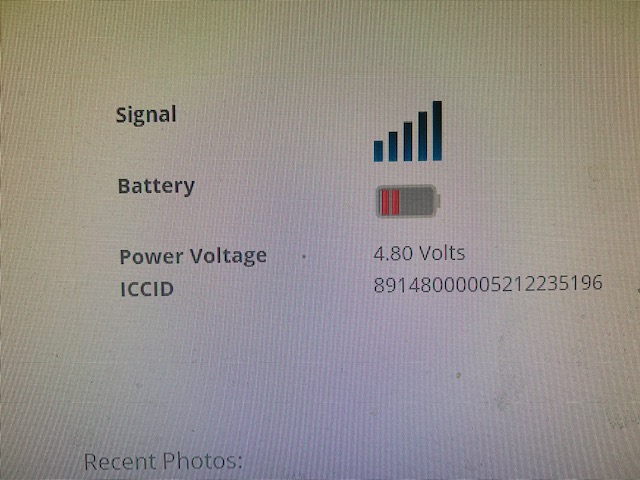
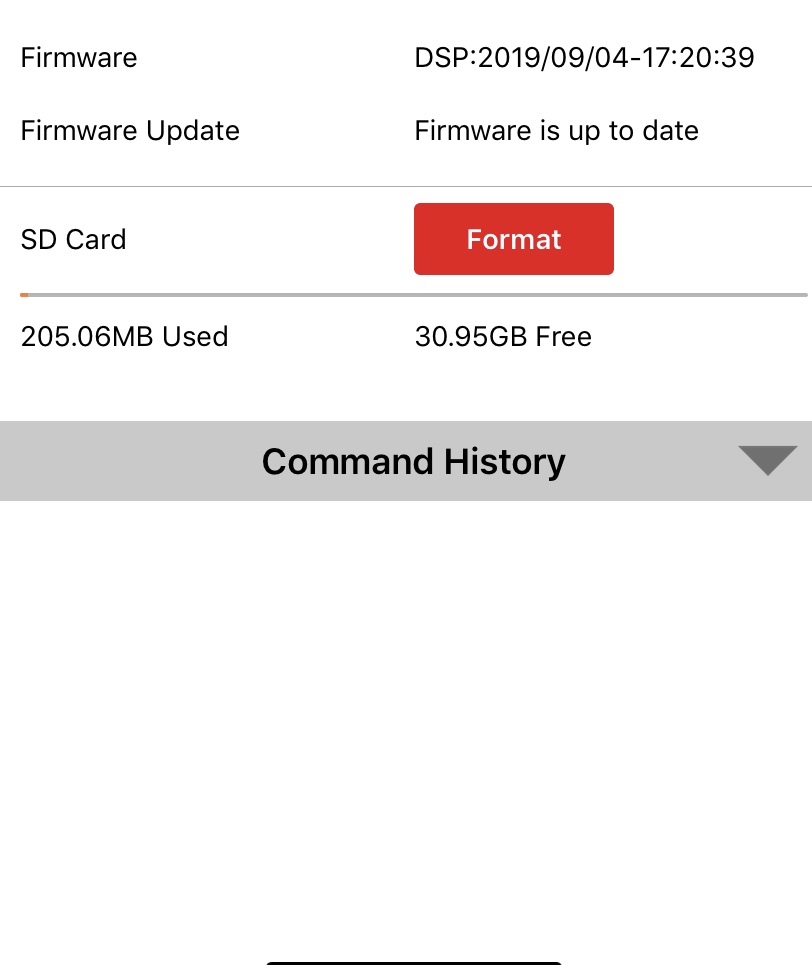
In regards to my second camera, this is a brand new one that I put out and within a day it said the batteries are half way through and "Power Save" mode is on. The firmware for this is "DSP:2019/09/04". This camera I had some issues setting up after purchasing the data because it kept failing to give me a code and it eventually connected. I kept trying the "Hello Test" tests for a while until it finally connected. This camera just sends me pictures of Scheduled Events, but I have nothing set up for that. I have yet to receive any pictures on this either for the past week, just pictures with "E" at the bottom when I have nothing scheduled for it.
I believe both of these cameras are running Product SanDisk 32 GB Ultra PLUS Class 10 UHS-1 SDHC Memory Card.
I think that is what they are running if I recall correctly, the cameras are set up 4 hours away.
-
Verizon it's also having some issues
-
I read the information in regards to Verizon having issues, however, I gave it another week and the issue persists.
The first camera I had bought did not have issues up until two weeks ago and it's only a month old. Why is that my first camera consistently changes battery levels when sending pictures? I have yet to receive any more motion pictures for two weeks now and it is getting frustrating. Also, like I had mentioned before, for some odd reason I am receiving "M" pictures daily in between 1 PM and 2 PM, and then it stops.
In regards to my second camera, I am really to rule this one out as faulty. It would not pass the "Hello Test" at first and eventually it connected. I receive pictures from it once in a while and it's a scheduled event when there are no scheduled events set up. Second of all, I put brand new Duracell batteries in it and batteries are at "P1" and it has only been set up for two weeks. I also want to mention that I tested this camera at my house, and whenever I walked directly in front of it, it would rarely capture photos if I walked in front of it.
These cameras are set up 4 hours away and don't have access to them at this time. I intend to call Tech Support tomorrow.
What are my options?
Both cameras are the "GC-Z4Gb2" model.
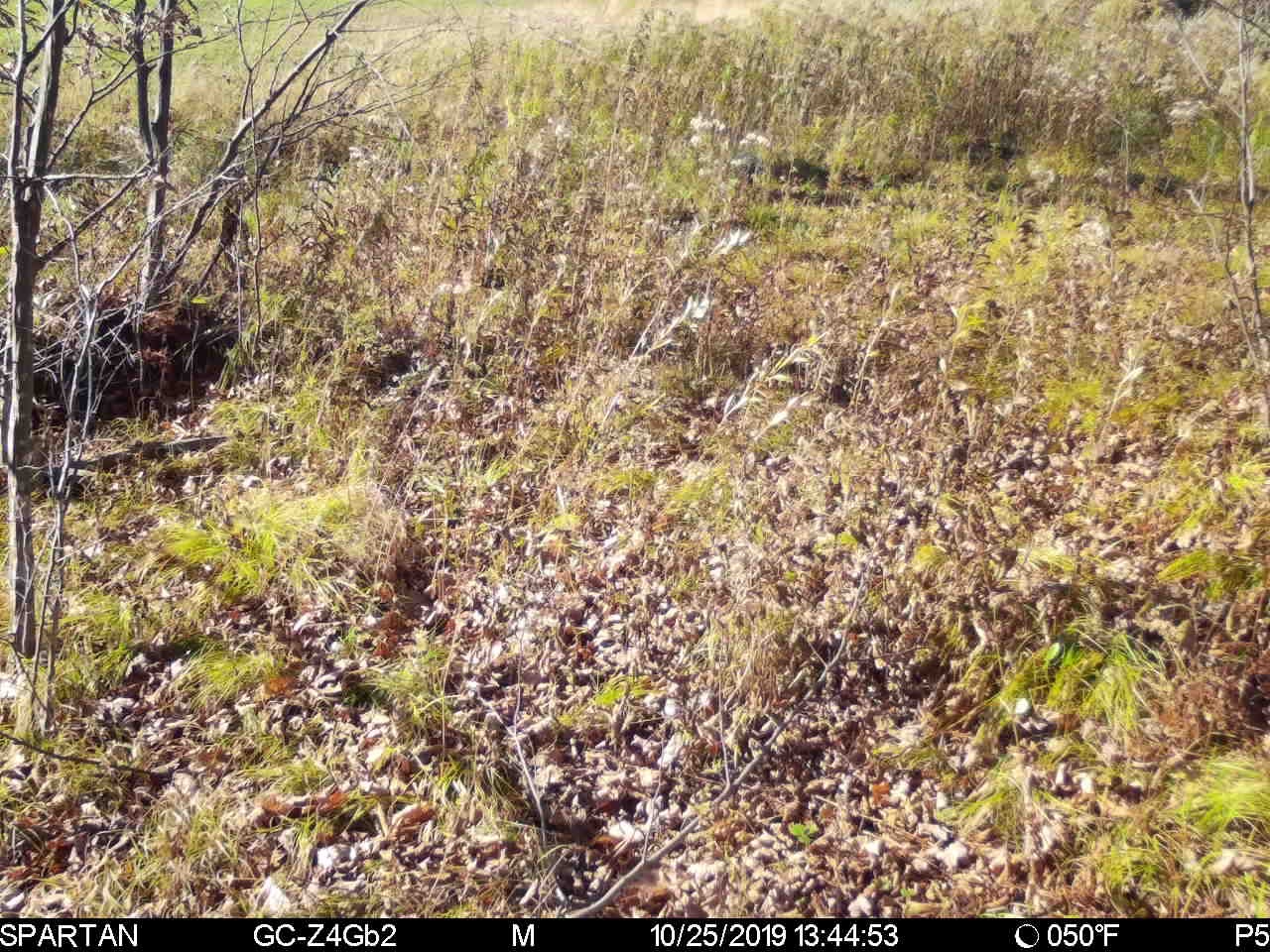
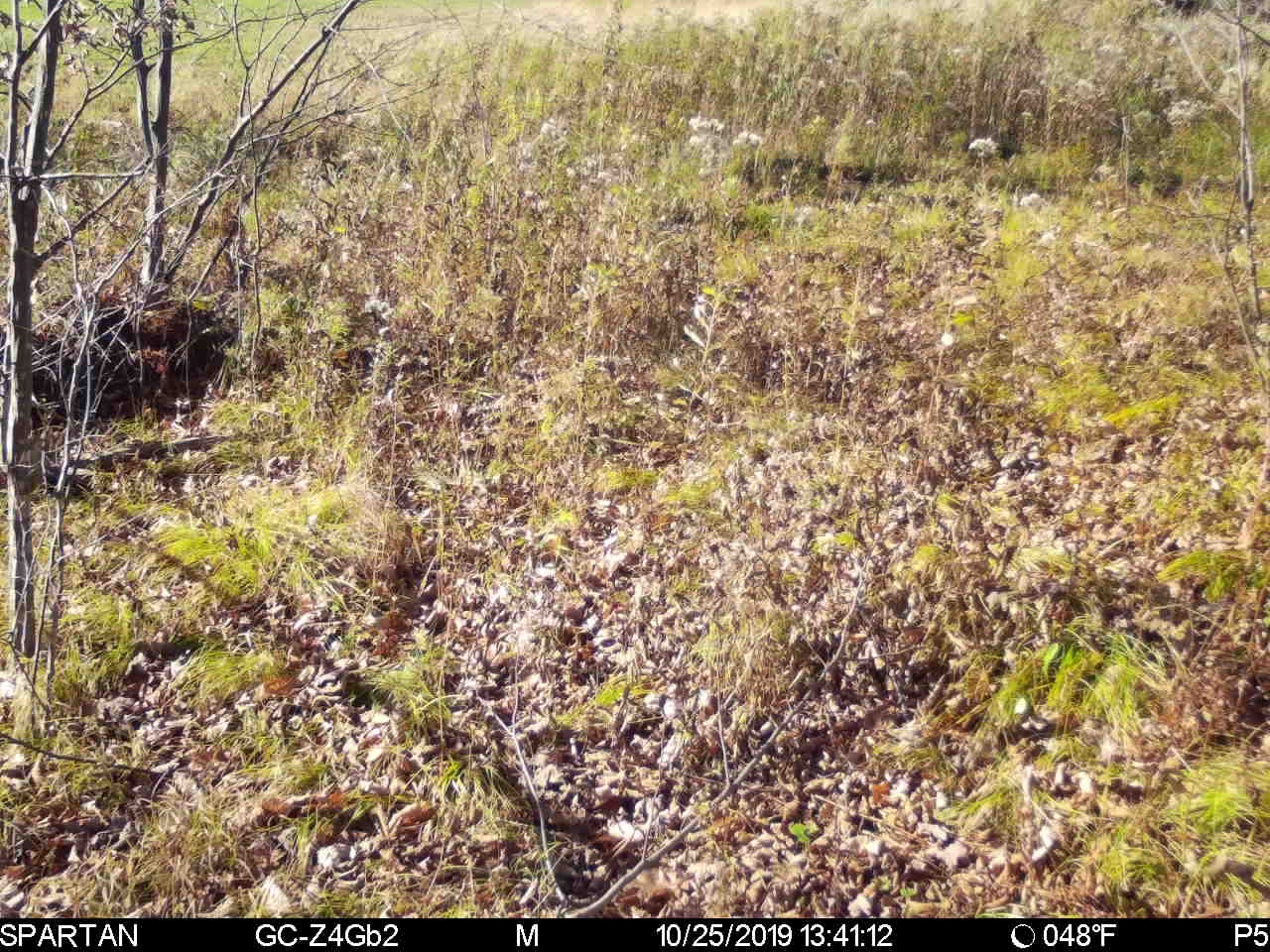
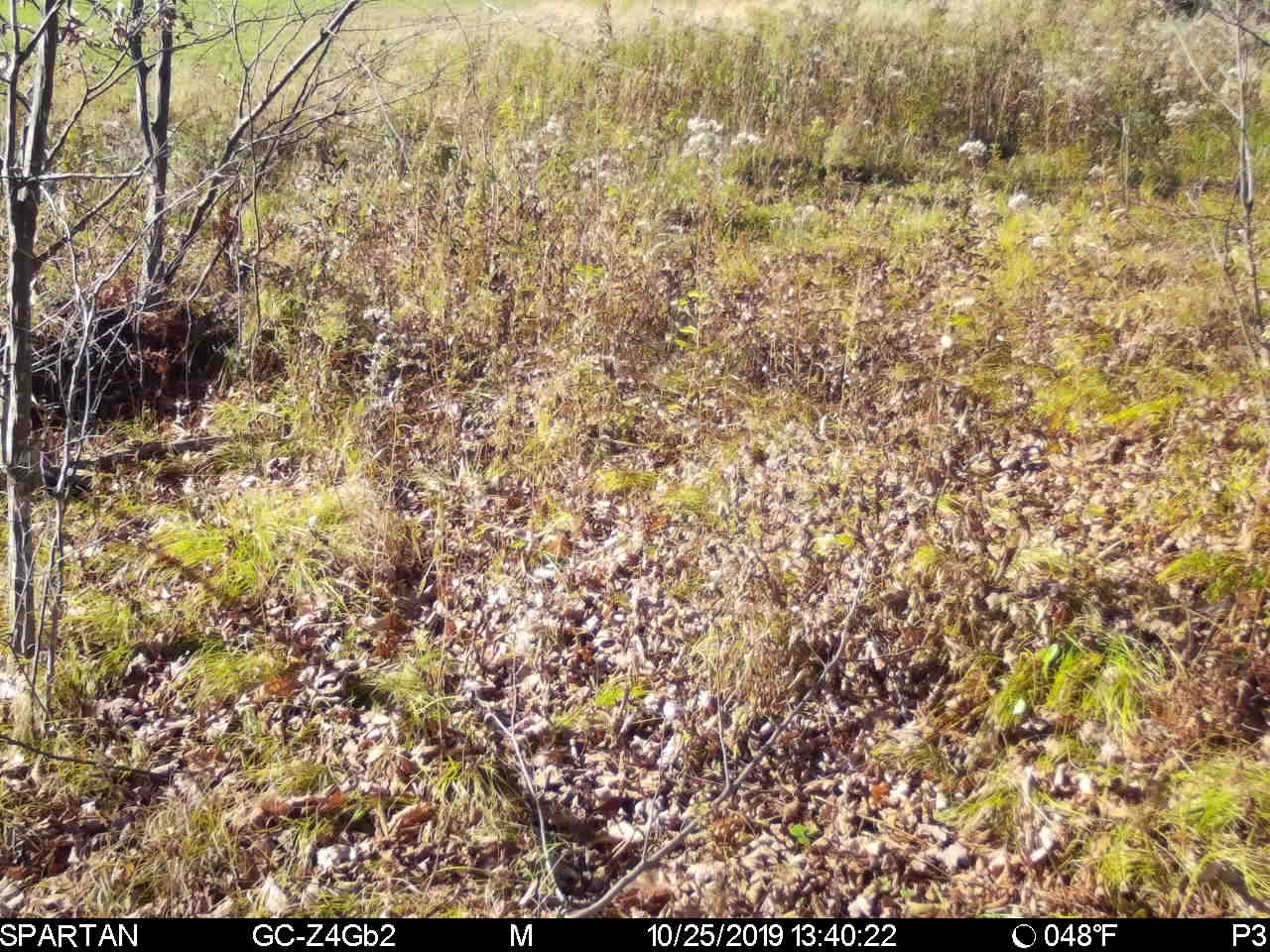
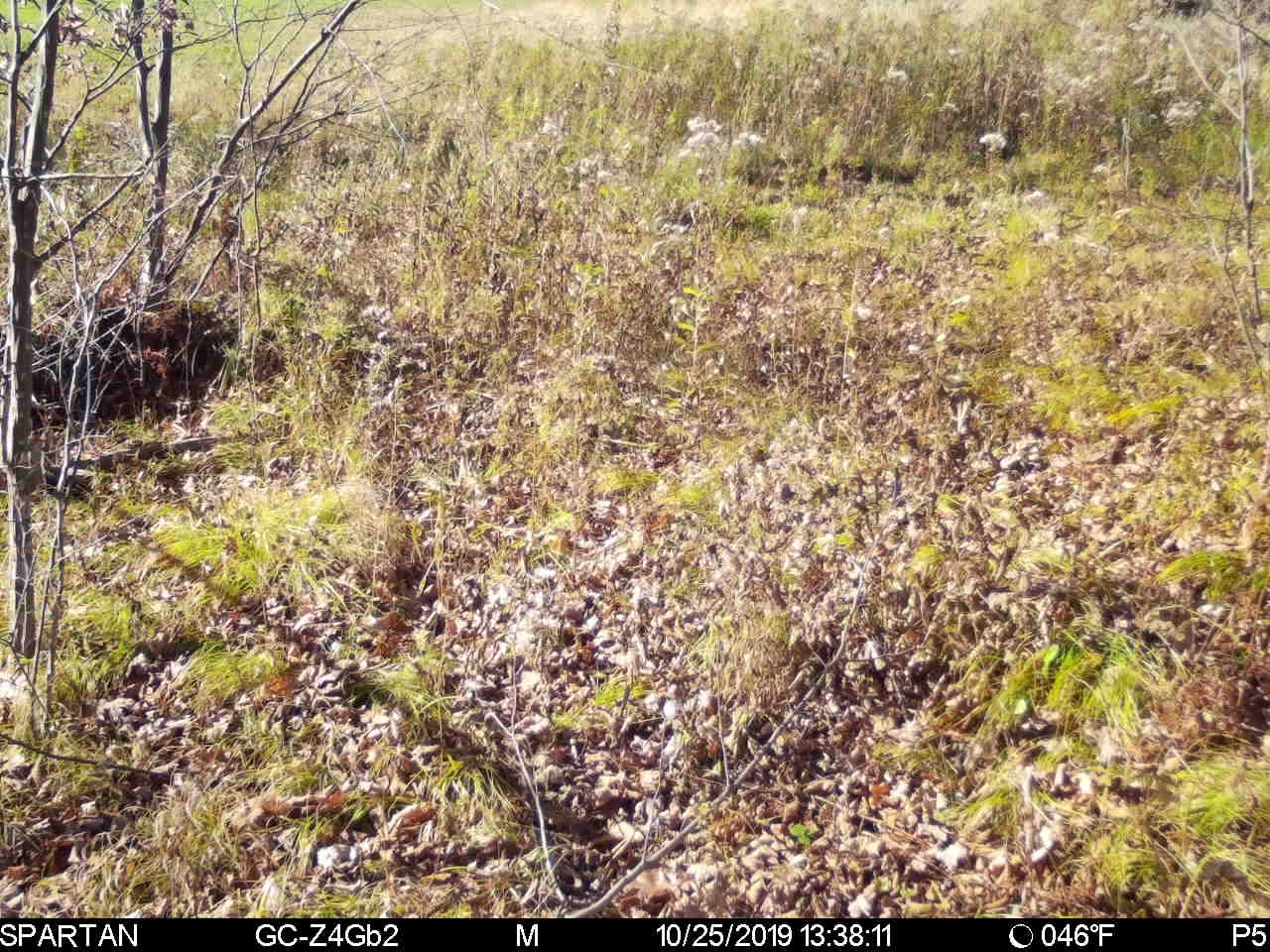
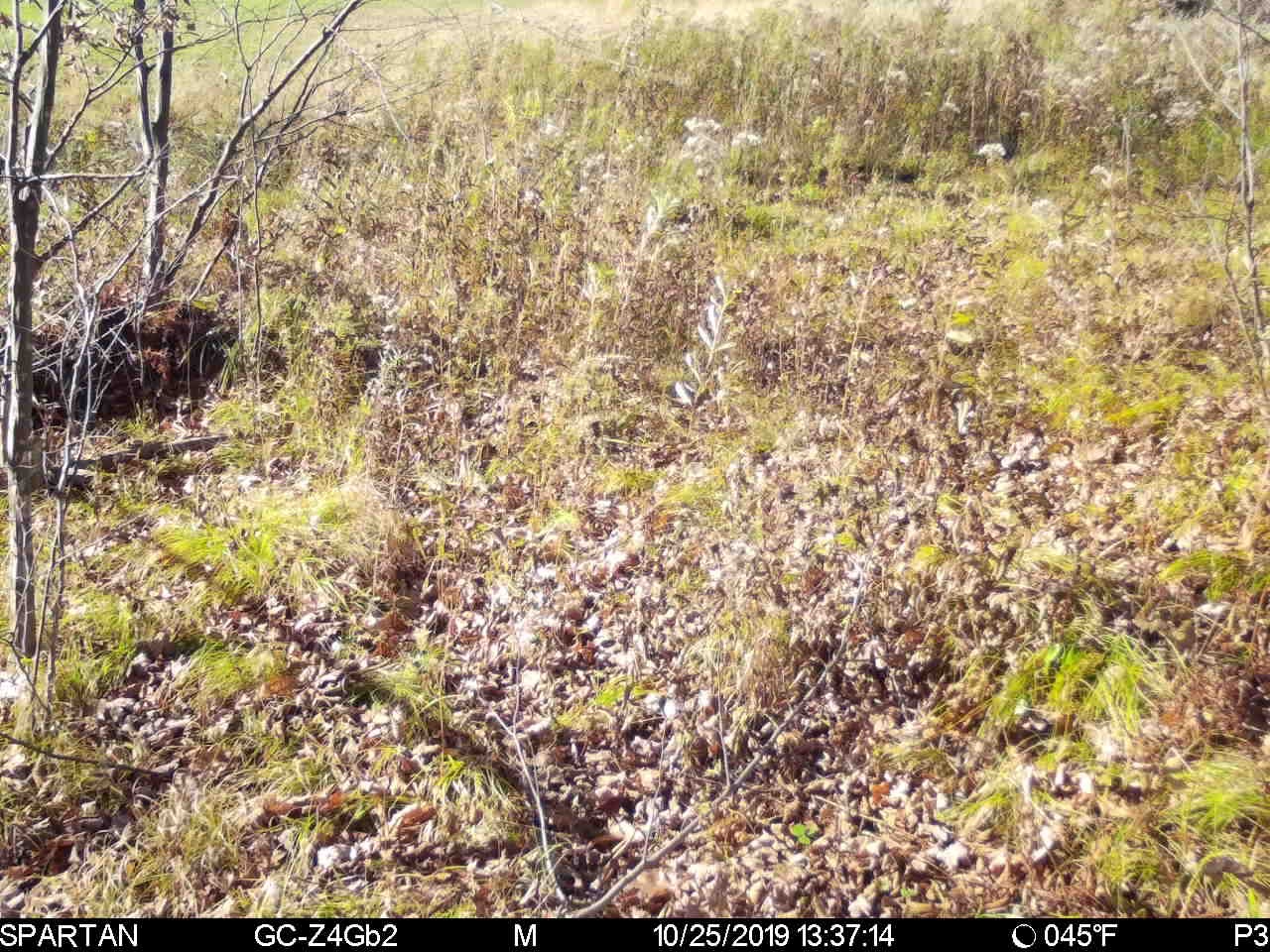
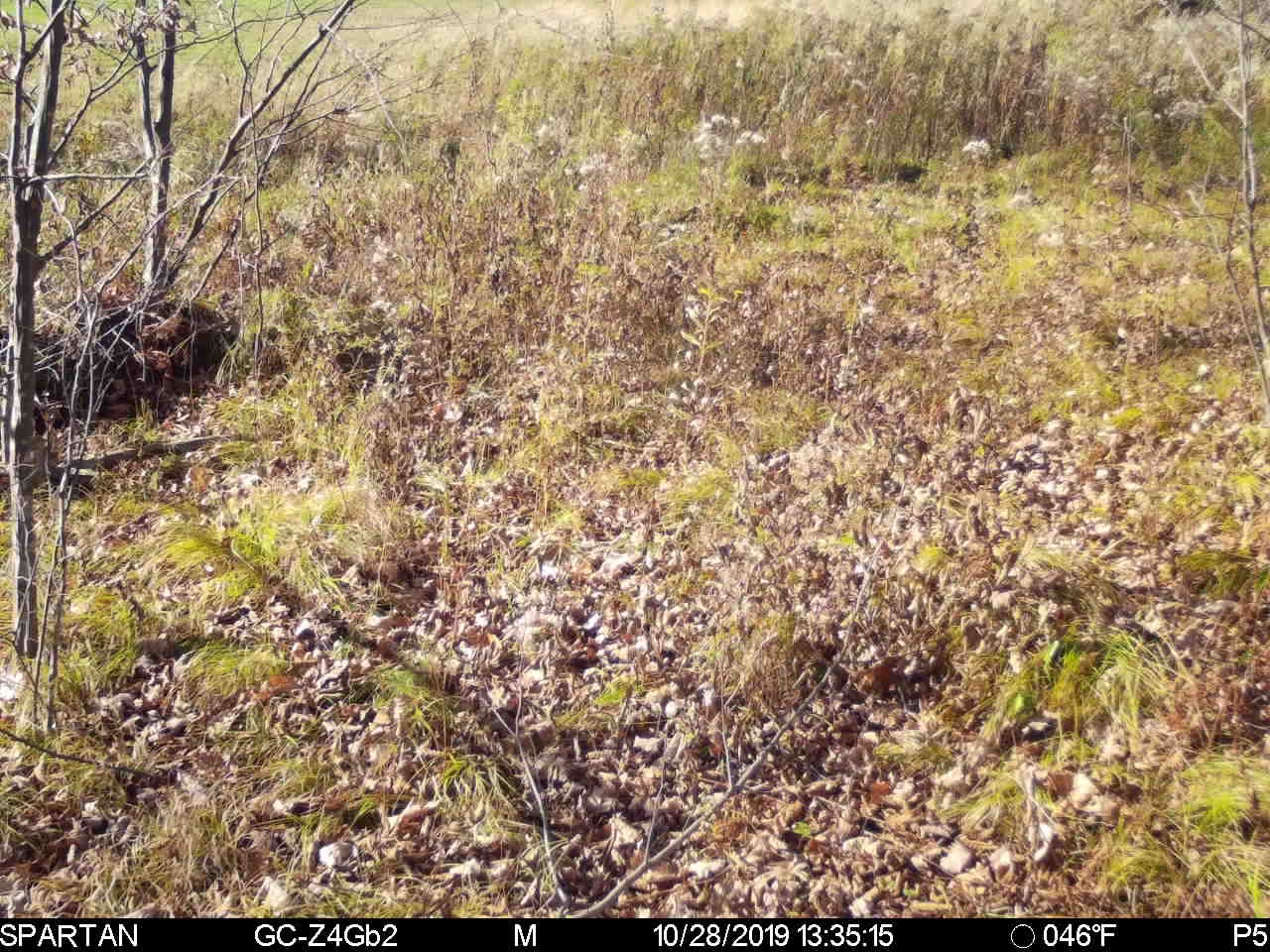
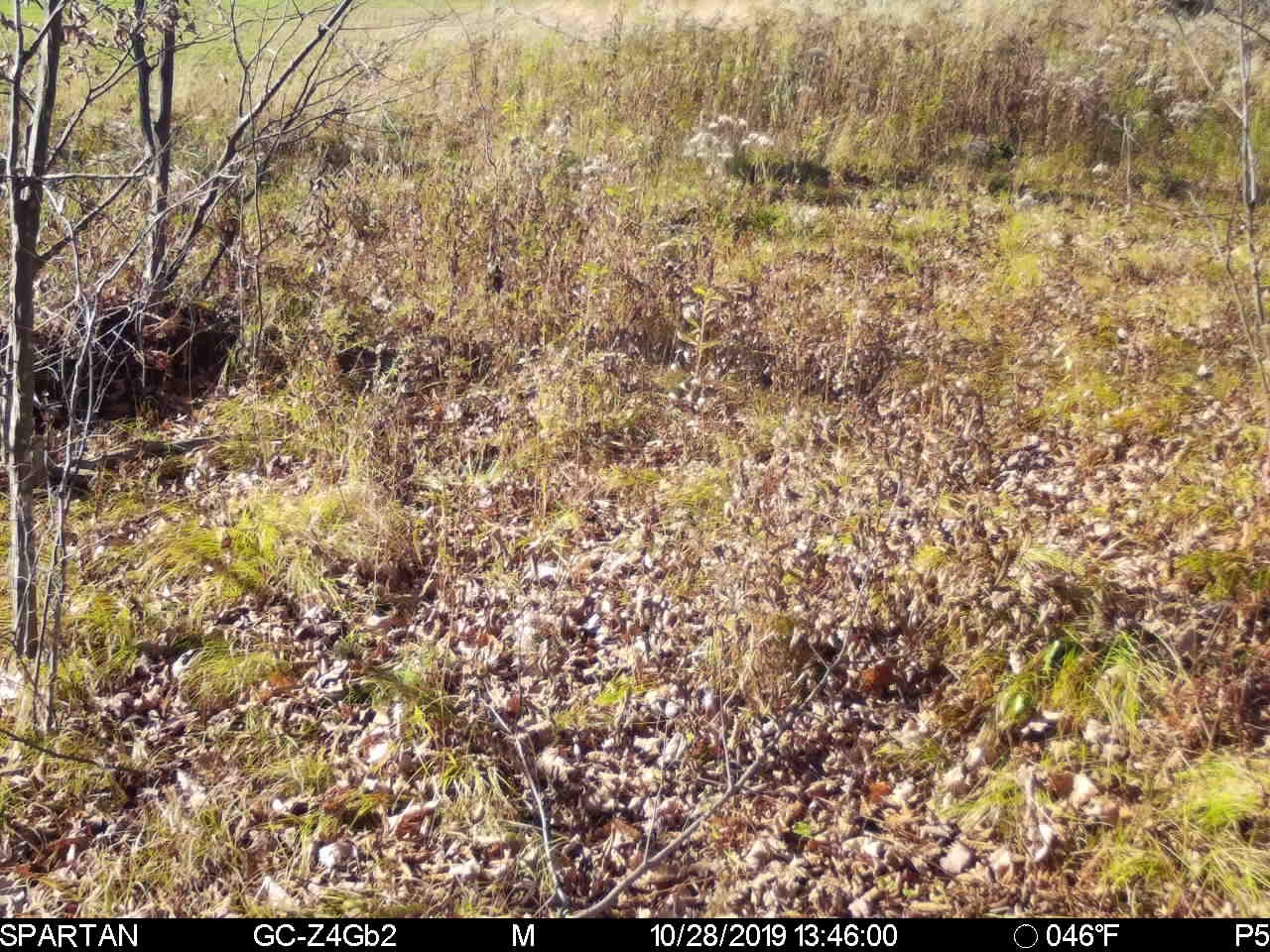
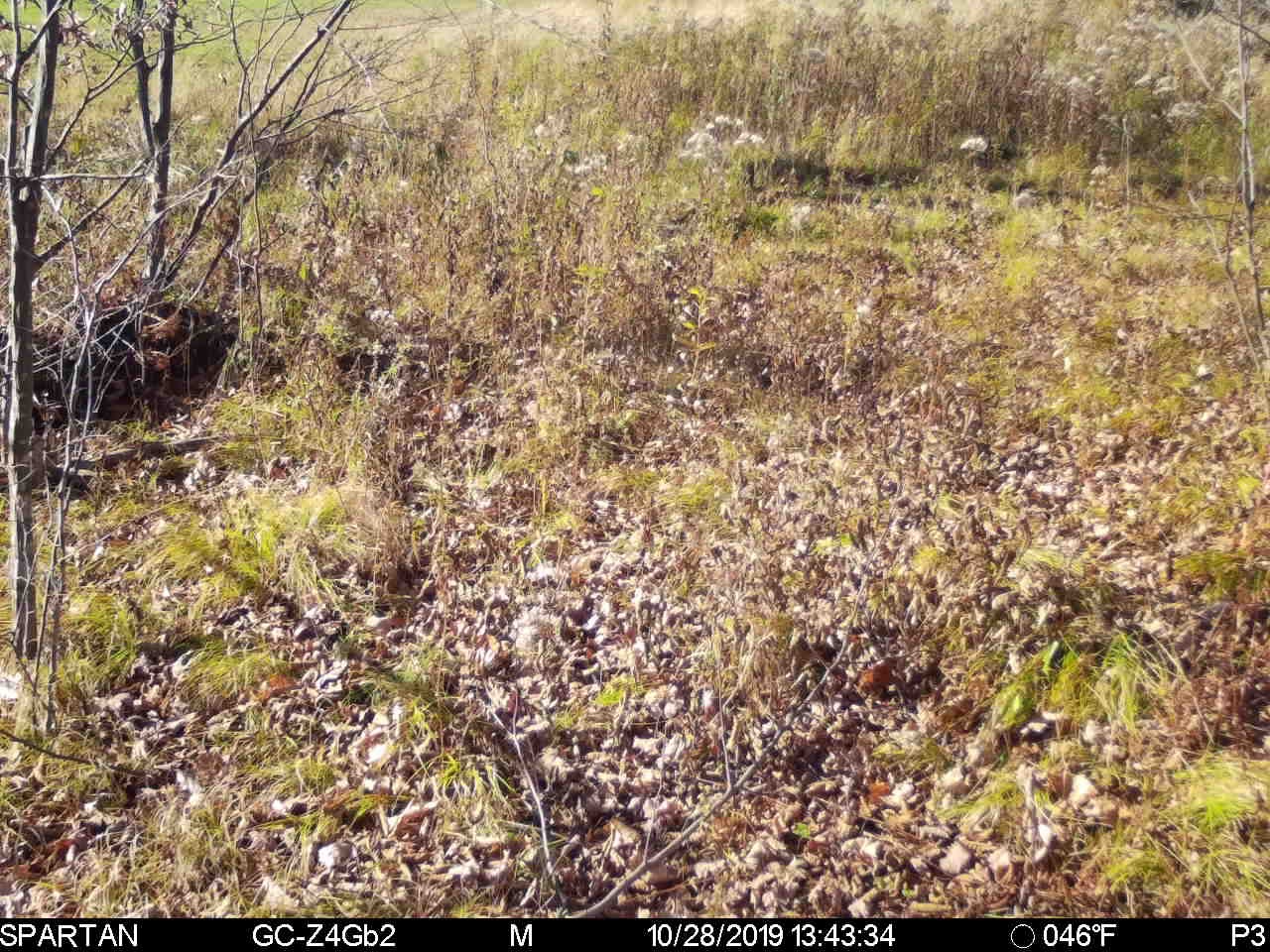
These pictures are from Camera #1 that I had mentioned above. Those pictures are both from 10/25 and 10/28, and as you can see it's always in between 1PM and 2PM. I requested the video for multiple of the pictures and there is nothing triggering the photos. Also, there is no way the wind only blows between 1 and 2 PM on a daily basis.
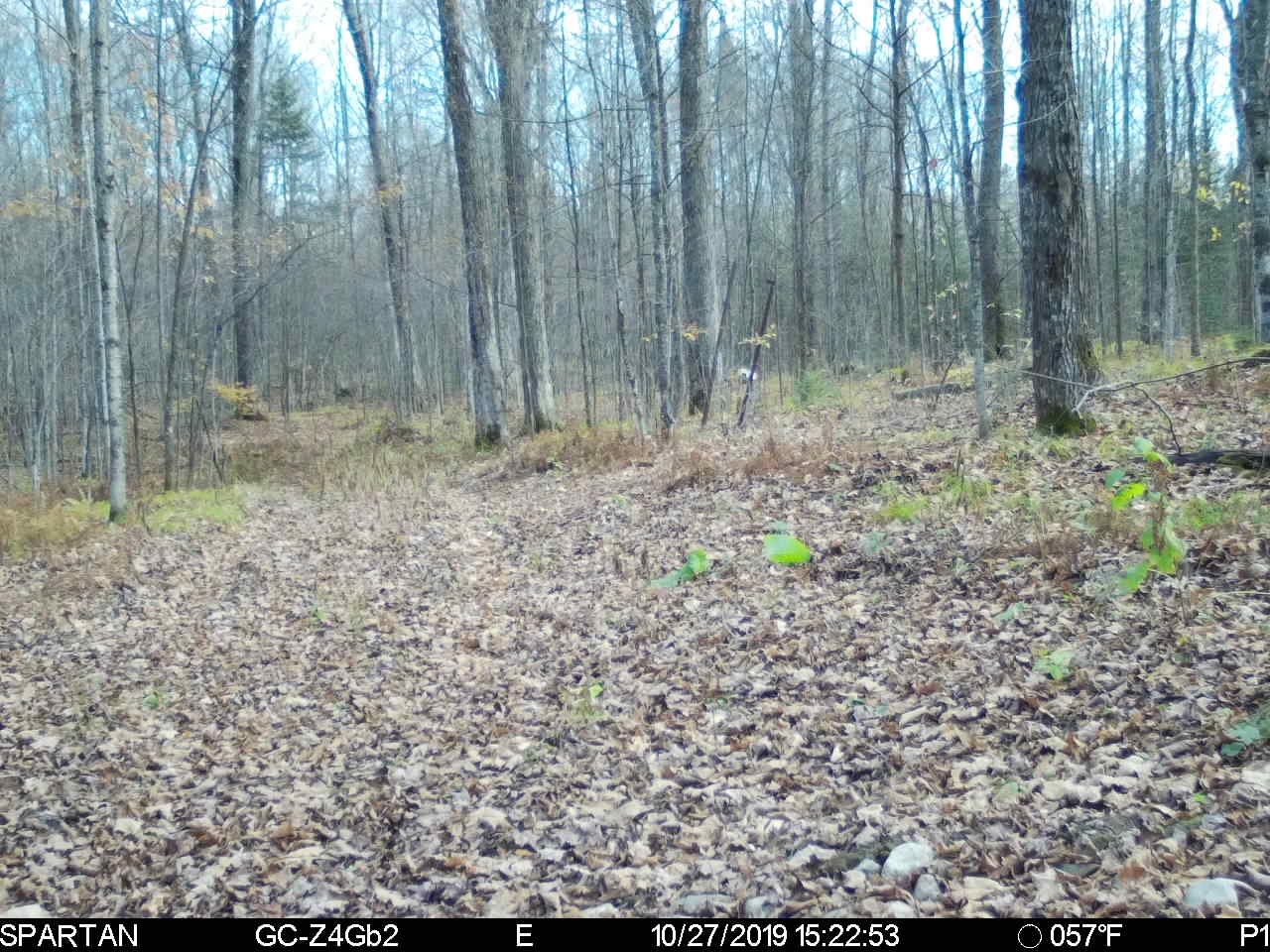
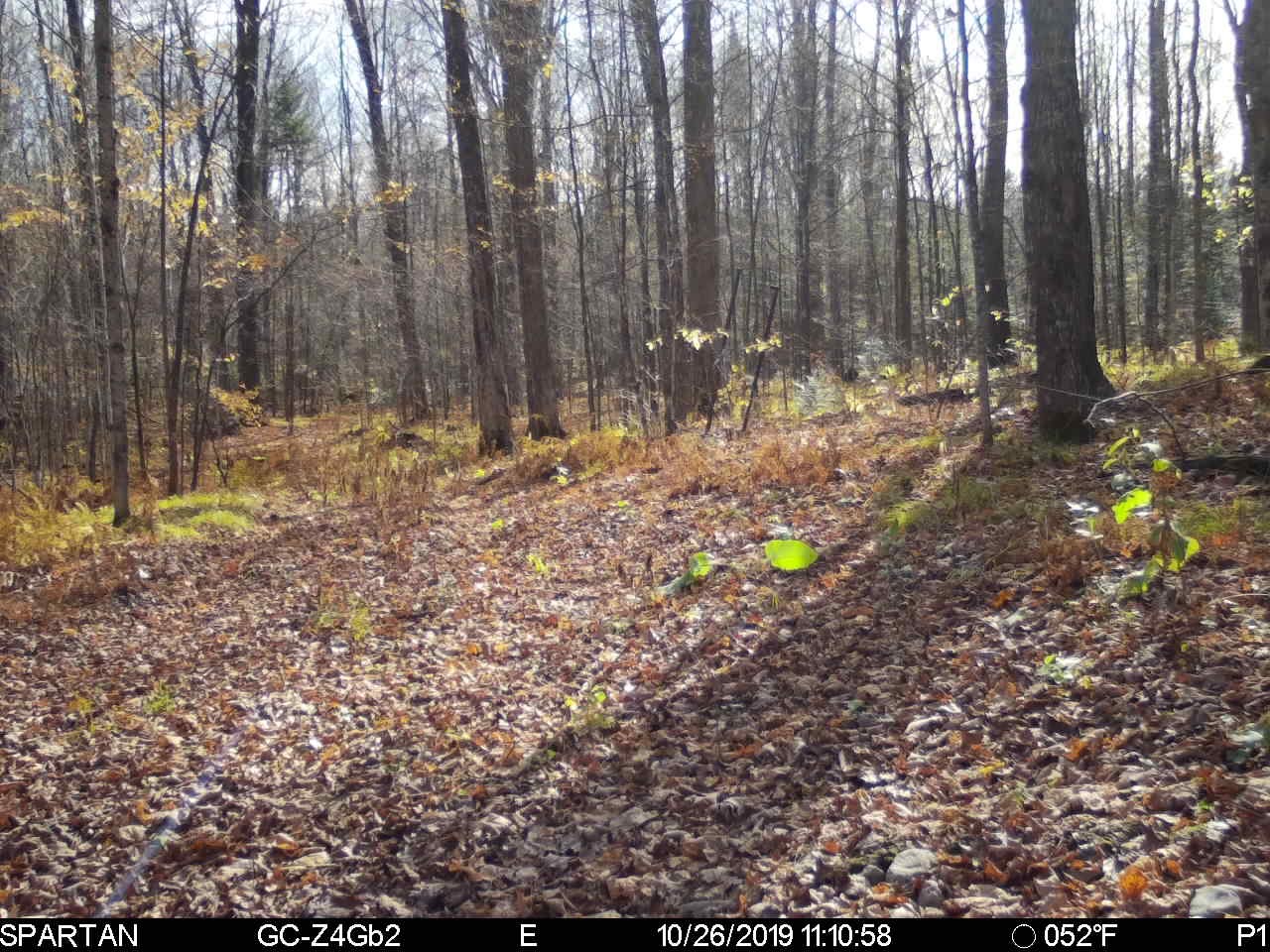
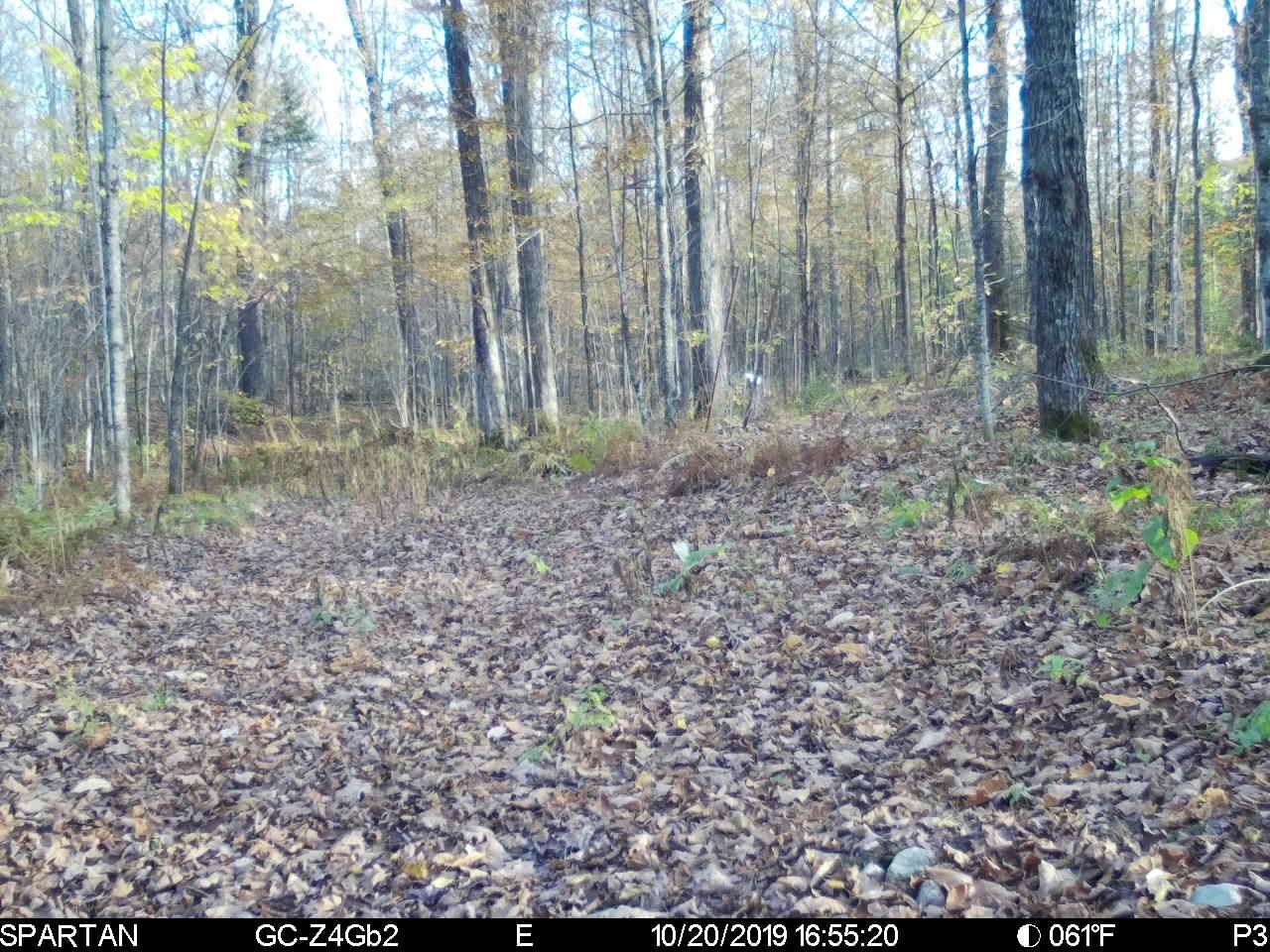
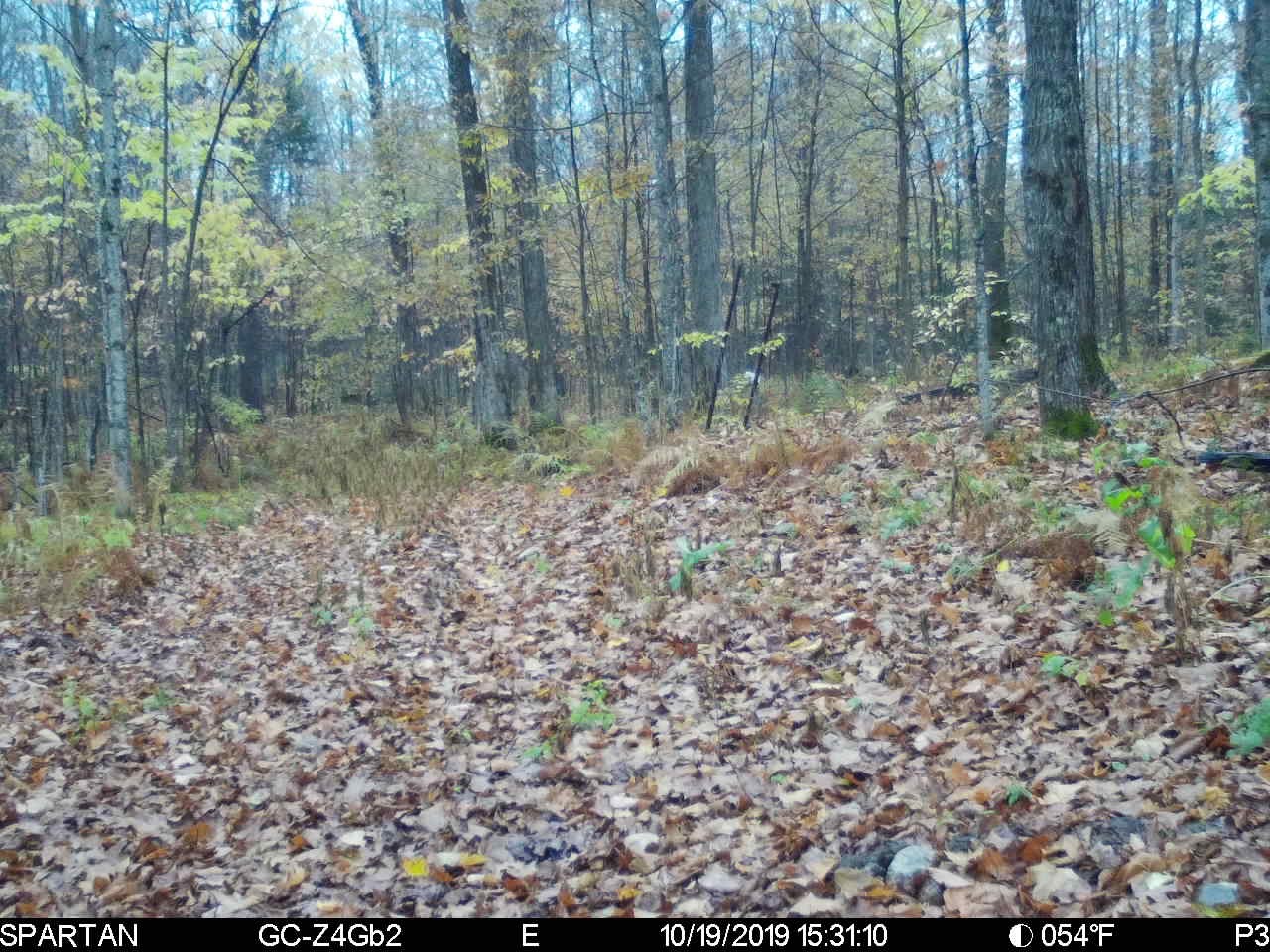
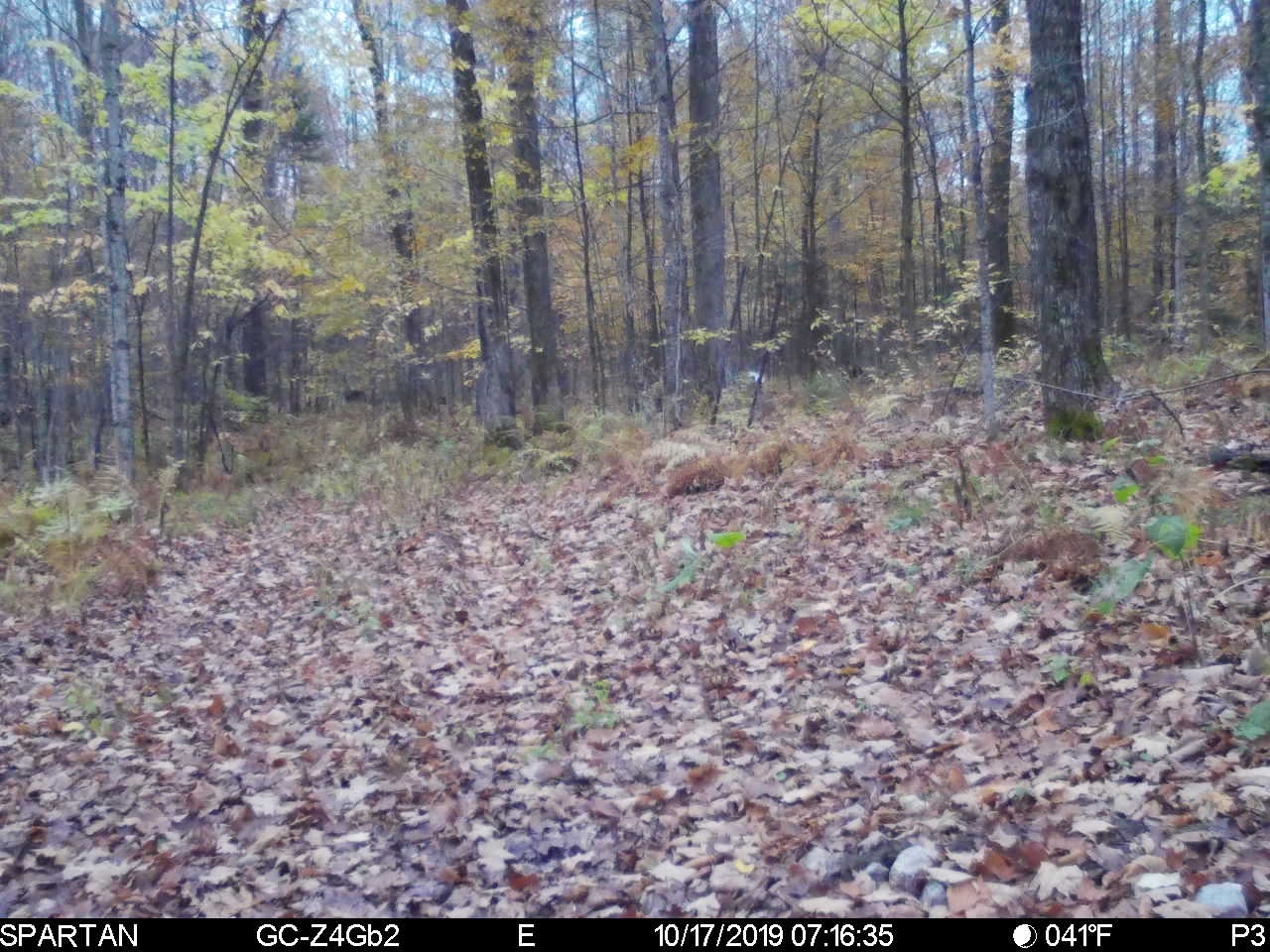
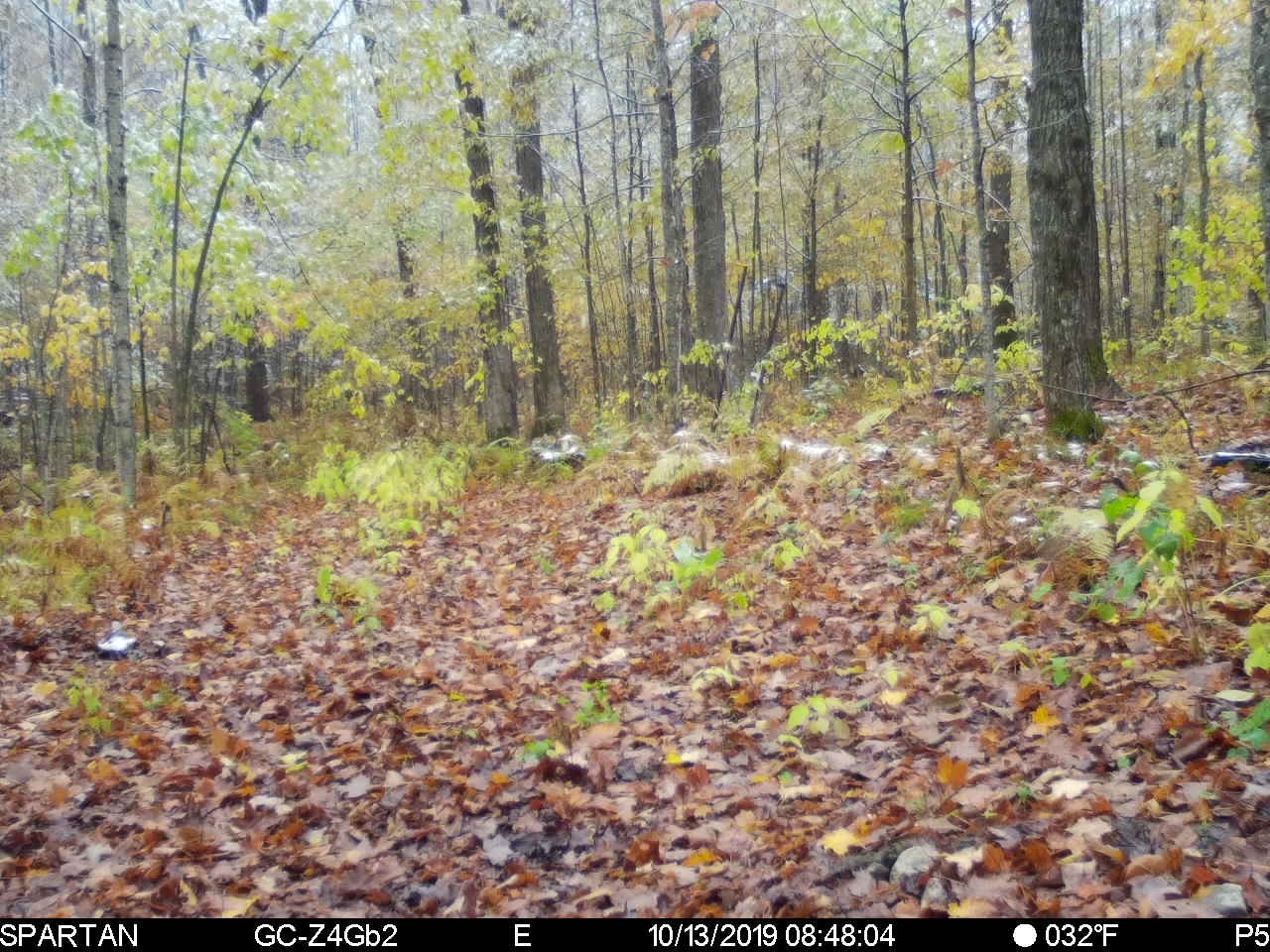
These pictures are from Camera #2 which was set up on 10/12. As you can see from the first picture on 10/13 the battery levels are at "P5". Every other day after that, it was lower and lower. Also, like I had mentioned above, it is all scheduled event pictures, but it has none. Power Saving mode is on.
Firmware is up to date on both cameras according to the Spartan App.
-

The E pictures at times not “on the hour” are very peculiar. The only time you expect to see that is on manual photos, which yours obviously are not.
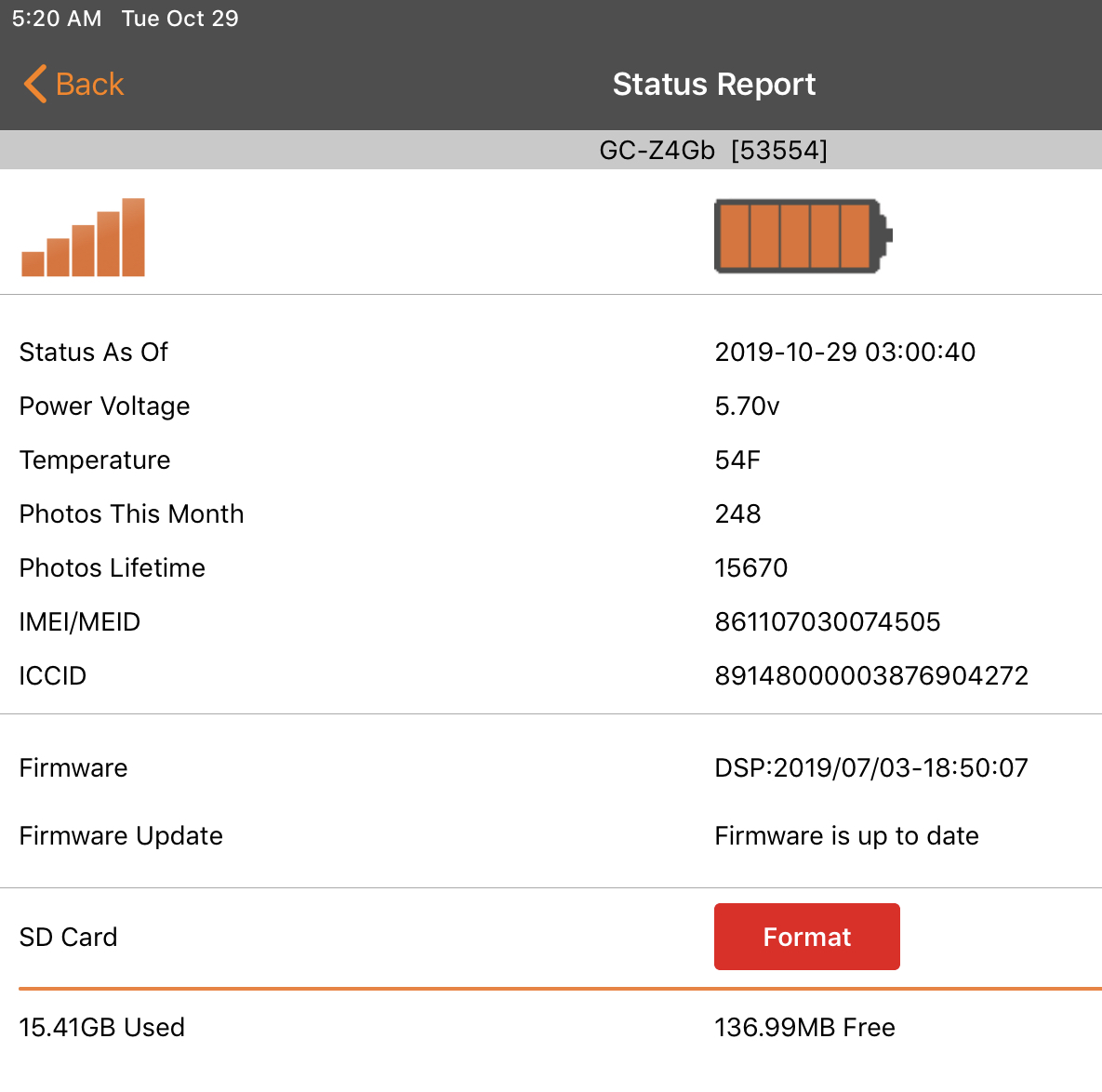
i would have like to see a complete status report from the app like this because the time, if it’s a scheduled status report, gives an idea of whether the camera is struggling or not. I’m guessing that yours may be.
The reason that you see the P number switching between P3 and P5 is because that’s a measure of voltage. P3 means below 5.7V. Anything between 5.1V and just below 5.7V is P1. Batteries recover a little when they rest, so if yours are on the cusp of 5.7V, they will do what yours are doing.
You don’t have any start stop time set, do you? The fact that you are getting pics on one only during one hour a day makes me curious.
I think getting in touch with tech support is the best thing to do. It would be odd that you got two bad cameras, but certainly possible.
-
Do you have your time zone set in the camera settings on the app? If you would like me to take a look at things for you you can email me your portal log in information, send it to johnny.lockburner@spartancamera.com
Please sign in to leave a comment.
Comments
15 comments