US Cellular GoCams fail registration

I'm running 3 of the US Cellular GoCams.
Trying to restart them, 2 out of the 3 keep failing the registration step ...
Any ideas?
-

With the camera in setup, is it showing signal on the camera screen?
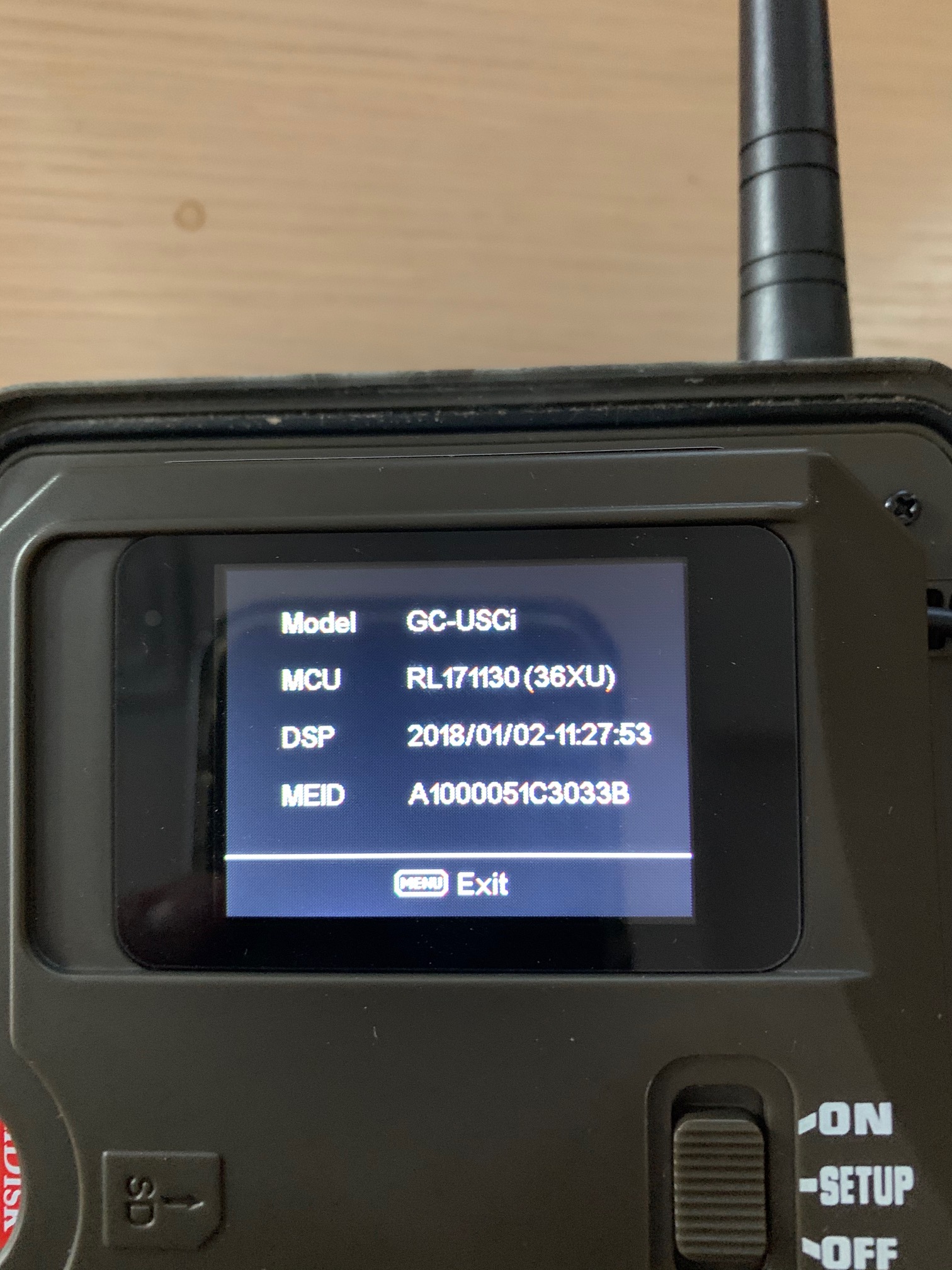
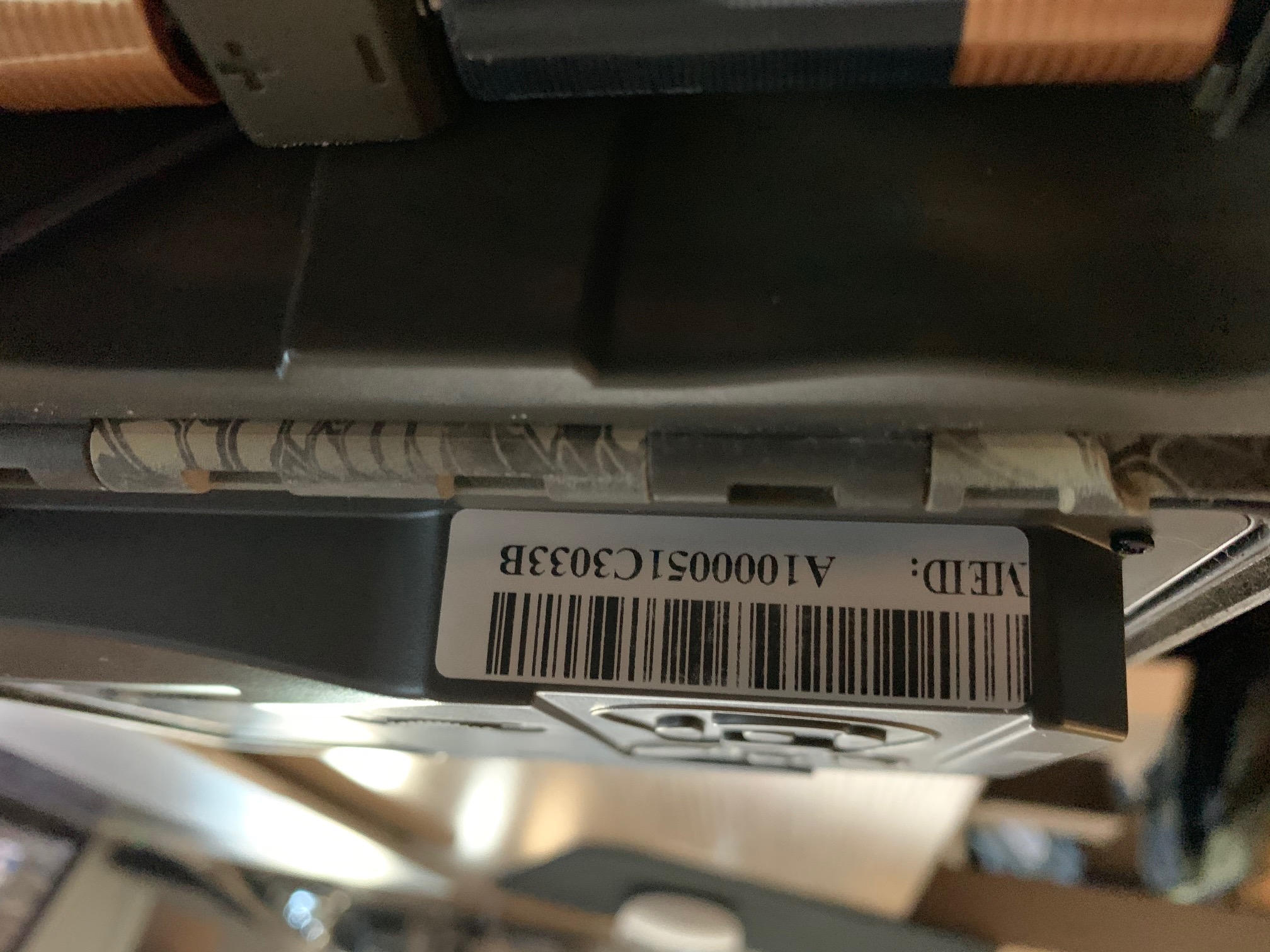
Please press the Menu button, then navigate to the third menu tab, then down to Information. Does the information show an IMEI? If so, please take a pic or write it down. Is it different from the one on the sticker?
-
They’ve already done that. I’ve been back @ their store this morning for another hour. Spartan isn’t answering the phone.
The MDN in the camera doesn’t match the numbers on my account—but there’s no way for them to manually change those in the camera ... they suspect that’s the issue, but since these don’t have a SIM card, they’re not sure how to reset the number shown in the camera(s).
-

Which account don't the MEID numbers match, your Spartan account or US cellular account? Tech support is returning calls in the order that they get them and a lot of them are working from home and it's the busiest time of year. As long as you left a message they will get back to you.
-
Yes, that’s what I’m referring to. The numbers on my US Cellular account don’t match the MDN shown in the cameras. The ones shown in the cams are active phone numbers for other US Cell customers now.
I can’t add those two cameras to the app/portal anyway w/o the registration codes, which of course I can’t get since they fail the registration step.
At this point US Cellular has run out of ideas on how to fix things on their end.
Please sign in to leave a comment.
Comments
22 comments