Searching for Network

Comments

13 comments

  • John Lockburner

    I'm guessing you updated the firmware manually? have you tried defaulting the camera in it's menu? Is the SD card to spec (32gb or smaller, class 10, 80mbs or faster and a full sized card, not a micro in an adapter) and formatted in the camera? Have you double checked that the data plans are still active on your account with Spartan? In the cameras menu try going to diagnostics and there's a hello test, see if it passes or fails. Are all three cameras behaving the same way?

    0
    Comment actions Permalink
  • Permanently deleted user

    Correct, the cameras were all updated manually. All plans are showing active. All cards are 32gb/class 10/80mbs. I even tried 8gb and 16gb cards with no success. Hello test says "system busy".

    0
    Comment actions Permalink
  • John Lockburner

    You can try removing the SIM card and cleaning the contacts with a pencil eraser. Did you try the default in the cameras menu? If that doesn't work try clicking on the register camera button as well. You should get a camera already registered message.

    0
    Comment actions Permalink
  • Permanently deleted user

    I just tried cleaning the SIM card with an eraser and that didn't work. When I hit register camera I get the error message listed above "Register network failed, please check your SIM card and restart". When I down loaded the firmware I saw that there was a GC-Z4Gb2. Should I have installed that one as well?

    0
    Comment actions Permalink
  • John Lockburner

    When you update manually you need to use the firmware for your exact camera model, If you have a Z4Gb use that one, if you have a Z4Gb2 then use the Gb2, it's very important that it's exactly the same. Did you try the default?

    0
    Comment actions Permalink
  • Permanently deleted user

    OK. I have the Z4Gb so that is the one I downloaded and installed.I did do the default and same result

    0
    Comment actions Permalink
  • John Lockburner

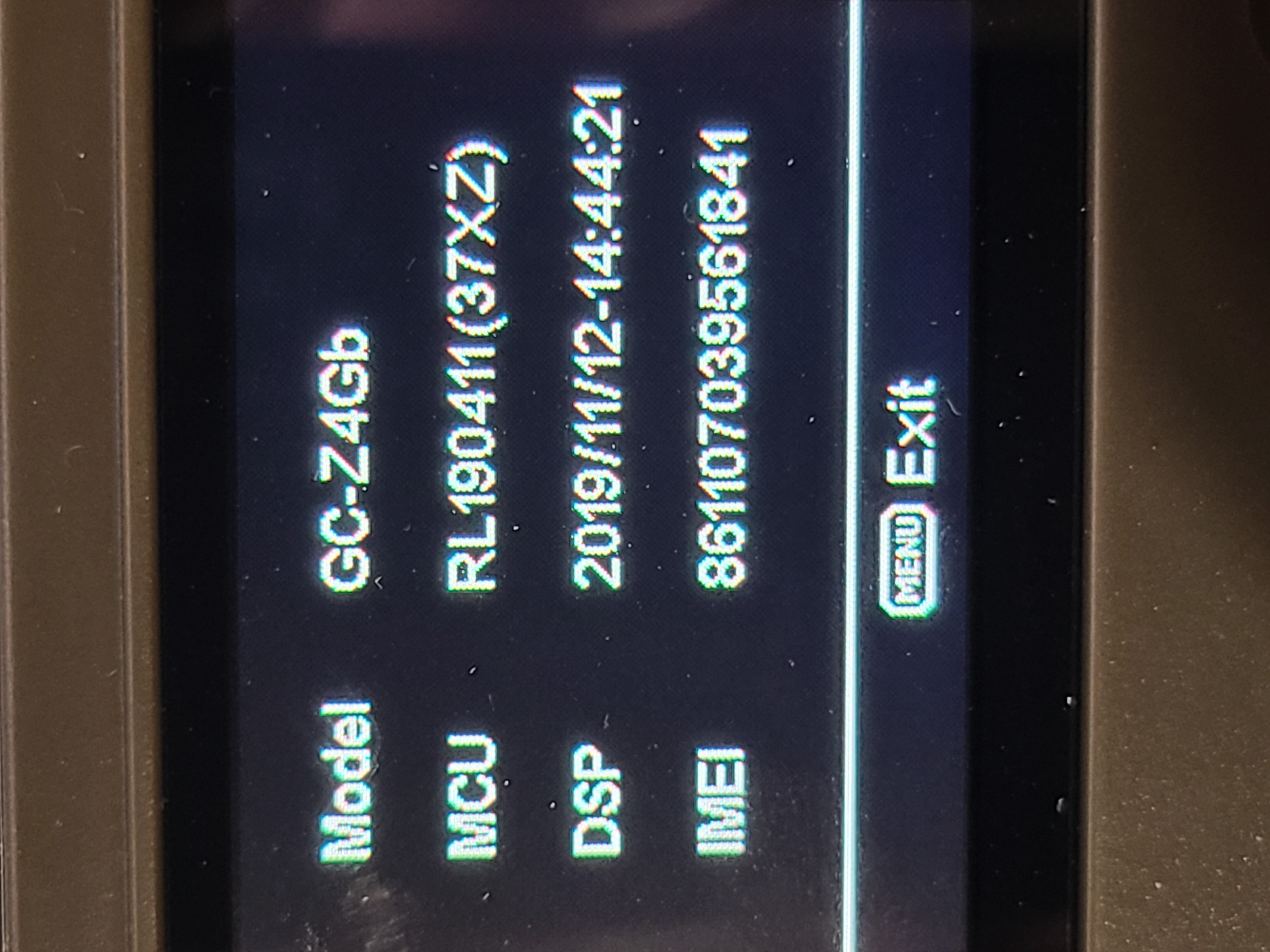
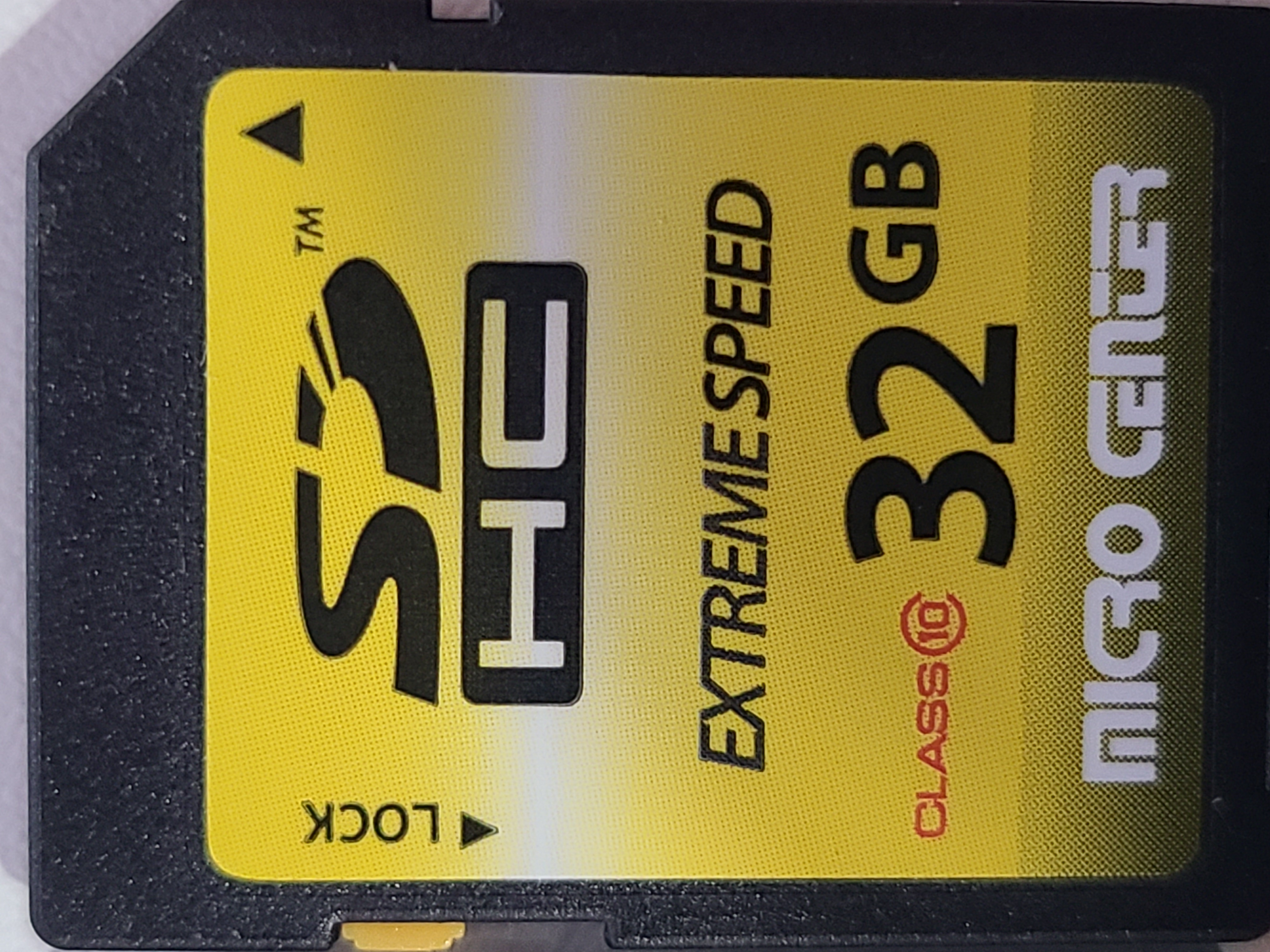
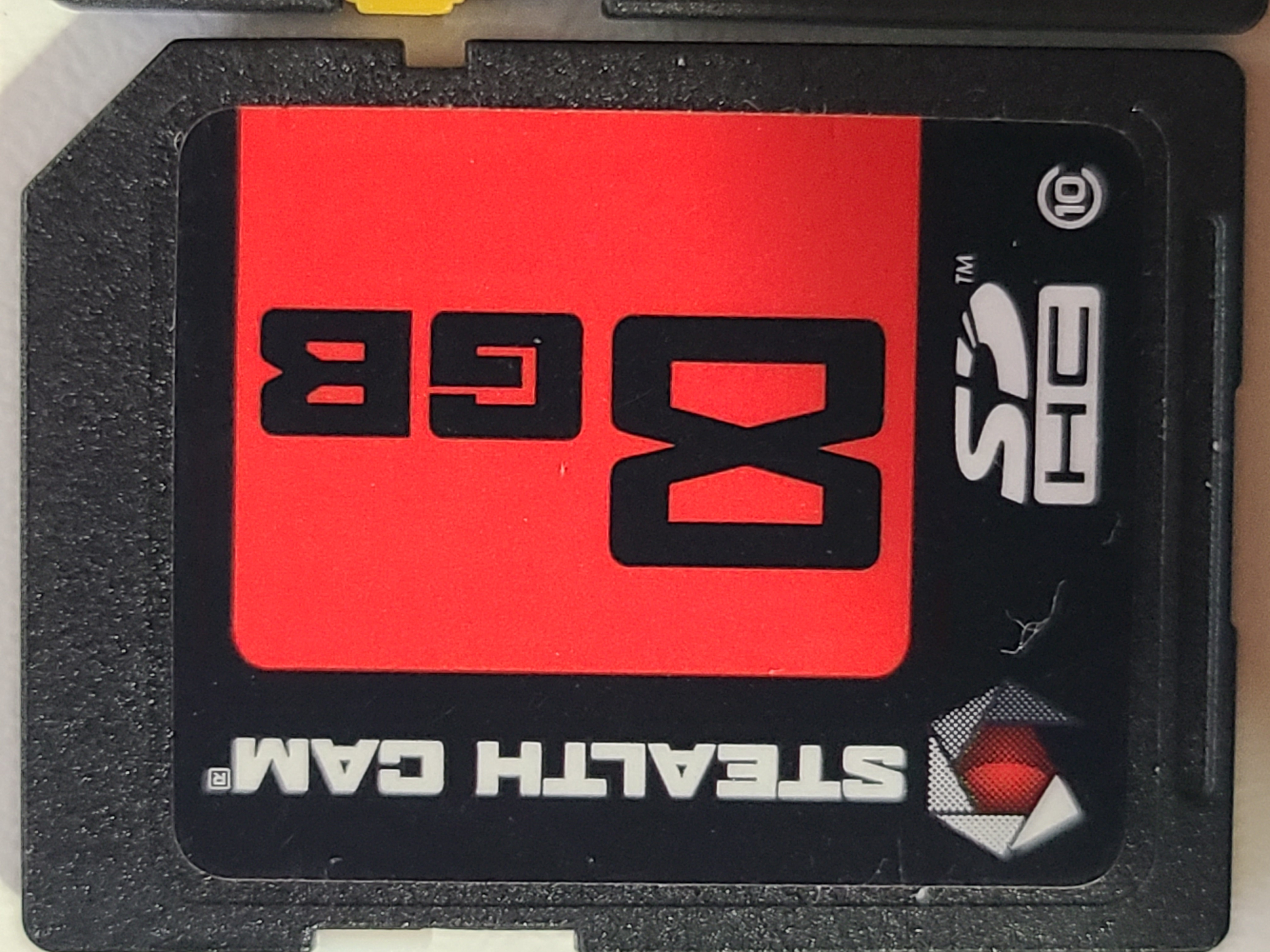
    It's very odd that all three are doing it, have you tried taking them to a different location to see if it could be a signal issue? Could you take a picture of the information screen on the camera and post it here? You may have to switch your phone to desktop mode to see the insert image icon. maybe share a picture of the SD card too please.

    0
    Comment actions Permalink
  • Permanently deleted user

    0
    Comment actions Permalink
  • John Lockburner

    Neither of those cards has the speed actually written on them. I would try and get a name brand card, Sandisk is my favorite, and format it in the camera and see if that makes a difference. You want a card that's 32gb or smaller, class 10, 80mbs or faster and a full sized card, no micros in adapters.

    0
    Comment actions Permalink
  • Permanently deleted user

    No problem. I will give it a try but I just don't understand how the SD card could be the issue for all 3 at the same time but if it can happen to someone it would definitely be me. Thanks.

    0
    Comment actions Permalink
  • John Lockburner

    If they all aren't to spec and something changed with the network an iffy card spec wise could stop them all from connecting. I'm not positive that's what it is but it's the next thing to try.

    0
    Comment actions Permalink
  • Permanently deleted user

    Hi John- I figured out my problem. I had ordered replacement antennas online (not from spartan)and they were "female" not "male" so there was no connection being made. Put on one of my old antennas and it immediately went to full bars. Thanks for all of your help. Sorry to send you on a wild goose chase.
    0
    Comment actions Permalink
  • John Lockburner

    I'm glad you figured it out, that could have driven you nuts for a while.

    0
    Comment actions Permalink

Please sign in to leave a comment.