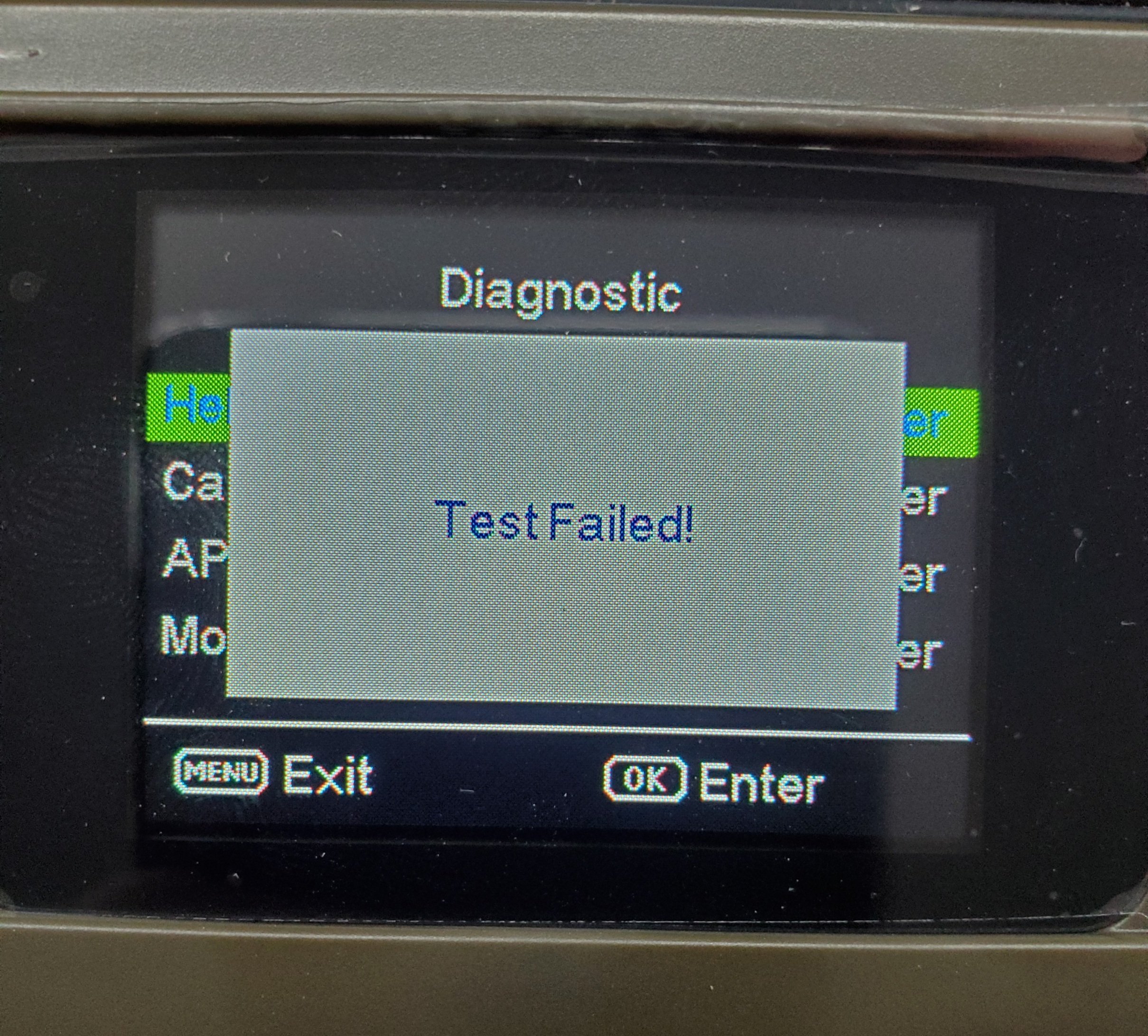
No data service on the SIM card, or incorrect APN setting. Please check.

I've had two customers bring in cameras today that are getting this message when starting the camera up. I've formatted the SD cards, made sure cameras were updated, spent an hour on the phone with Verizon making sure that the SIM card was still activated. One camera was a GC-Z4Gb2 and one was a GC-Z4Gc2.
-

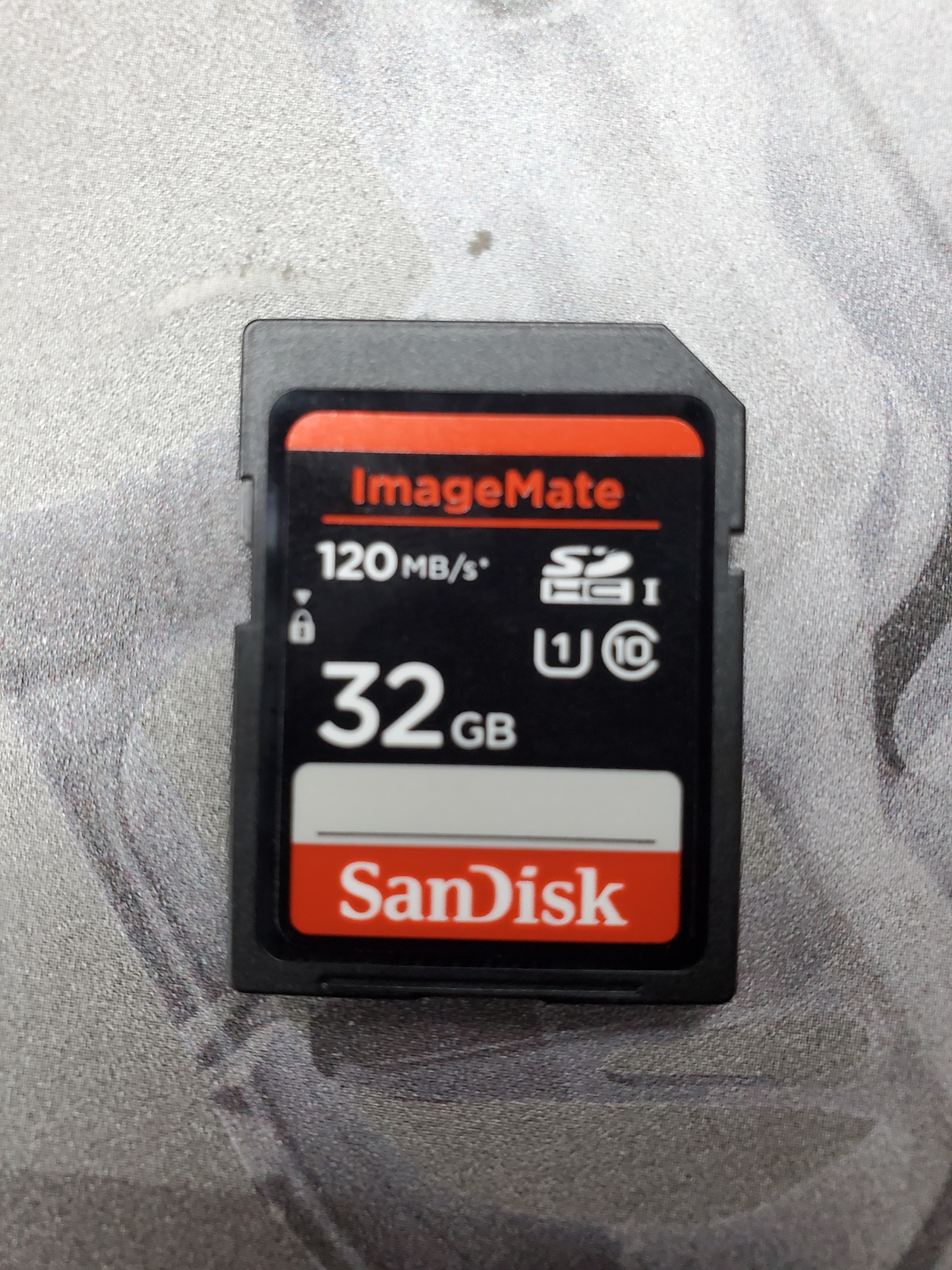
That's a generic message meaning that the camera can't connect to the signal for some reason. Have you tried defaulting the camera using the cameras menu? Any chance Verizon is having issue? Are the SD cards to spec, 32gb or smaller, class 10, 80mbs or faster and a full sized card. not a micro in an adapter?
-
Verizon isn't having an issue, spent an hour on the phone with them, and he said it should be working. SD cards are good. Didn't try defaulting the camera. One customer said he was told by someone from tech support that his camera (GC-Z4Gc2) needed to be updated, so he brought it to me and I did that for him, still didn't fix it. The other customer with the GC-Z4Gb2 is on his way to the Verizon store and i think they're going to try a new SIM card.
-
Yeah......... tried several different ones yesterday before I posted on here... just logged into his account today, and now its saying that he doesn't have any cameras registered to it.. and the camera isn't showing up on his phone application.. so i wonder how were supposed to get another registration code since its already registered.. sold him this camera about Decemberish last year, and set it up for him, so i know it was working before...
-
He said he added the app to his sons phone and logged into it right when all this trouble started.. it sent one picture then quit working.. so i guess it could be possible, but i know for sure the account that i logged into was the one i setup for him last year when i sold him the camera
-

John,
In order to transfer the camera from one account to the other, the data plan (if a Spartan data plan) has to be cancelled first, then it can’t be added to another account without getting a data plan. This doesn’t apply if the data plan is from a cell carrier.
Adam,Please read through this thread and go through the troubleshooting steps.
-

Yea still having all the same issues and messages. Doesn't look like the troubleshooting steps aboved helped. Got the camera 3 weeks ago. Worked for two weeks and stopped. Didn't change anything in accounts. Was taking and sending video fine until 9/17/21 and just stopped. Tried new batteries, SD cards. I don't have Verizon so I don't see any additional update. I'm just going to return in and go with a different camera. I buy a cell camera so I don't have to drive 2 hours up north but if it doesn't work, not really saving my time.


Please sign in to leave a comment.
Comments
28 comments