GoLive not connecting to network after trying to do a firmware update OTA

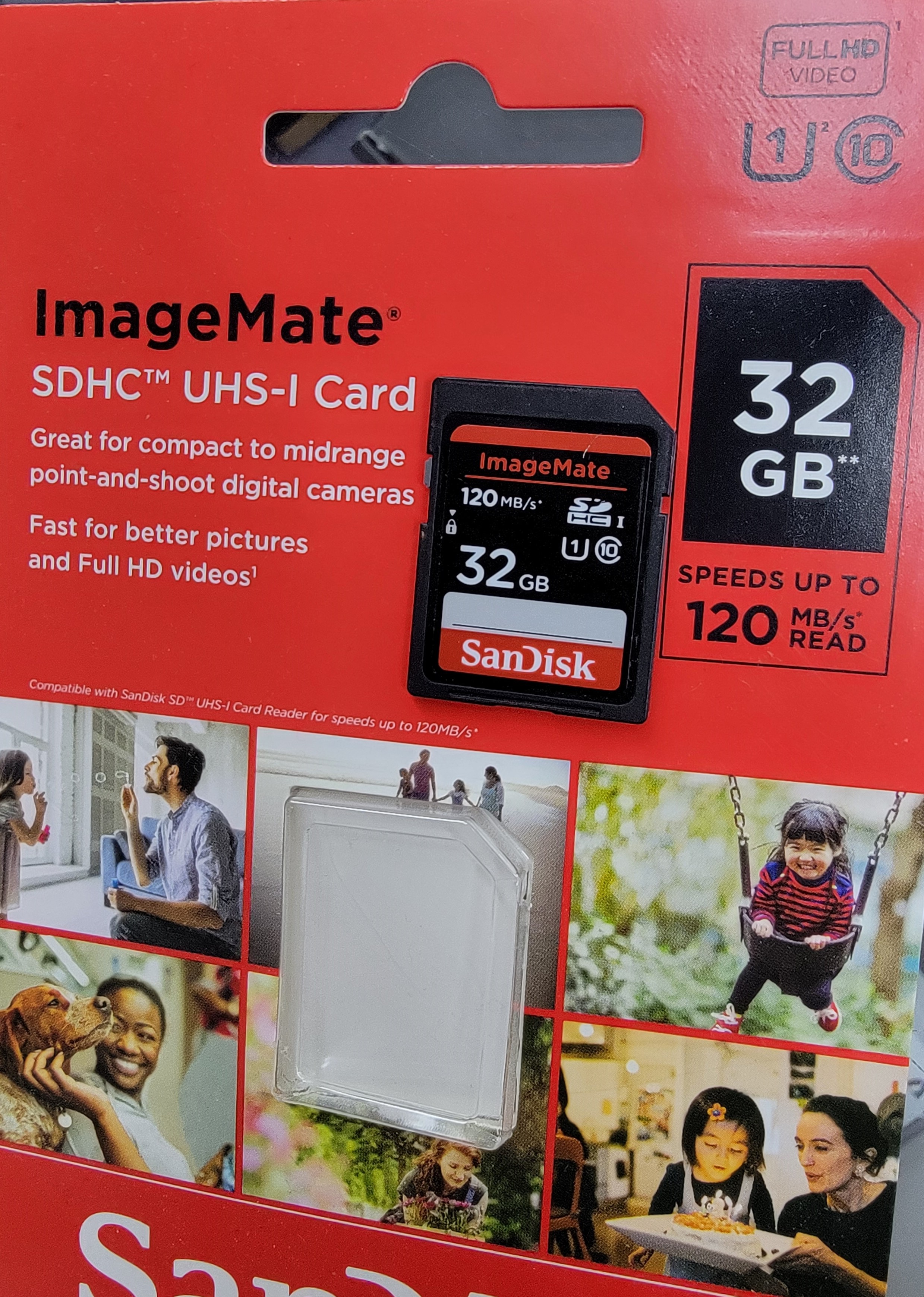
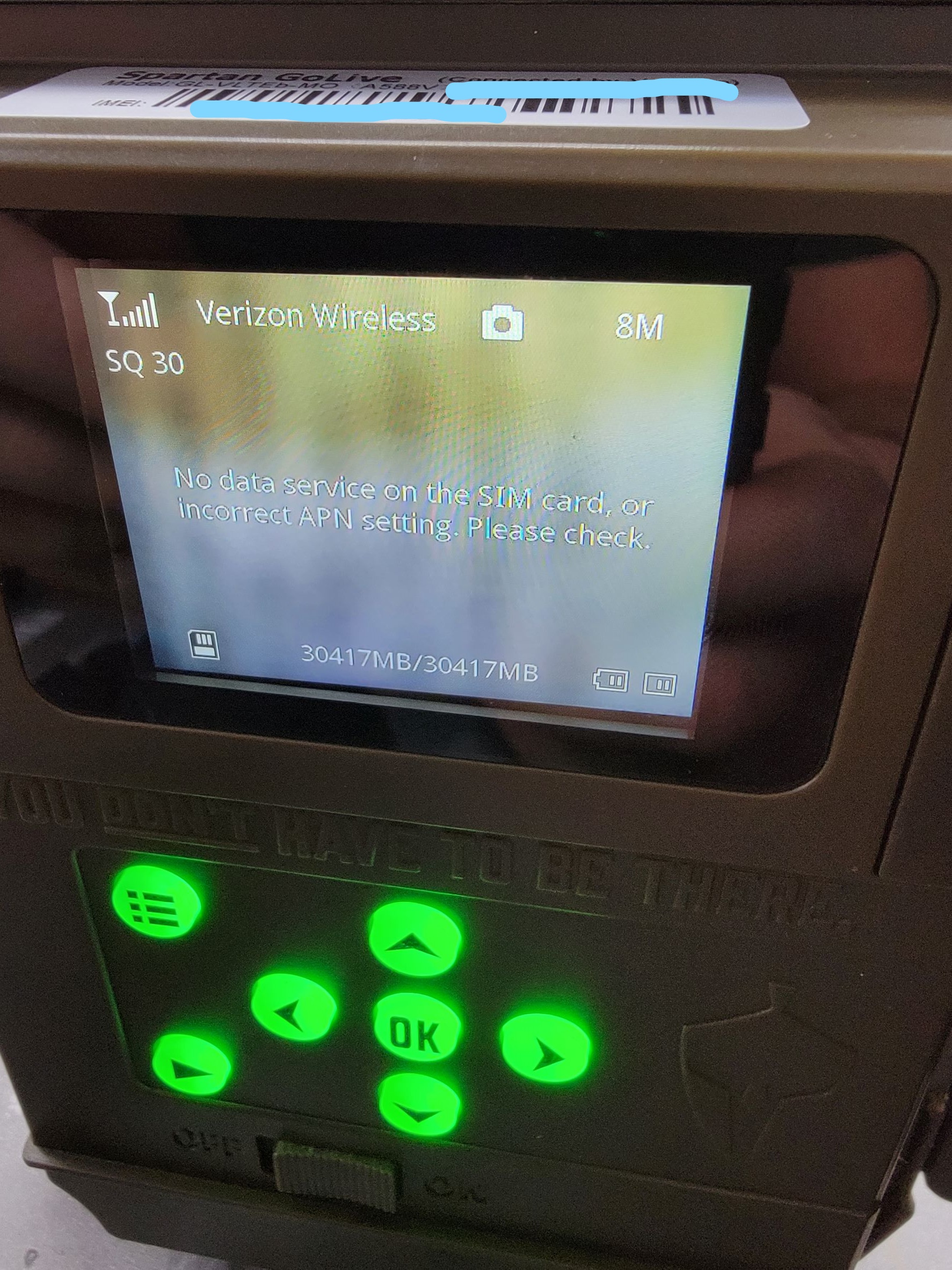
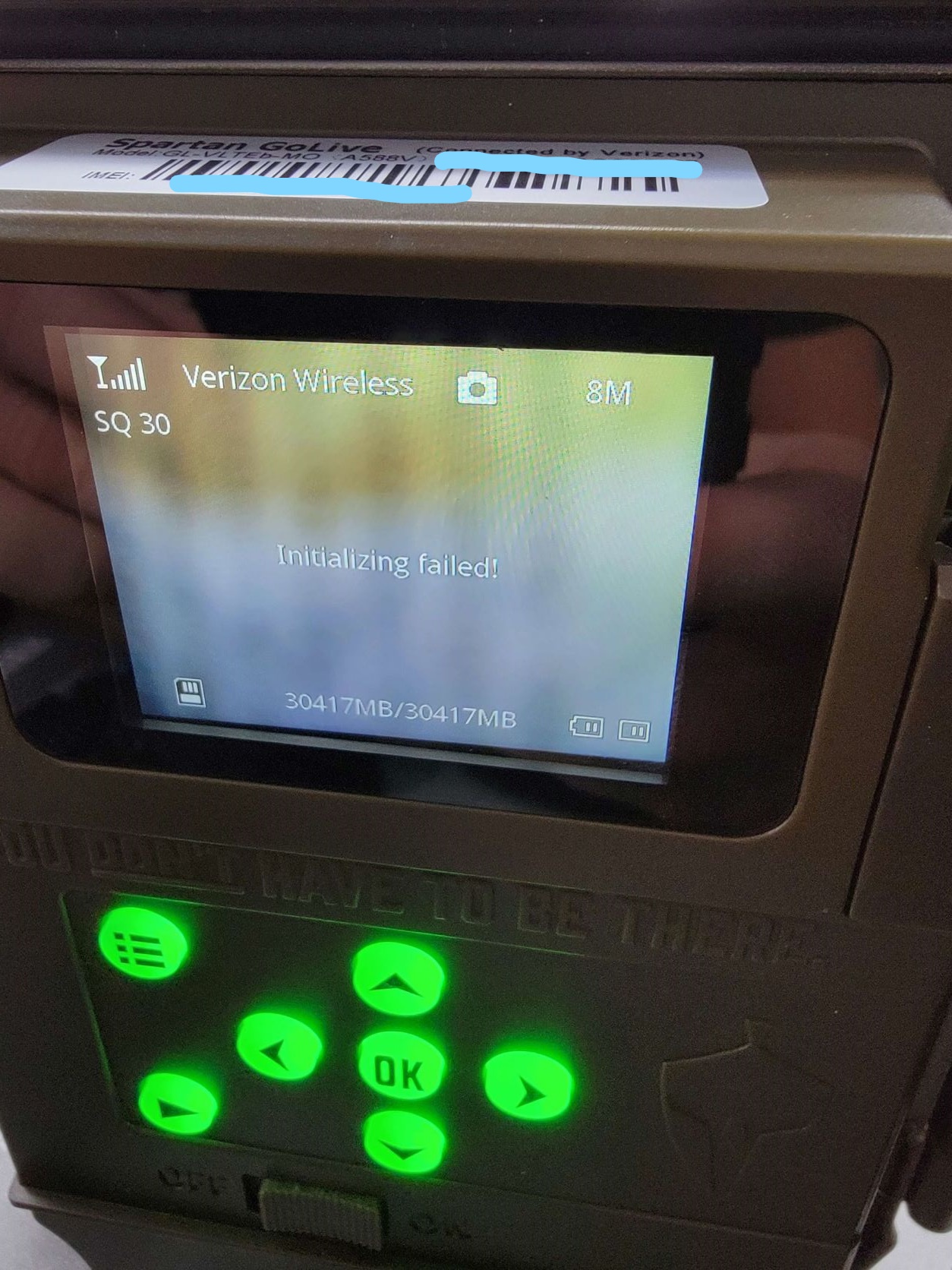
Tried to update the firmware OTA on 11/08.. camera hasn't worked since. Searches for network, then says Verizon Wireless and shows full service bars up in the top left of the screen, has a symbol between the service bars and Verizon Wireless, which looks like its uploading or downloading something... Then says "No data service on the SIM card, or incorrect APN setting. Please check." ... then says "Initializing failed!" Hello test of course doesn't work. And I can't pull the SIM card out of this one to try a different one. Any ideas on what else to try?? I'm using a good, formatted SD card and all that jazz (class 10...32gb.. not a micro sd with an adapter...)
CAMERA:
Spartan GoLive GL-VLTEb-MO
-

Try changing the APN.
With the camera in setup mode, on the camera, press the Menu button, fourth menu tab, Diagnostic, APN Setting, password is 123456, OK.
Change from Public to Custom and enter vzwinternet as the APN.
If the camera says "System busy", just wait until it says it can't go online and then you should be able to get in.

Please sign in to leave a comment.
Comments
5 comments