Camera quit sending pics

Hey I have a Verizon go cam that has quit sending pics and status reports now. It has external battery with solar panel so battery is fully charged. I tried changing sd card also. My cameras are on an unlimited Verizon plan and also show I still have several premium credits. Any help would be appreciated thanks
-

What is the camera model? Have you tried defaulting the camera in it's menu? There's also a hello test in the menu under diagnostics, see if it passes or fails. Is the SD card to spec, 32gb or smaller, class 10, 80 mbs or faster and a full sized card, not a micro in an adapter? Is the firmware up to date?
-

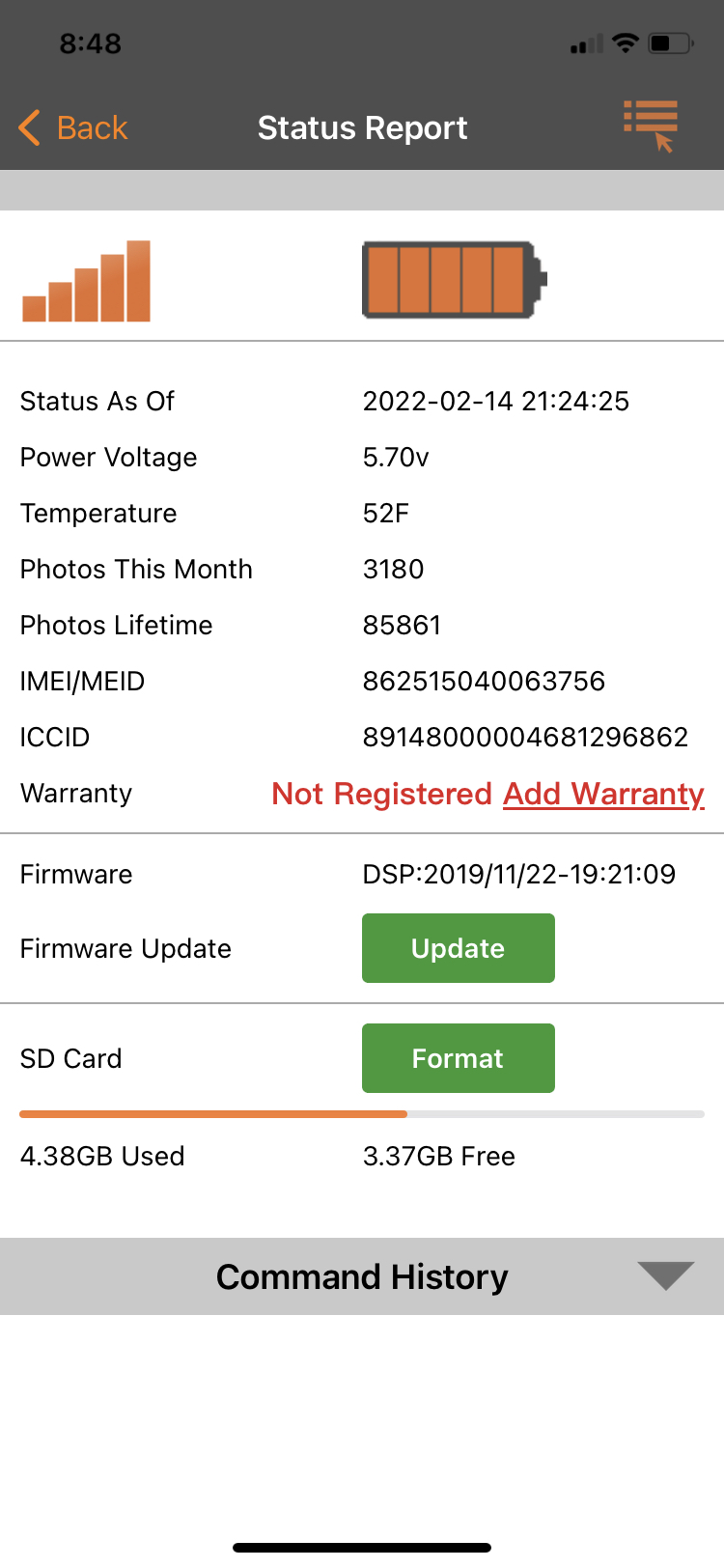
Your camera has been offline for a week. It will not update as long as it’s offline.
When you put the different SD card in, did you format the SD card in the camera, take/send a manual photo, turn the camera on and walk test it? The camera should have checked in with the server when you turned it off and back on after replacing the SD card but it didn’t so there’s something else going on.
-
Anything that keeps the camera from going online (SD card, SIM, antenna, firmware, data plan inadvertently cancelled by carrier) will prevent the camera from going online.
Hello test: Camera in setup mode, showing that it's connected to the network (shows carrier and bars), press the Menu button, scroll to the fourth tab, down to Diagnostic, Hello test.
If the camera can't go online, then it could be SD card, SIM, antenna, or firmware.
-
Where are you getting your data? You need to check there to see whether the camera still has an active data plan.
When you turn the camera on, does it appear to go online? (carrier name and signal bars)I would also update the firmware manually. Here's the link to the download page and the instructions.
-
You need to call Verizon and confirm that the camera is active on the account. Verizon has been known to screw things up. If it's definitely on the account, then I'd get a new SIM from them and see if that fixes the problem. However, with it connecting to the network, not having a data plan is a more likely issue.
Please sign in to leave a comment.
Comments
18 comments