Camera not sending photos

I have set the camera GC-E4Gb out yesterday and the camera passed hello test but didn't send all photos taken and stored in SD card to app. Today, I got a new status report from this camera. And one of my colleague standed and crossed in front of that camera but nothing sent.

Here is the SD card I am using.
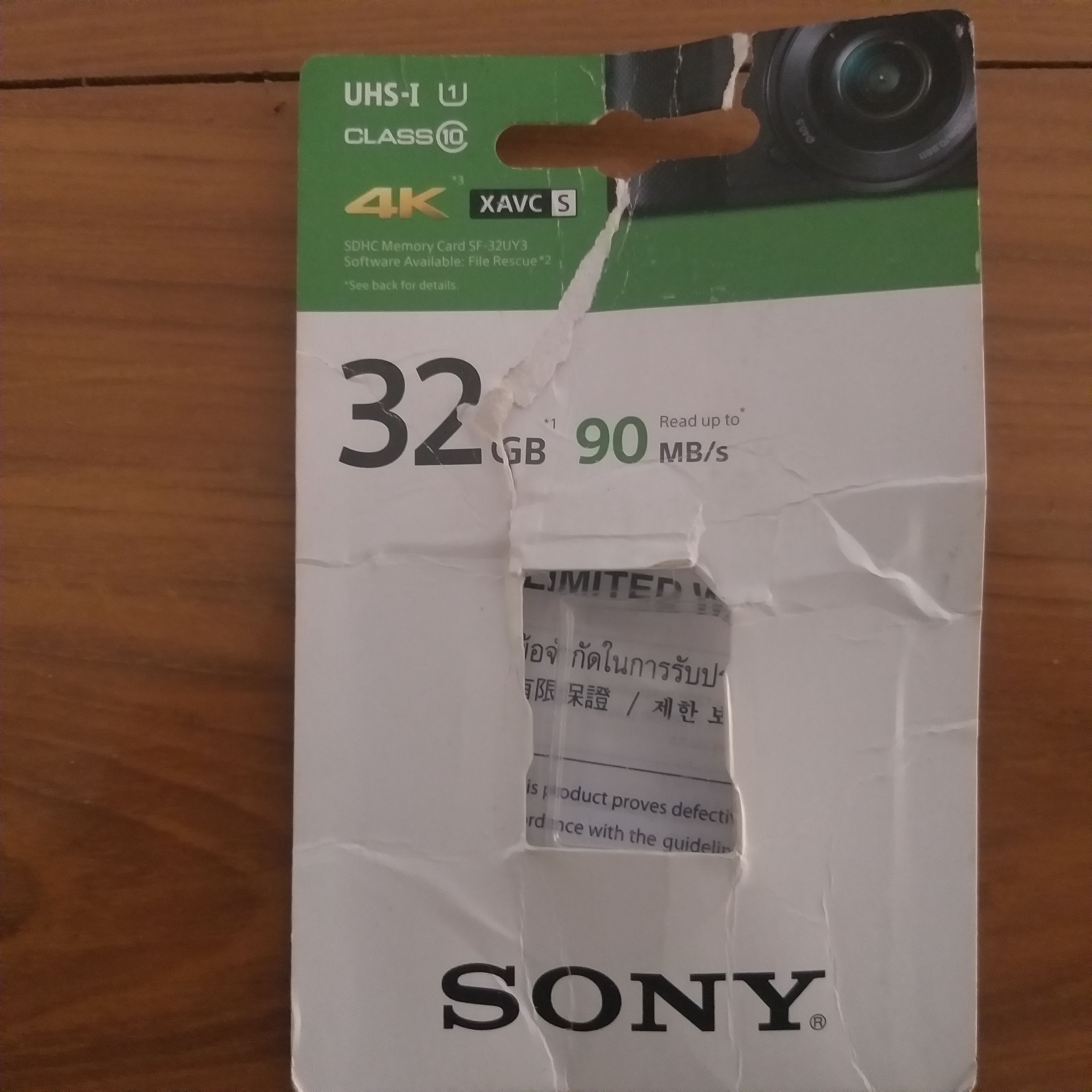
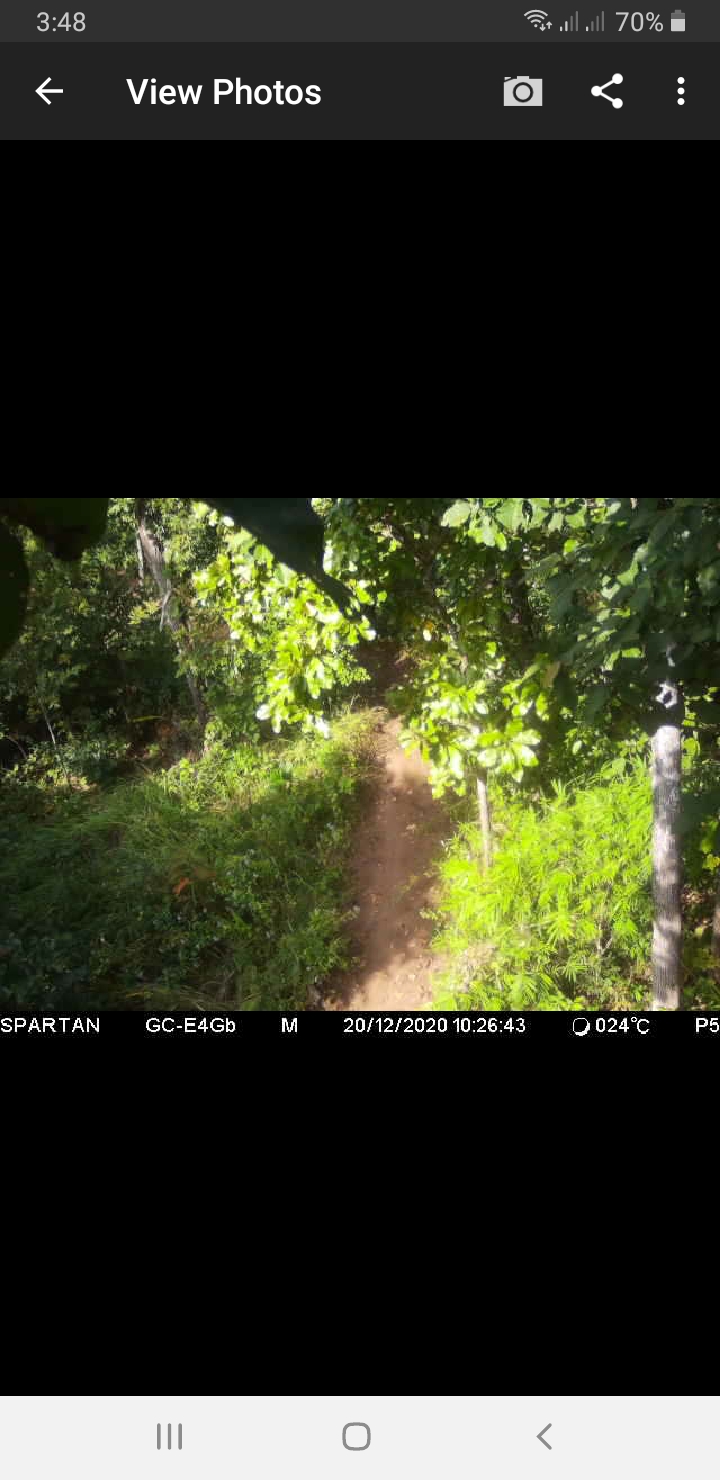
Yesterday, I checked the SD card during installtion and there were many photos taken by the camera but the camera sent only some of them to app. Why it didn't send all photos taken to app? Any suggestion, please? Here is the photo sent by this camera.
-

Thank you for posting your status report, the SD card info, and a photo. Those are all very helpful.
That camera mounted above the trail pretty high? Mounting a camera high rather than pretty level reduces the effectiveness of the PIR sensor.
Also, the preferred angle is with the path angled across the frame somewhat on a diagonal. Movement directly towards or away from the camera is the worst possible orientation.
You have two factors that negatively affect your camera’s detection performance.
That SD card should be good, but it won’t hurt to try a different one. Photos on the SD card but not on the app usually means either a signal problem (which can include antenna and SIM problems) or an SD card problem.
This illustration of detection zones is for a different brand camera but it shows how detection works.

-
It is a full sized SD card. 32 GB, Class 10, 90 MB/s transfer speed. The camera is not mounted above the trail pretty high. Signal is quite good in the status report. I have changed the antenna from other working camera as well. Other cameras with the same SD card sent photos properly to app. Only this camera doesn't send photos to app.
-
It is a full sized SD card. 32 GB, Class 10, 90 MB/s transfer speed. The camera is not mounted above the trail pretty high. Signal is quite good in the status report. I have changed the antenna from other working camera as well. Other cameras with the same SD card sent photos properly to app. Only this camera doesn't send photos to app.
-
The camera sends photos to the server and the server sends the photos to the app, just to clarify how things work.
Have you tried changing the SD card? They go bad, sometimes you get one that's flaky from the start. I would try another SD card or two. The camera taking pics but not sending them can be a bad SD card, signal (4 bars is good, 5 is much better), SIM, antenna.
Your camera position is not optimized for taking pictures. The PIR is aimed at the ground/trail rather than looking out across where movement will be. That doesn't have anything to do with your not getting pictures that it actually takes, but if it isn't taking pictures, position probably plays a part. (You said your colleague stood and crossed in front of the camera, but you didn't say whether there are pictures of him/her on the SD card. All you said is that you didn't get pictures.)
-
Thanks for your suggestion. Today, I haven't received a new status report from this camera as scheduled event. I got photos from previous camera installed there even with a micro SD
card. Now, I have updated firmware and tried with a full sized SD card but it is strange that camera didn't send photos to app. I will go there and check how many photos cameras have taken but not send to app. Does it mean that camera lost data connection when it doen't send the status report as scheduled event? In many cases here, I have SIM problem. The camera screen displays no SIM found in set up button. How to fix it, please?

Please sign in to leave a comment.
Comments
6 comments