Camera Help...Stopped Sending

This past week I depolyed 4 cameras on property 20 hours from me. Every camera was tested and in fine working order because I essentially had one shot to make sure everything was right.
For each camera i made sure all the settings were the same and that it sent me pics before I left the field.
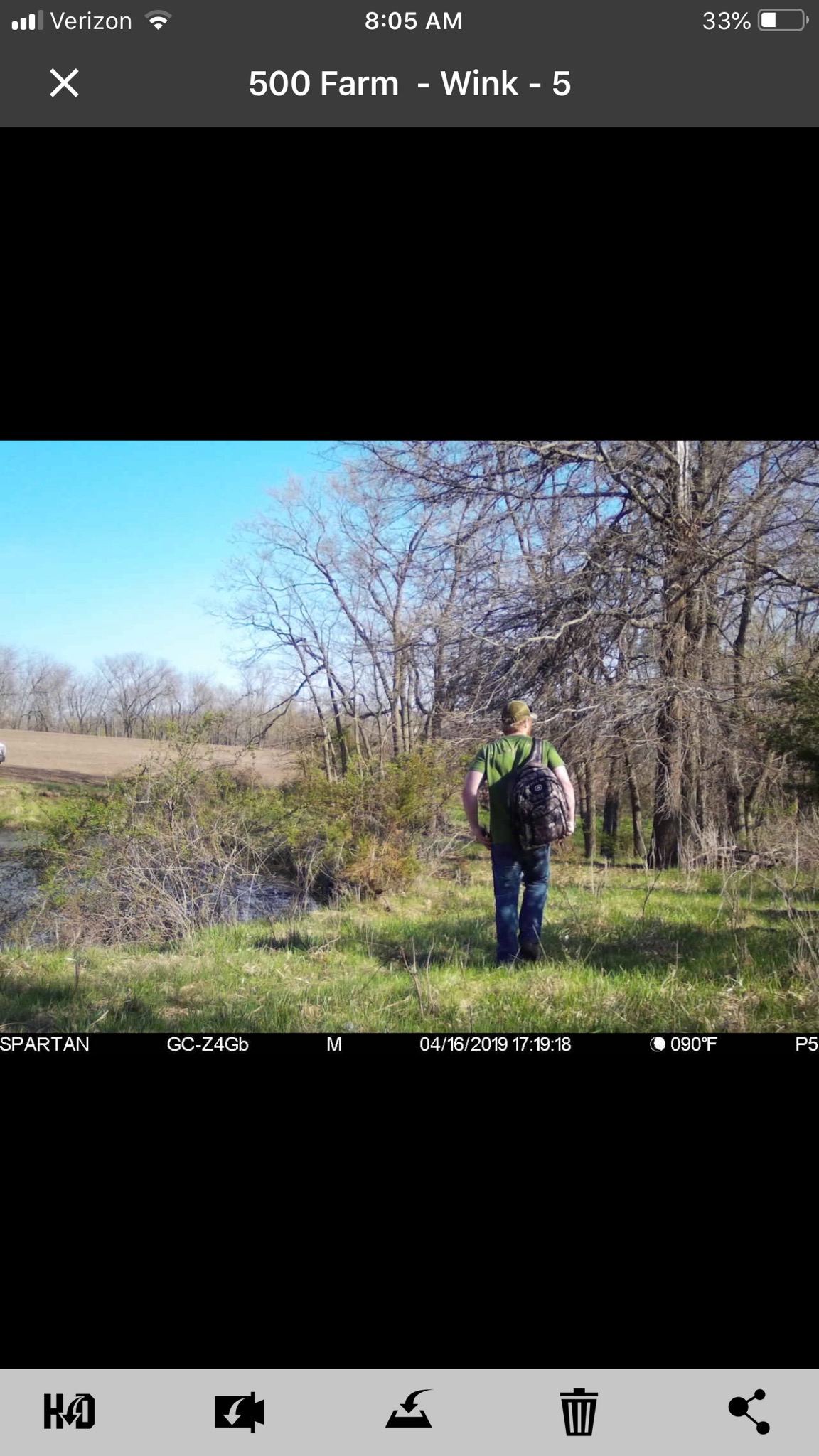
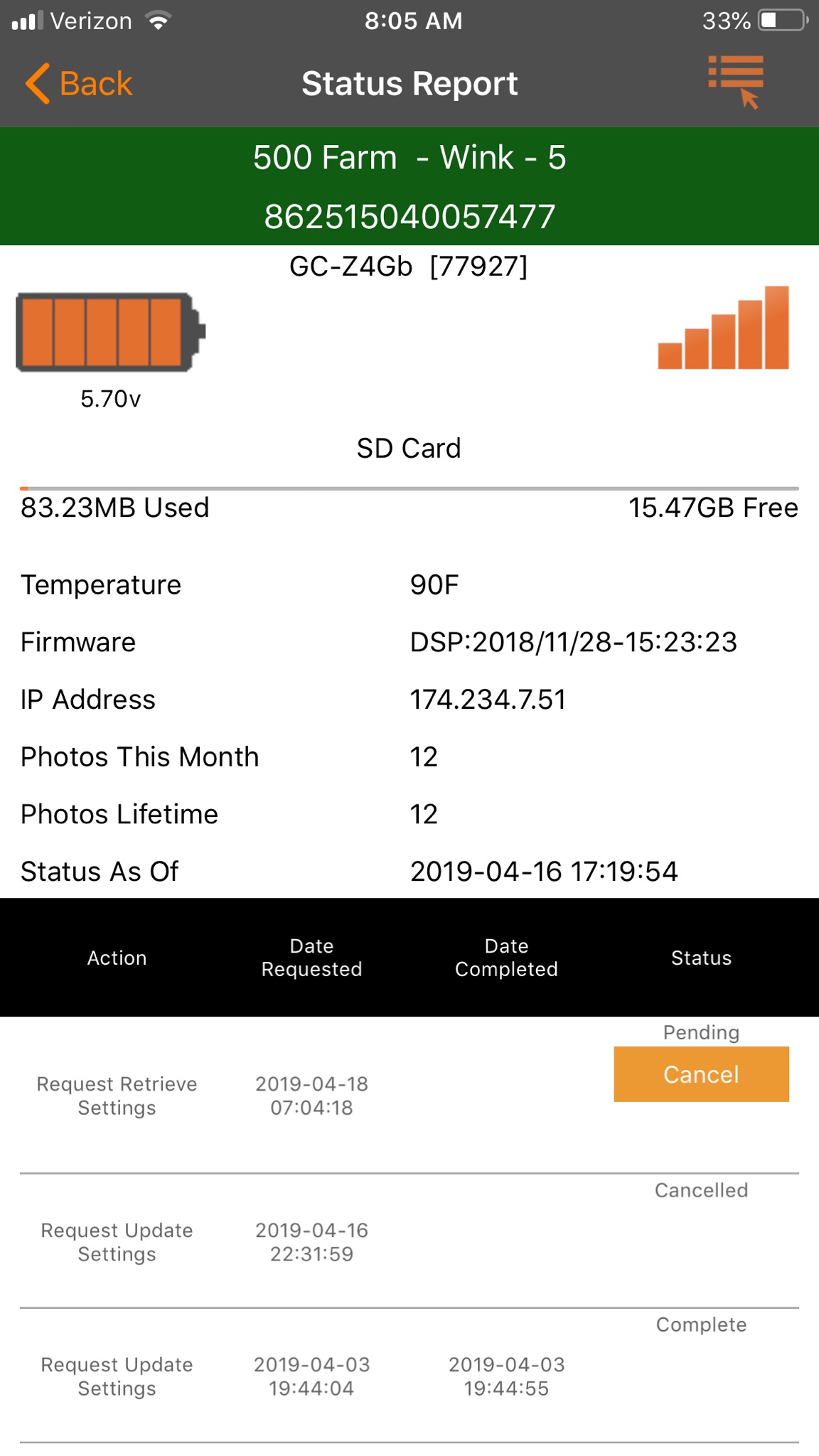
4 out of 5 are working great. One sent me a pile of pictures while setting it up and the last picture I got was me leaving, I have it set to record status update at 00, take a pic at 06 and 21. The camera was put out on 4/16 and i have yet to recieve anything from it. The cell signal showed full service when i put it out although i know the service is a bit sketchy on my phone there. Is there anything I can do?
-

Check your premium credits, if you just activated the cameras that's probably not it but it doesn't hurt to look. Also check the online portal and see if the pictures are all numbered sequentially for the pics it did send or if they all have the same number. Can't hurt to check the data plan either.
-
If you want to email me your portal log in information I can take a look at things for you. My email is johnny.lockburner@spartancamera.com
-
There are no numbers missing between the last pictiure and the coon. The card is a 16gb san disk the blue one ..i think thats class10, its the same card in my other 6 spartan go cams and they all work fine. The signal showed strong even though the signal on my verizon cell was a bit weak there. The antenna is installed as my other 6 are.
-

If there aren’t any numbers missing, then the camera wasn’t taking pics. We’re you getting the midnight status report? If so, the camera wasn’t set to sent the event pics. I know when I’m dealing with setting up multiple cameras, sometimes I think I’ve set them all up the same, only to discover that I didn’t request a settings update on one.
SD card color has nothing to do with class. I have blue class 4 and blue class 10. 16G probably is class 10.
Please sign in to leave a comment.
Comments
17 comments