Sharing photos

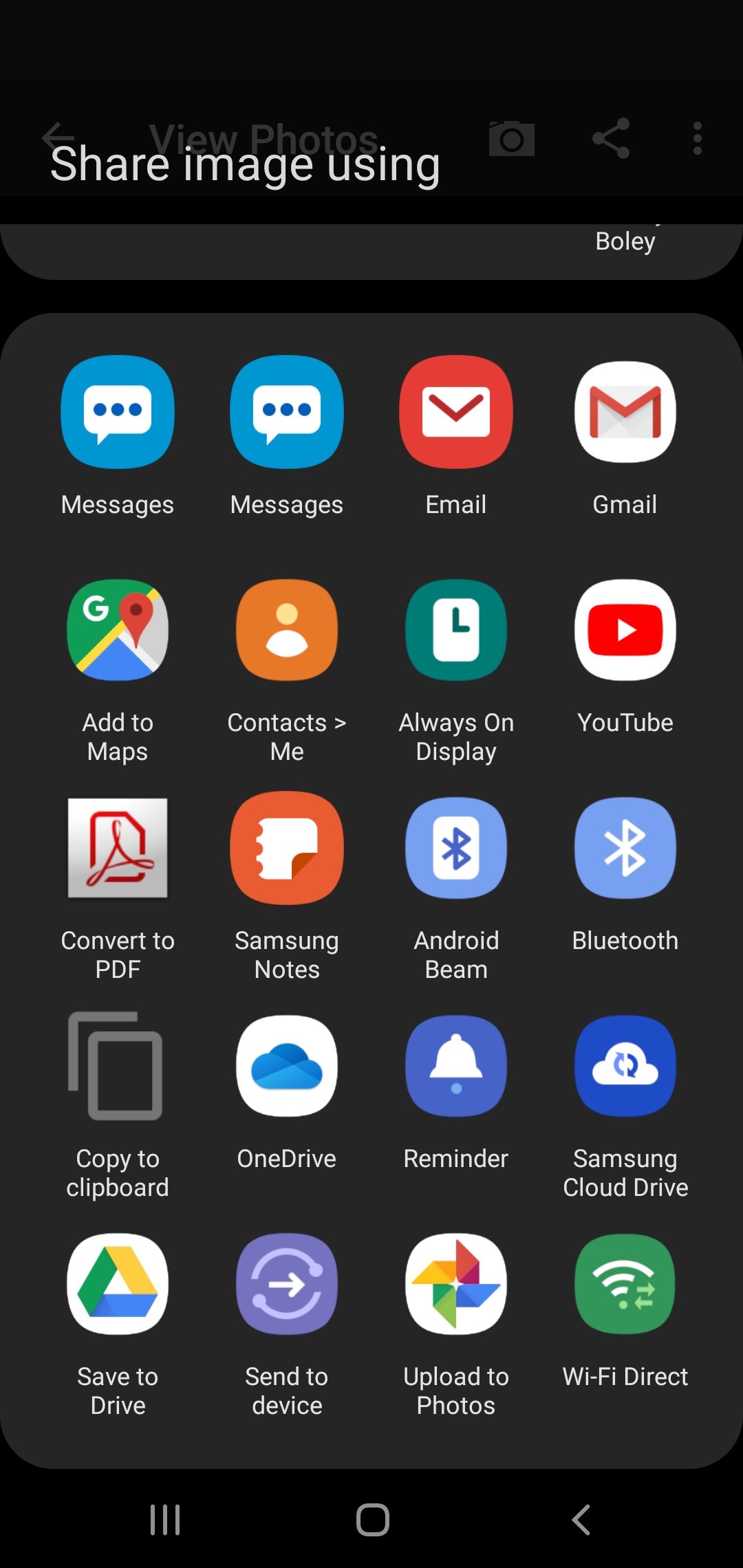
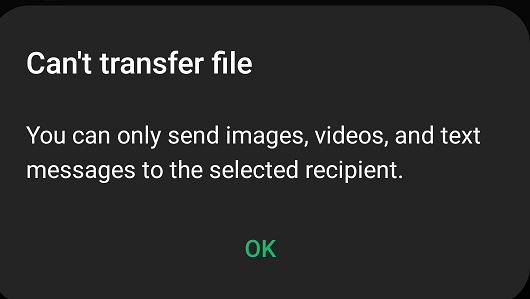
When my phone receives pics and I want to share one i click on the share button above the picture then click text message as the way to share but it says that it can't share files. The only way I can send them is to close out of the app and send from gallery. Galaxy s10e phone.
-

Try this, instead of having just one photo showing on the screen when you try and share try sharing from the main photo screen that shows a bunch of pics at the same time. Press and hold on one picture until you see the yellow box around it and then click the share button, see if that works better.
Please sign in to leave a comment.
Comments
10 comments