download update

My camera stopped working in November, It appears to have connectivity issues. I am trying to save the update file to SD card and cannot get it to save to the file format the camera will take. please advice on how to save the update thanks
-

I would contact Verizon and have them check things on their end first even though the camera is showing on your account. Then you’ll need to try a different SD card. It may not be the SD card, but unless you try a “to spec” one, you can’t rule it out.
If that doesn’t work, please contact tech support. support@spartancamera.com or 770-582-0004 (leave voice mail with your contact details).
-
Verizon may have to do something on their end to “kick start” the camera. It may or may not be a SIM.
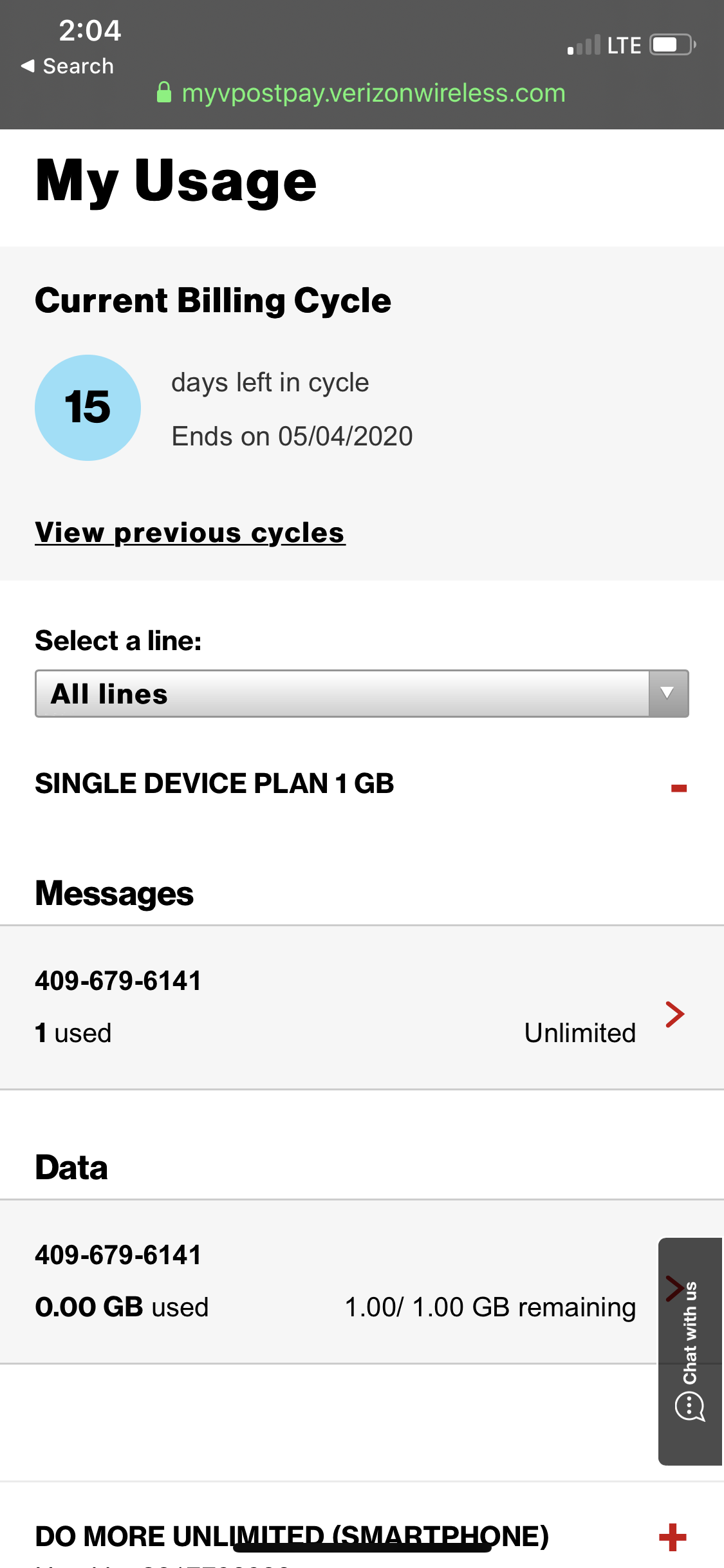
How much are you paying a month for that plan? Can you go back and look at your history and see how much data you were using each month while the camera was working? If you can get the usage information, you can look at the Spartan plans. You may be able to save money by using a Spartan plan.
-
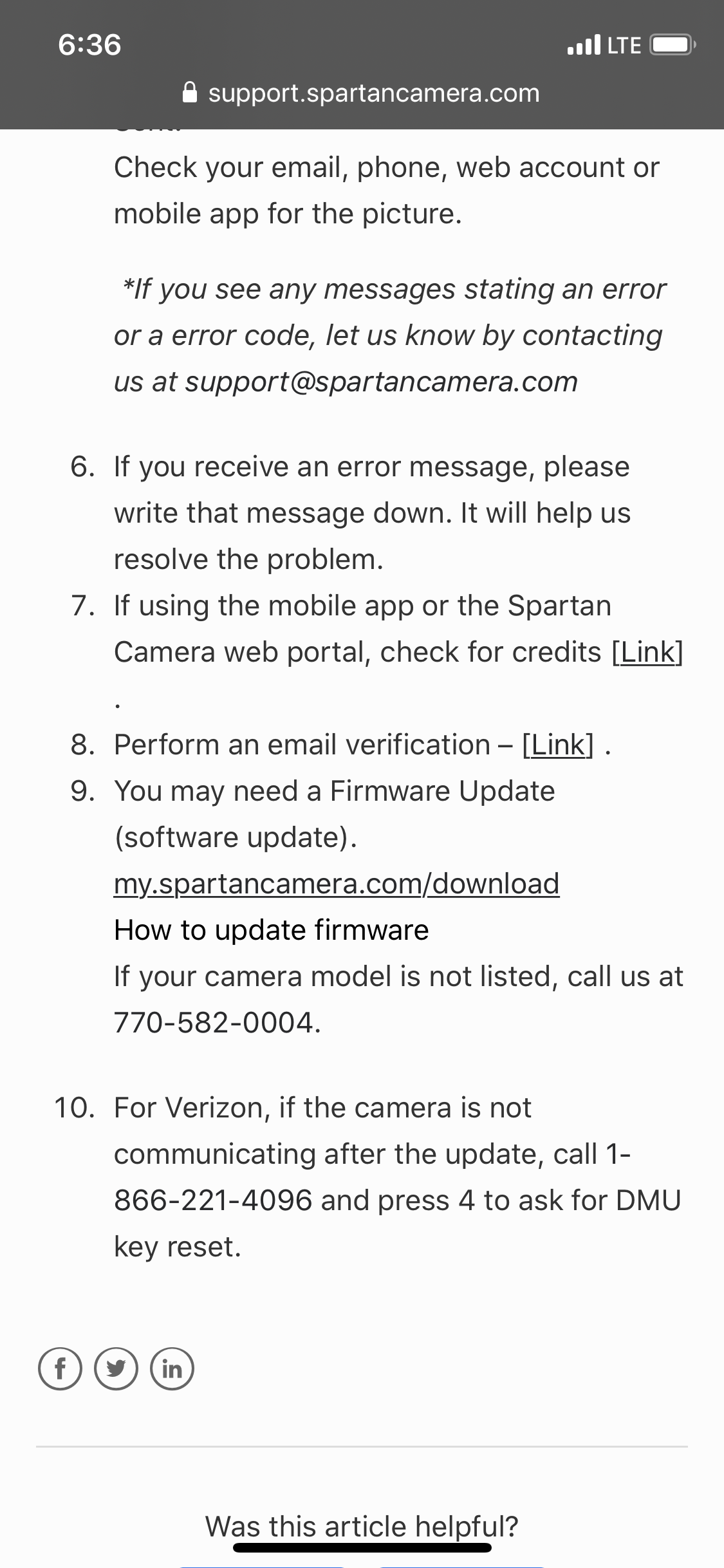
I’m defiantly better off with Verizon. I pay $15 a month for 1g and generally use it. I believe it was $35 a month for 1g through spartan. I found an article about Verizon problems and possible solution. I will call tomorrow and update what happens. Posting a pic of what to do See step 10

Please sign in to leave a comment.
Comments
50 comments