Comments

8 comments

  • John Lockburner

    Turn the camera to setup and when it finds signal press the OK button to take a picture and then press it again to send the picture and watch what happens on the screen. I would also format the SD card in the camera, can't hurt.

    0
    Comment actions Permalink
  • Kabryni Jones

    Ok I will try that later when I take it out the woods I tried formatting sd card but it won’t send a status report so it won’t take the command

    0
    Comment actions Permalink
  • John Lockburner

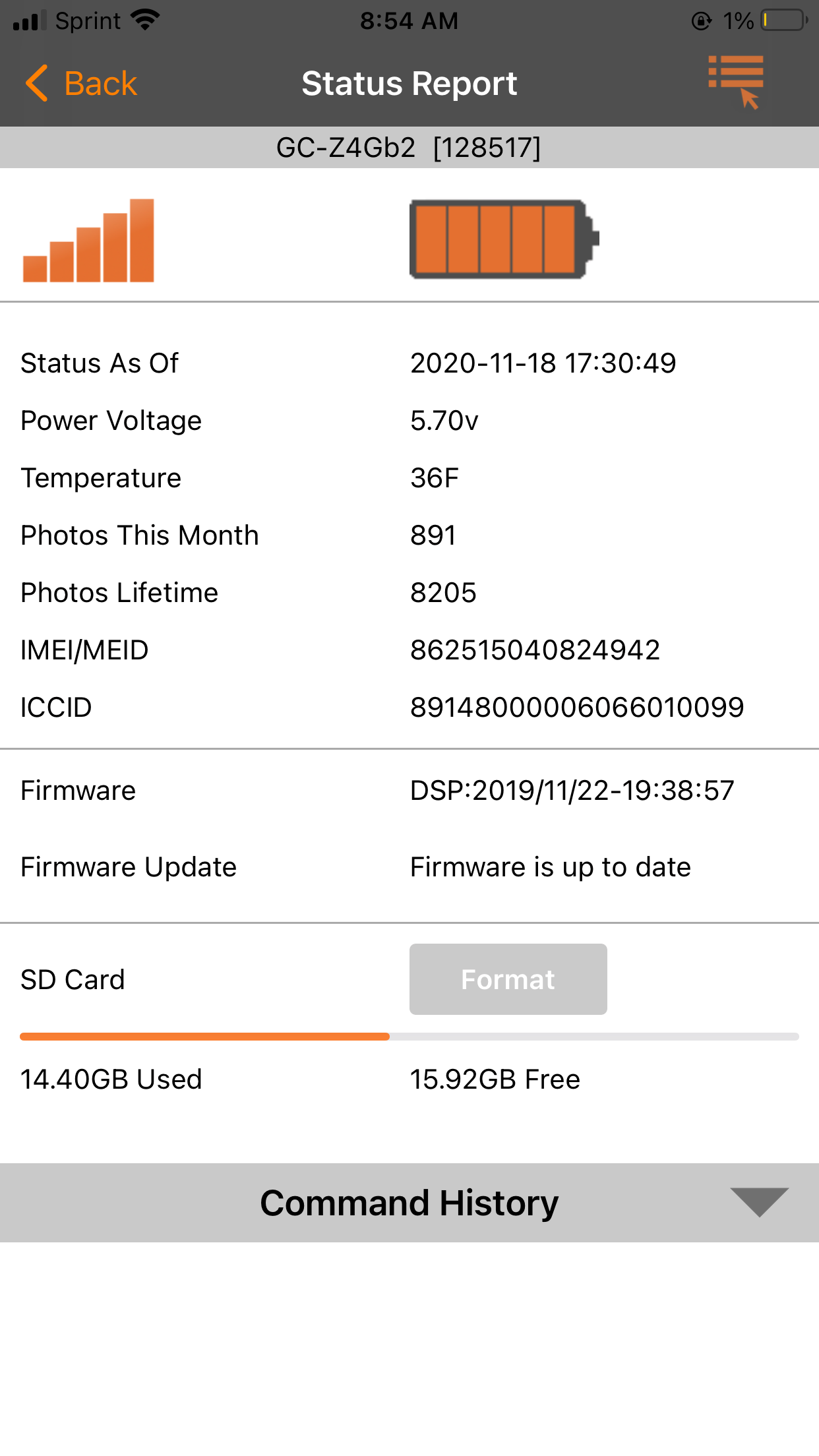
    You will have to do it on the camera then. Can you post a picture of your last status report?

    0
    Comment actions Permalink
  • Kabryni Jones

    Don’t know how to add a photo

    0
    Comment actions Permalink
  • John Lockburner

    You'll have top hit the settings tab (usually 3 lines or dots) on the browser and change to desktop view on your phone

    0
    Comment actions Permalink
  • Kabryni Jones

    0
    Comment actions Permalink
  • John Lockburner

    Thank you, I don't see anything obviously wrong from that report. Are you getting your data through Spartan or Verizon directly?

    0
    Comment actions Permalink
  • Kabryni Jones

    Spartan was working fine then it does so I changed the batteries and hasn’t worked since

    0
    Comment actions Permalink

Please sign in to leave a comment.