Camera quit

-

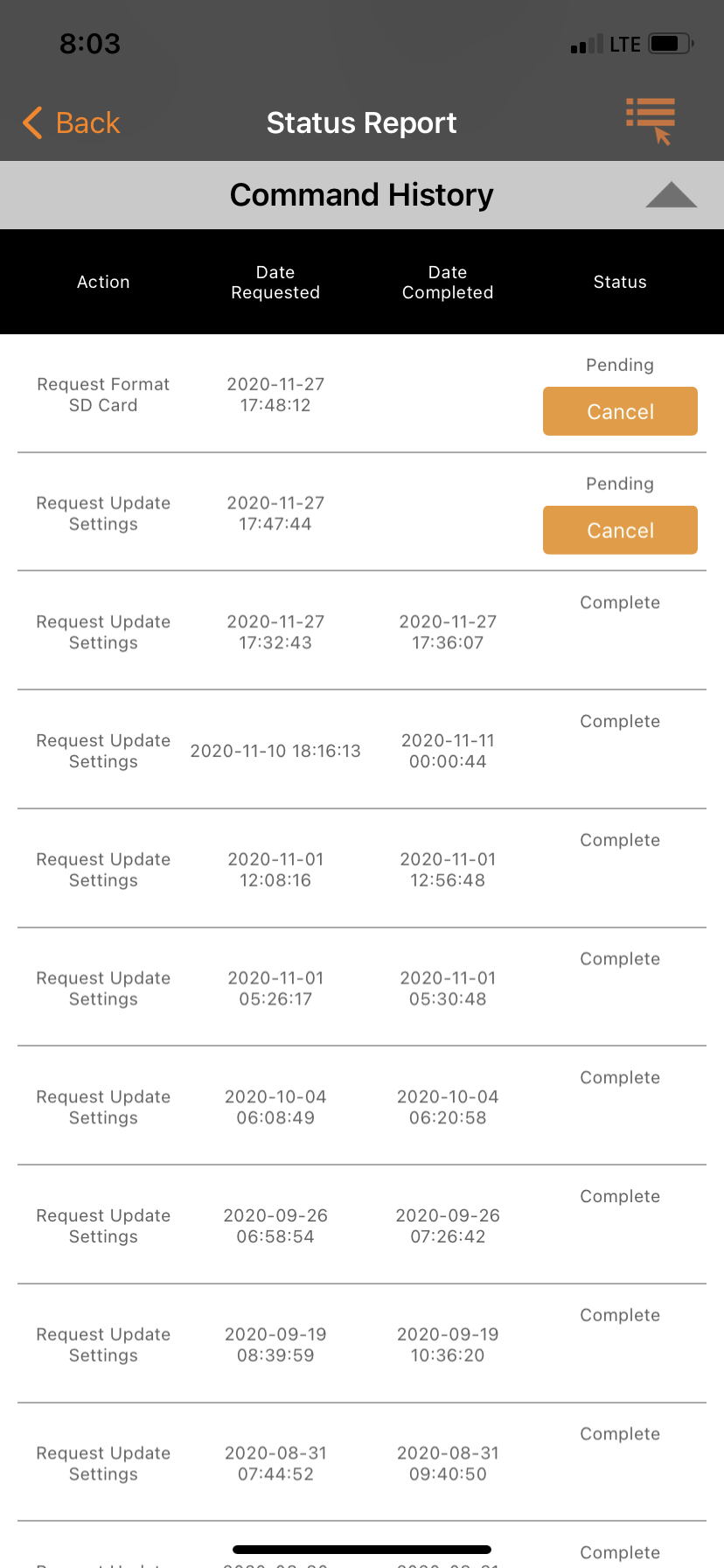
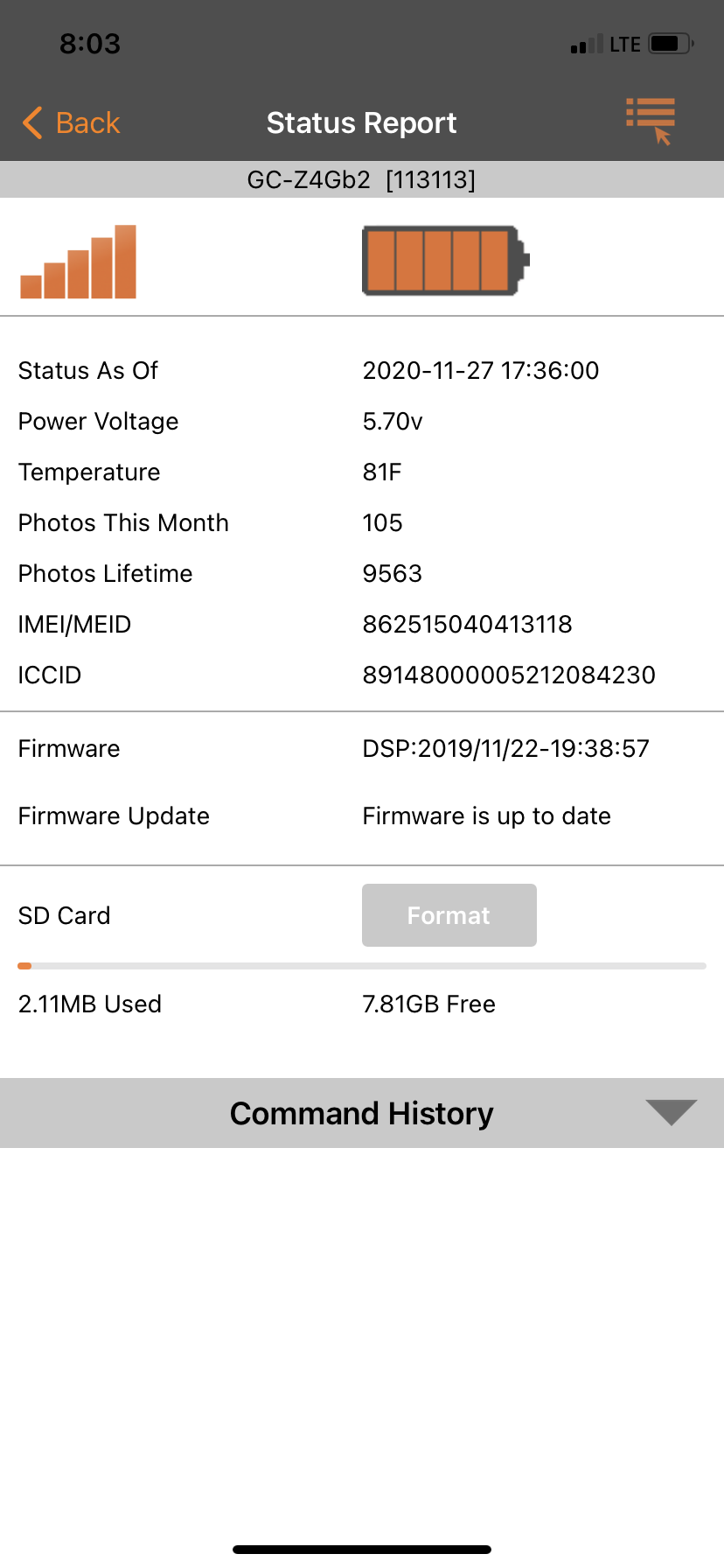
Please post a screen shot of the status report from the app, all the way from the battery/signal indicator through the SD card info.
Also, please post a picture of the SD cards you’ve tried.
Does the camera go online? (you see signal bars on the screen) Does it pass the Hello test? (Camera showing connected to the network, press the Menu button, scroll to the fourth menu then down to Diagnostic, Hello test)
-

Did you get a picture with an F on the bottom of it? If you did that means the SD card formatted and that may have been what got it going again. Make sure your SD card is to spec. 32gb or smaller, class 10, 80mbs or faster and a full sized card (not a micro in an adapter). Always format the card even if it's new when you put it in the camera.
Please sign in to leave a comment.
Comments
6 comments