Cameras won’t send pictures

this is starting to get a little frustrating because Iv been on the phone with Verizon for a combined 4 hours at least. Iv called Spartan and left 2 voicemails but haven’t received a call back. I did message a lady through there FB page a few times but that didn’t get me anywhere. I have 6 Spartan cell cams and 5 of the 6 aren’t sending pics. The 5 that aren’t sending pics are directly through Verizon and the 6th which is still working is a new ghost cam which I got a Data plan through Spartan. Everything on the cameras shows that it has service. It does fail the hello test. Iv called Verizon and nobody seems to know what a trail camera is so it makes it a little difficult lol. They do say everything shows that they are “activated” though. I have done about everything possible to get these back going. Iv tried new SD cards, replaced all batteries, reset the cameras, and I have 11 credits on my Spartan account. I just find it weird that all 5 stopped working at the same time so I feel like it has to be something on Verizon’s end. They haven’t worked since the last week of October and I’m missing the best time of the year to have them out!! Any help is greatly appreciated.
-

Try this, go into one of the cameras menus and to diagnostics and to APN, when you go into the APN screen it will ask for a password, it's 1 2 3 4 5 6. Change the APN to custom and enter vzwinternet , once that's entered press the OK button when asked to to save the change and back out to the main screen where you can see what the camera sees. Then turn the camera off for a few seconds and back to setup and see if it finds signal.
-
Iv went through everything on them. Spent 3 hours at Verizon yesterday afternoon as well and they couldn’t get them figured out. They have their technical support looking into it. Everything shows that they are active on their end and that they have service. The guy actually showed it to me in the computer. He even tried starting over with one and reactivating it and still nothing. Sucks having 5 cameras that aren’t working during the main time I need them!!
-
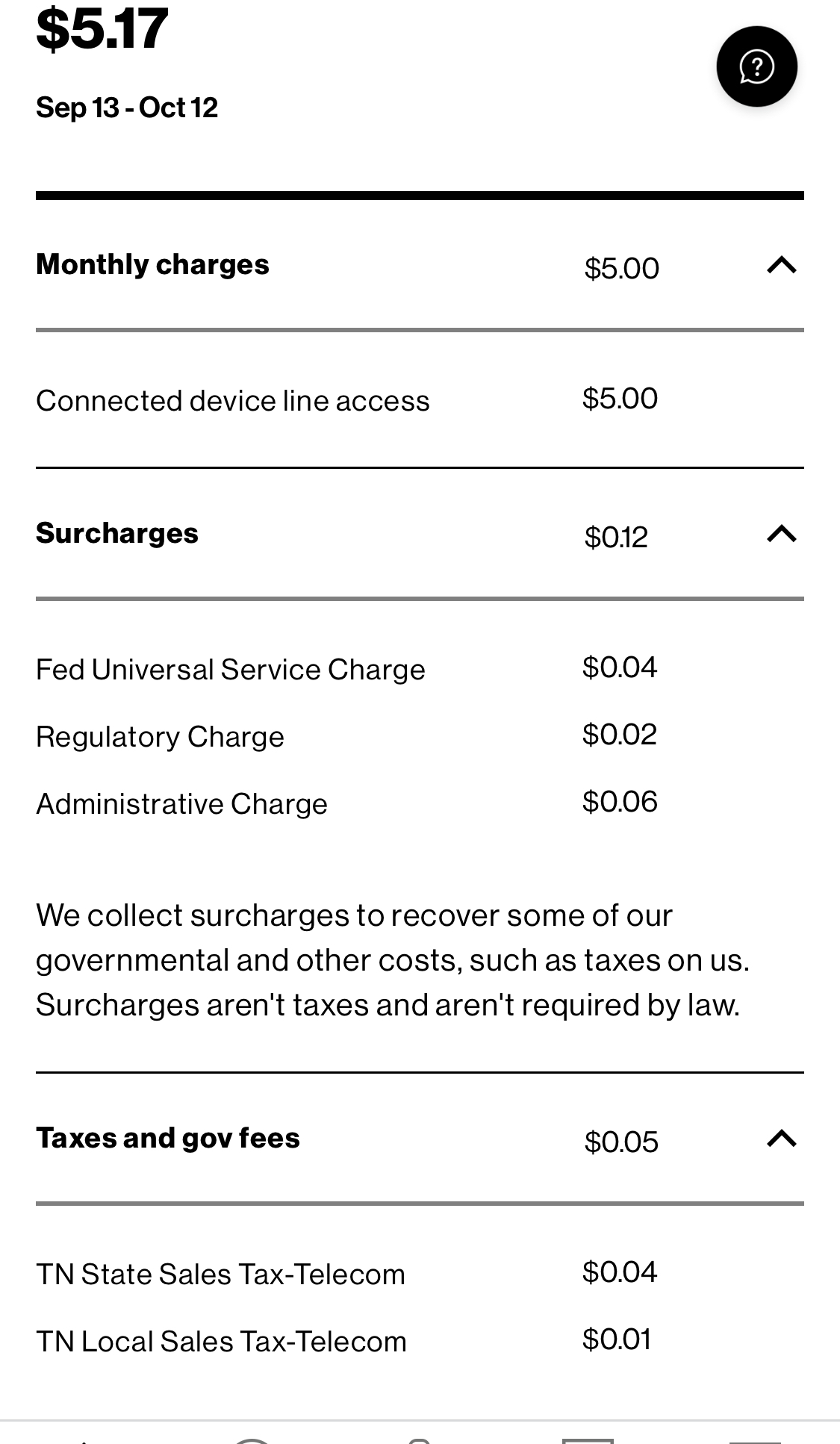
Tom I just helped another customer out and after his third phone call to Verizon they discovered they activated the cameras as if they were a cell phone and not a connected device like a tablet. They told him the same thing as you that they were connected and activated every time he called. For 5 cameras to be having issues (at least to me) it sounds like it has to be a Verizon problem. Do you run your cameras all year long?
-
Yes I do run them all year long. I did figure out something last night. I have a tactacam camera as well and I took the SIM card out of it last night and stuck it in one of my Spartans and it started working fine so apparently it has to be something with the sim. I’m fixing to go to Verizon shortly and see what I can get figured out.
-
I’m at Verizon now. Iv been here for about 2 hours lol. They’ve changed SIM cards out and all kinds of other stuff with no luck. Idk what’s going on. The lines are setup as a connected device so all that is good. I don’t understand why the SIM card out of my tactacam allows them to work but they can’t get them to work. I came to one of the main Verizon stores
 This is what I’m using 90mb/s

Please sign in to leave a comment.
Comments
29 comments