Camera settings

-

Look under the camera description on the home page of the app. It may also be on the info strip of photos.
-

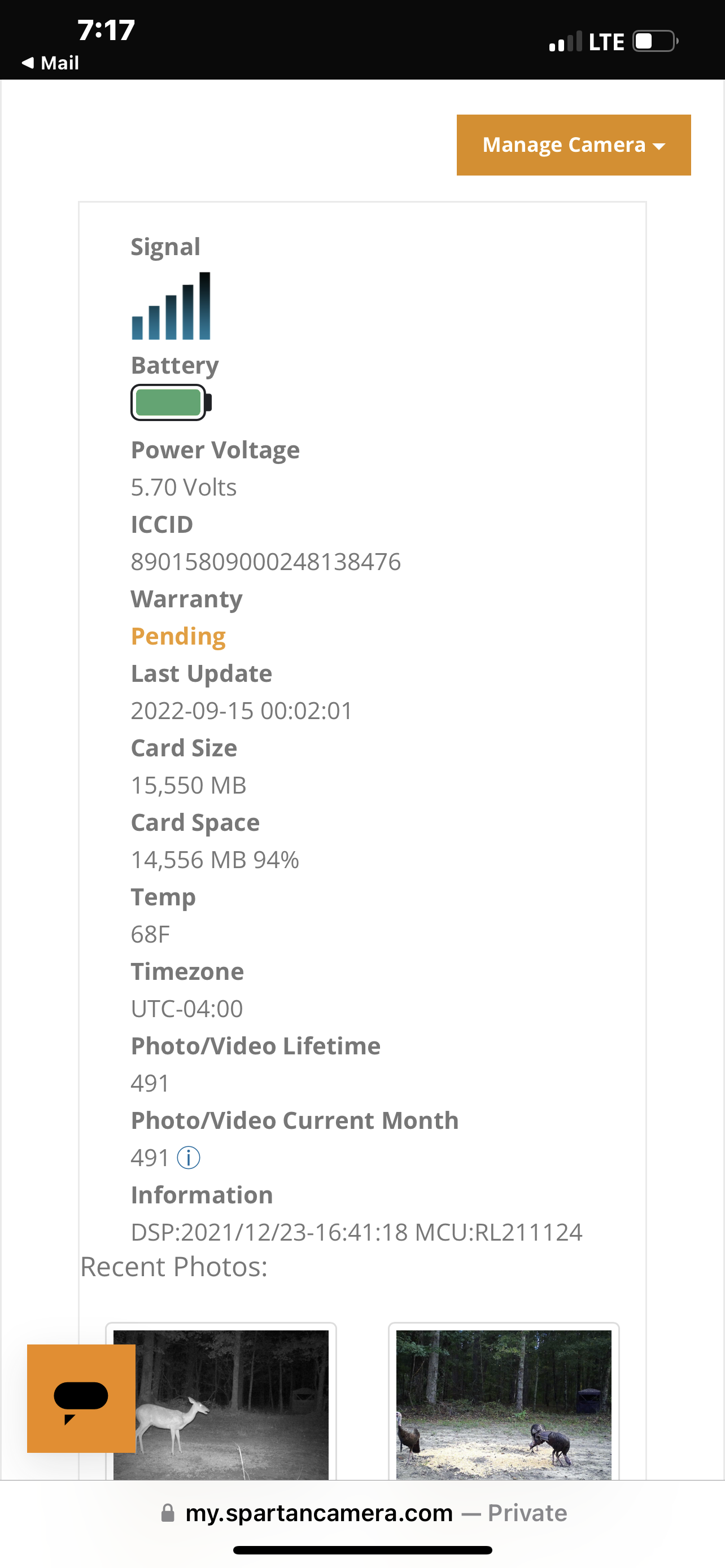
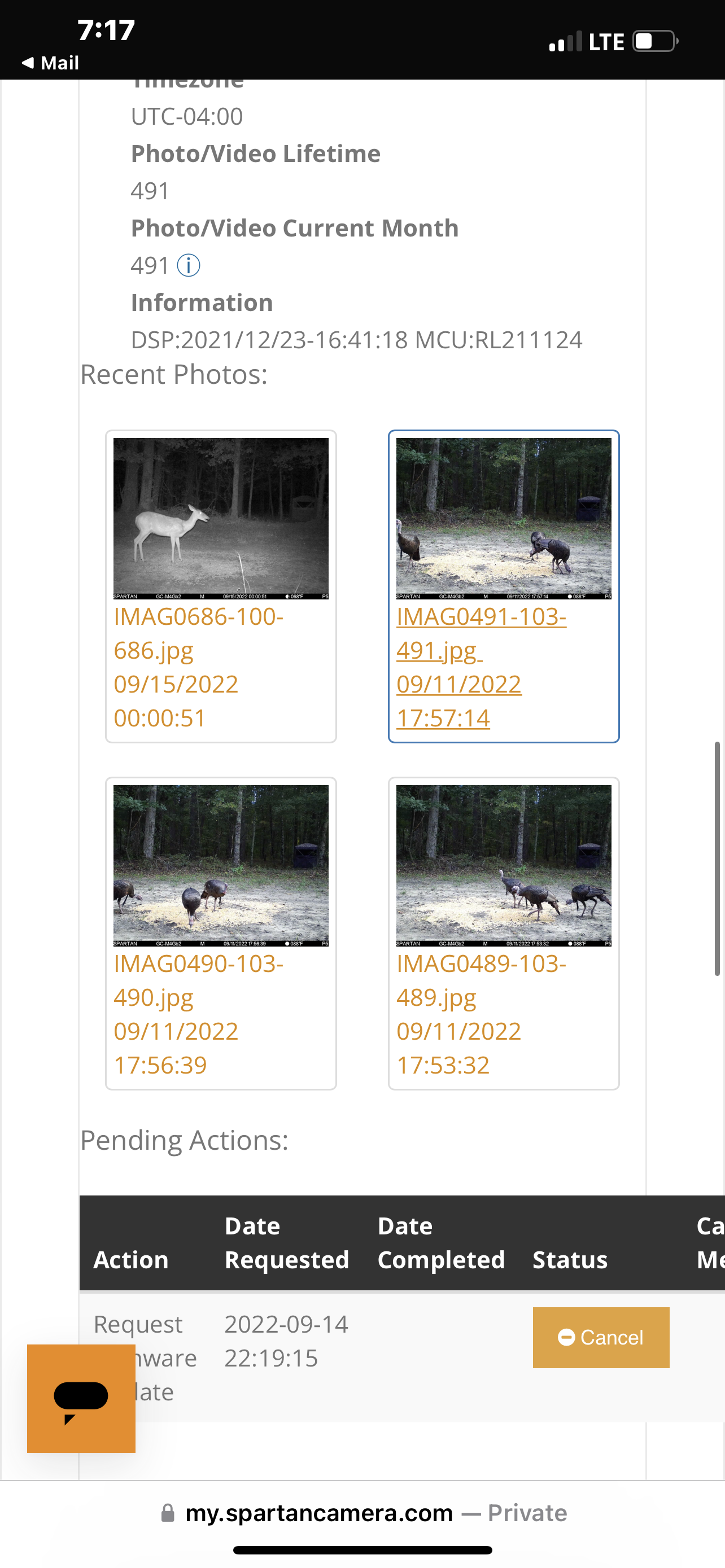
That's good, it means the camera is still communicating. If you go to the portal (my.spartancamera.com) and log in and go to camera management you can look at your picture numbers and see if they are sequential or if there are gaps. It might be a little confusing since you have formatted and that might have made the numbering start over at 1. Take a look and see what those numbers look like.
-
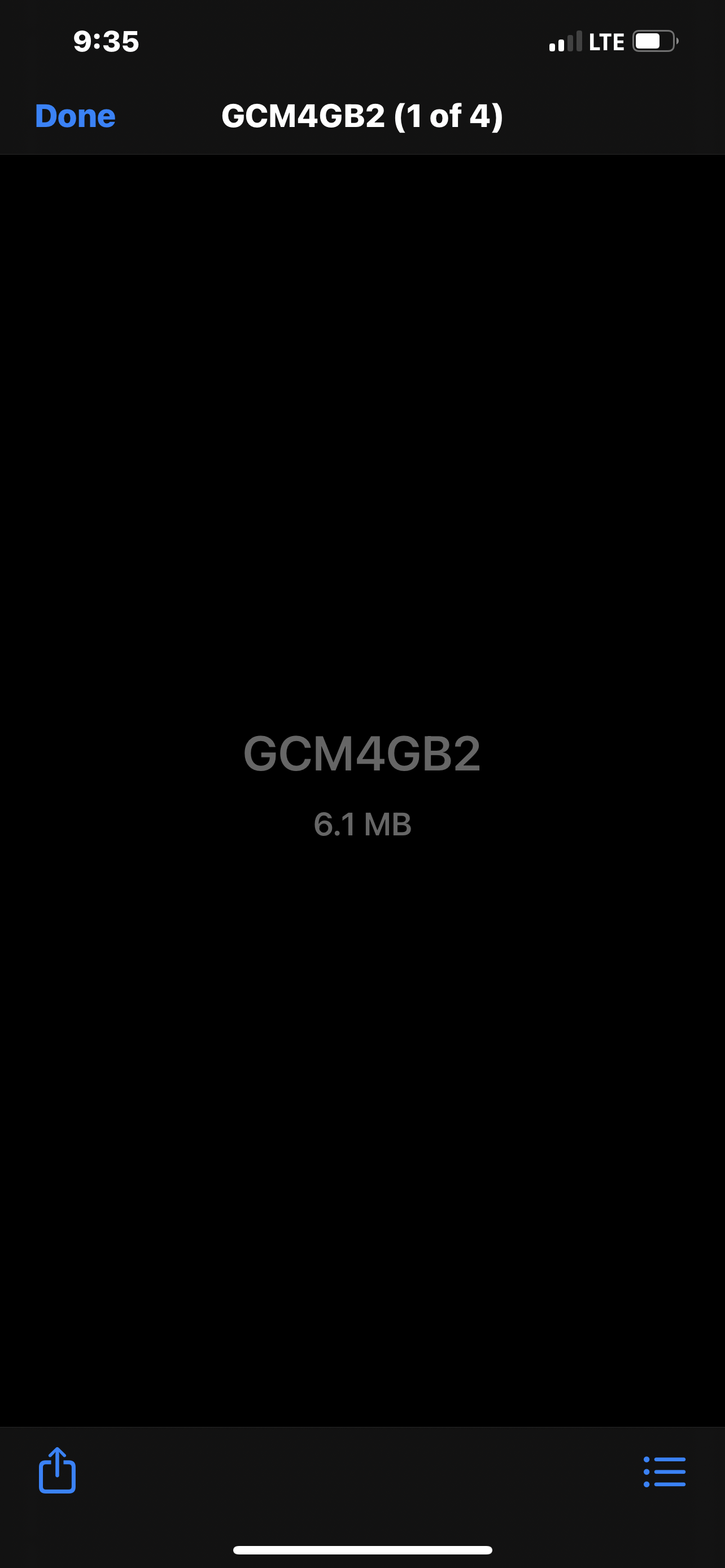
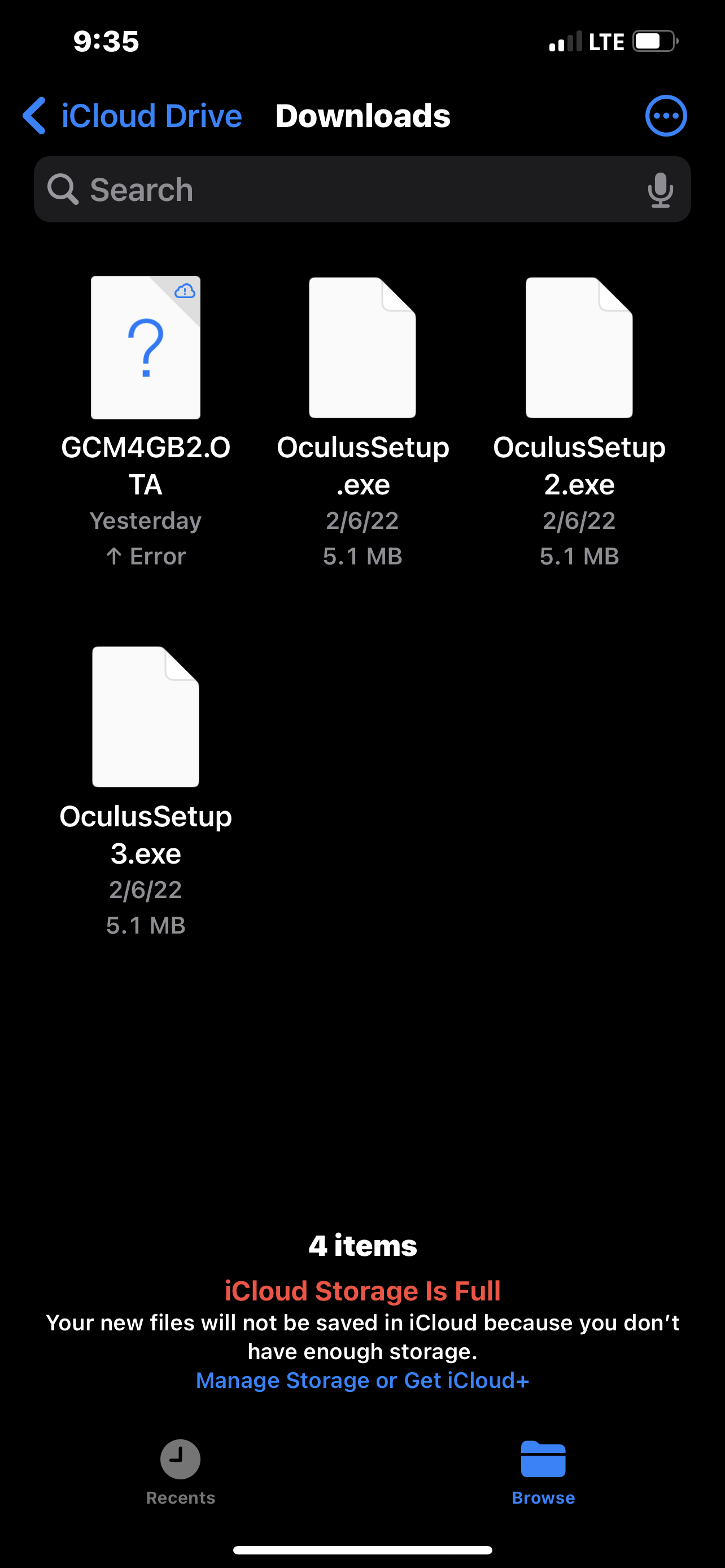
You don't have enough storage space on iCloud. Save the file to your phone or iPad.
https://support.spartancamera.com/hc/en-us/articles/6407422448275-Downloading-firmware-using-an-iPhone-or-iPad -
Load it on to the SD card
Please sign in to leave a comment.
Comments
111 comments