download update

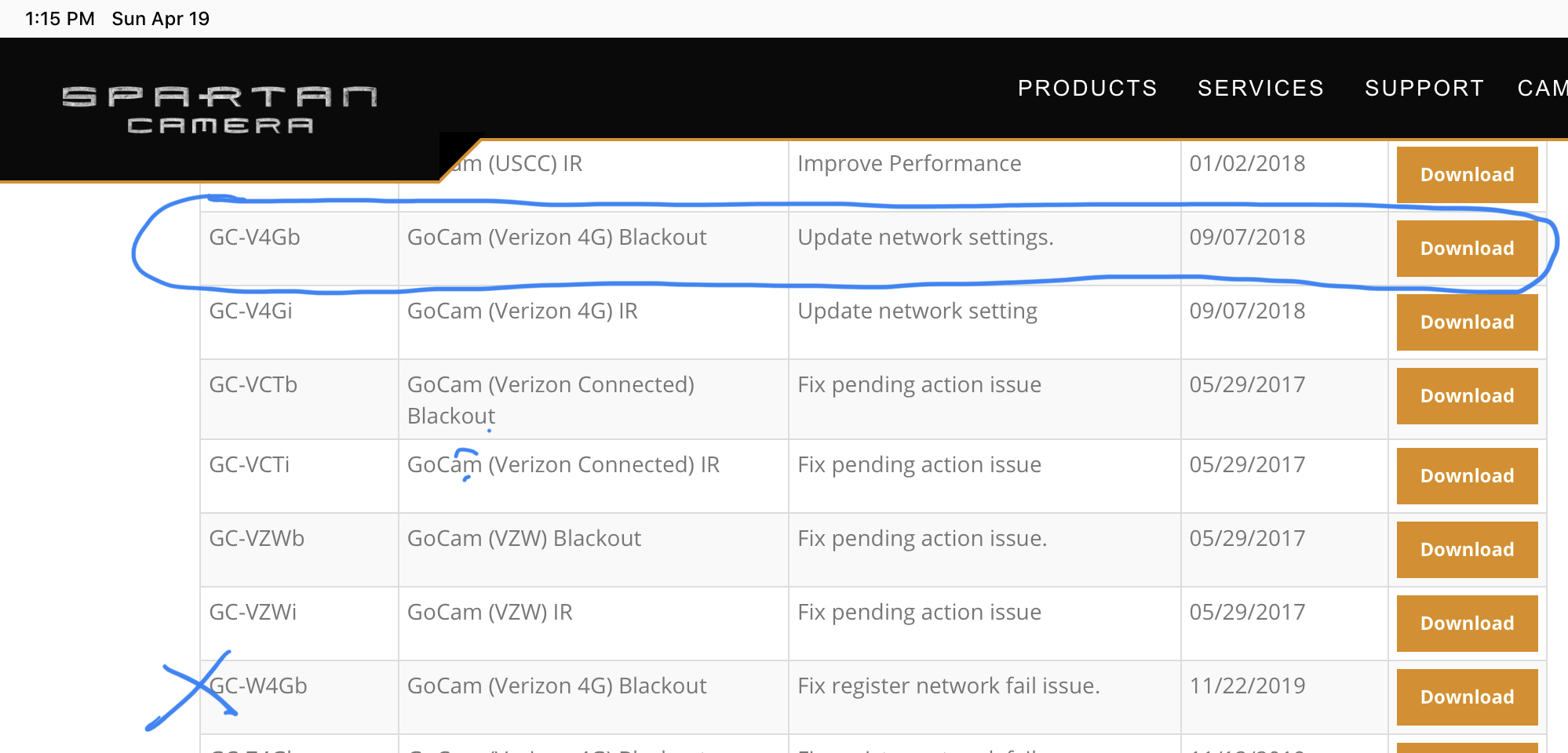
My camera stopped working in November, It appears to have connectivity issues. I am trying to save the update file to SD card and cannot get it to save to the file format the camera will take. please advice on how to save the update thanks
-

https://support.spartancamera.com/hc/en-us/articles/360010408073-How-to-update-firmware
The file is in the correct format. Either save it directly to the SD card or save it to your computer and copy it to the SD card. Do not try to open it.
What makes you think that it is in a format the camera can’t take? -
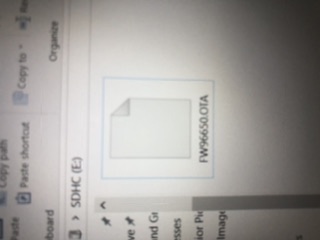
The file name must be exact. It cannot have any spaces, parentheses, or extra numbers in it. Are you sure that the file name is correct? Is there any chance that you've downloaded it more than once and you copied something other than the first file to the card?
Can you post a screen shot that shows the name of the file on the card (not your entire screen, please crop it so that it's showing the SD card drive letter and the file name with some stuff around it but not the whole computer screen)?
-
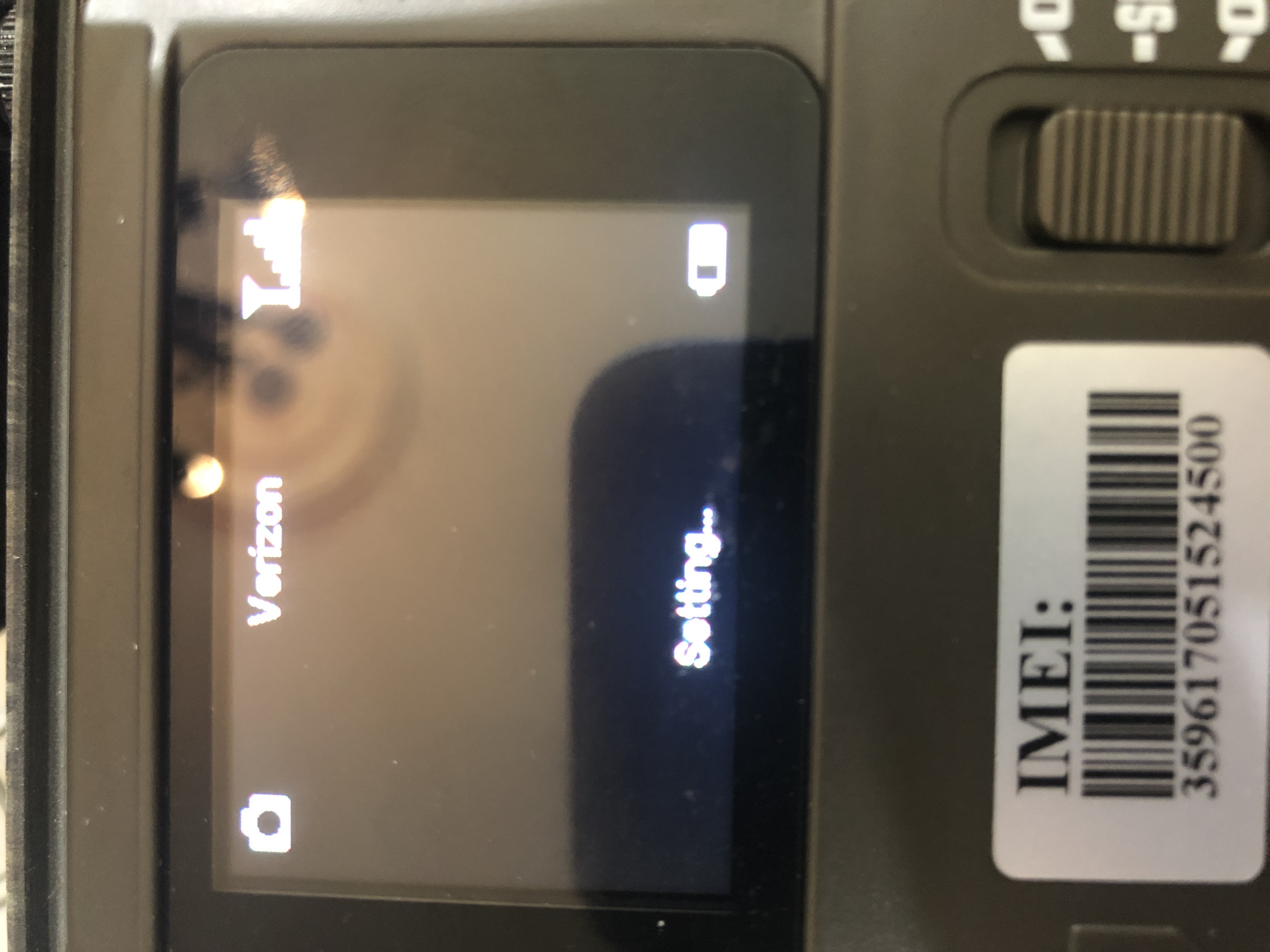
There is no point in trying the Hello test or sending a manual photo until the camera is indicating that it is online. Is it showing signal bars?
Without knowing what SD card you are using, there's no way to know whether the camera may work with it or not. Bad/wrong SD cards can keep a camera from coming up at all, as well as keeping it from going online.

Please sign in to leave a comment.
Comments
50 comments