GC-ATTb - Terrible/granular photos

Comments

32 comments

  • John Lockburner

    The newer cameras do take a little bit better picture but the old ones take good pictures too. If you're using premium/app make sure the photo size is set to the larger 1280 size, not the smaller 640.

    0
    Comment actions Permalink
  • Landon Brim

    Yes, I use premium.  I also have the settings set at 8mp and to Large on the size.  Guess it's just the camera.  Was hoping to get a better quality picture out of this camera. 

    0
    Comment actions Permalink
  • John Lockburner

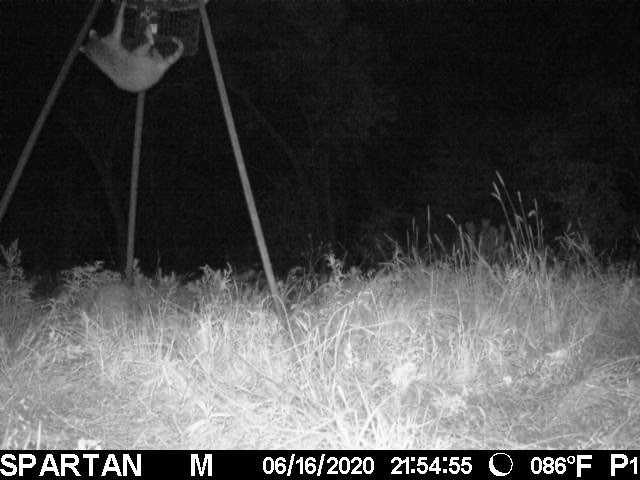
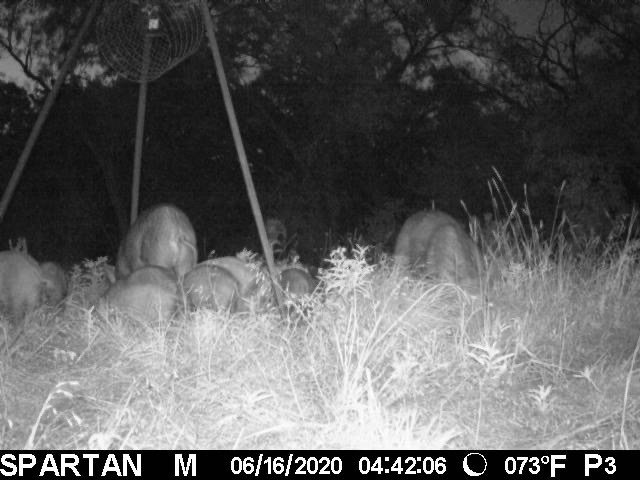
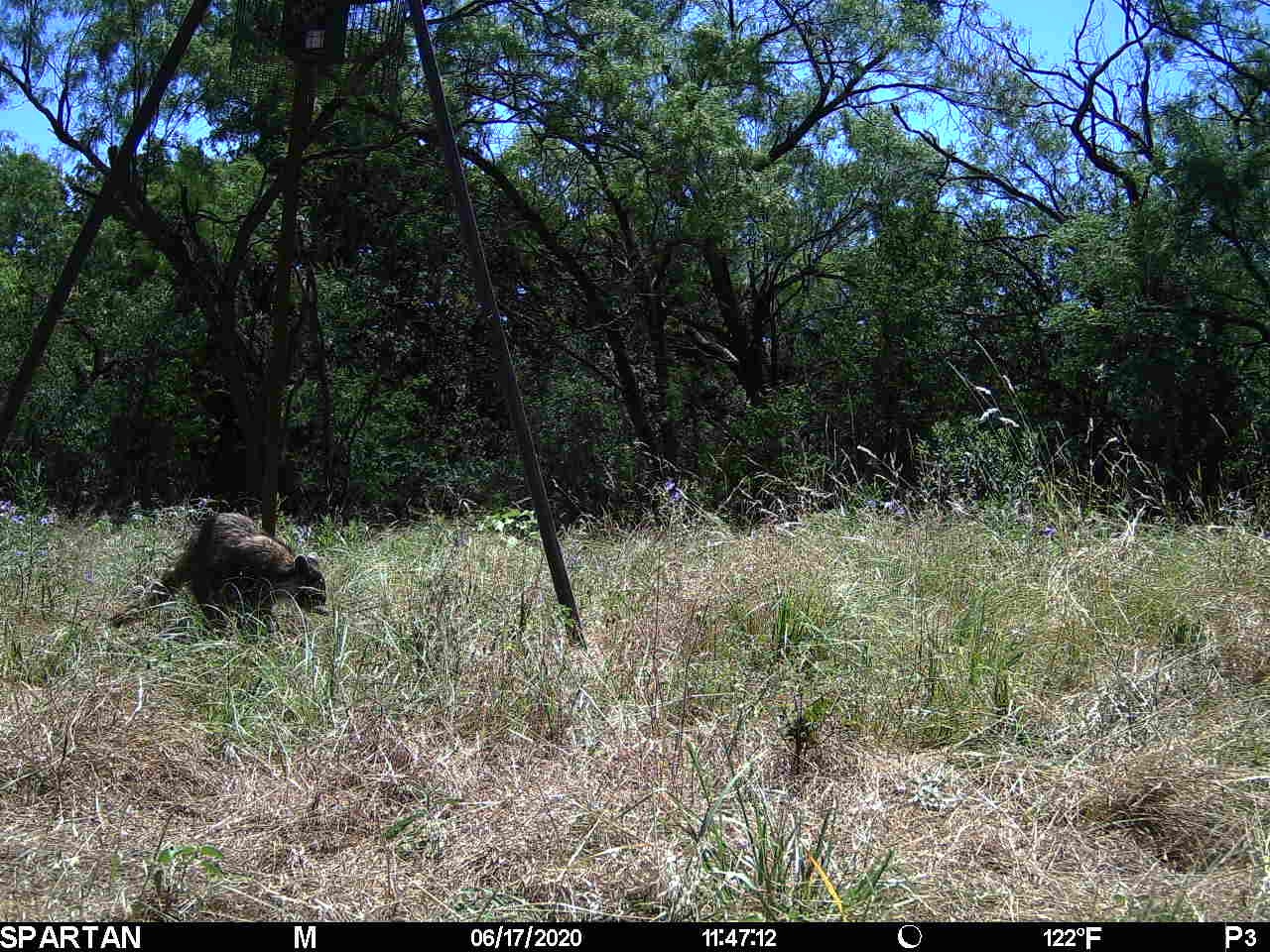
    Can you post a few sample pictures (may have to do it from a browser) the megapixels don't matter because it's a thumbnail photo being sent, you're actually better having it on 5mp which is the actual size of the cameras sensor (native resolution)

    0
    Comment actions Permalink
  • Landon Brim

    0
    Comment actions Permalink
  • Landon Brim

    0
    Comment actions Permalink
  • Landon Brim

    0
    Comment actions Permalink
  • John Lockburner

    That appears to be the smaller 640 size picture, you can tell by looking at the info strip.

    0
    Comment actions Permalink
  • John Lockburner

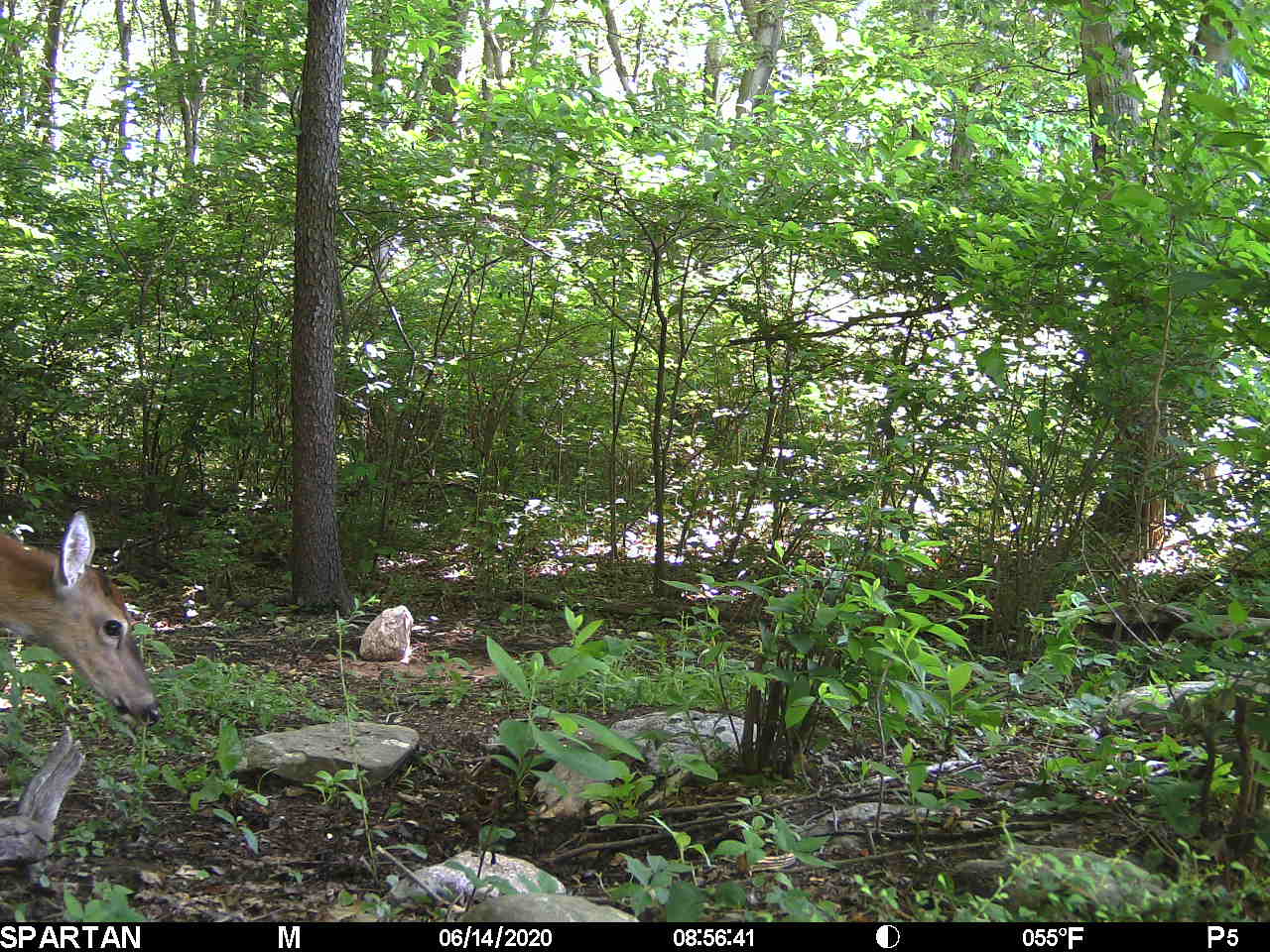
    Here's a larger thumbnail, notice the info strip on the bottom. You may want to check your newer cameras too, there's not as obvious difference with them between the 1280 and the 640.

    0
    Comment actions Permalink
  • Landon Brim

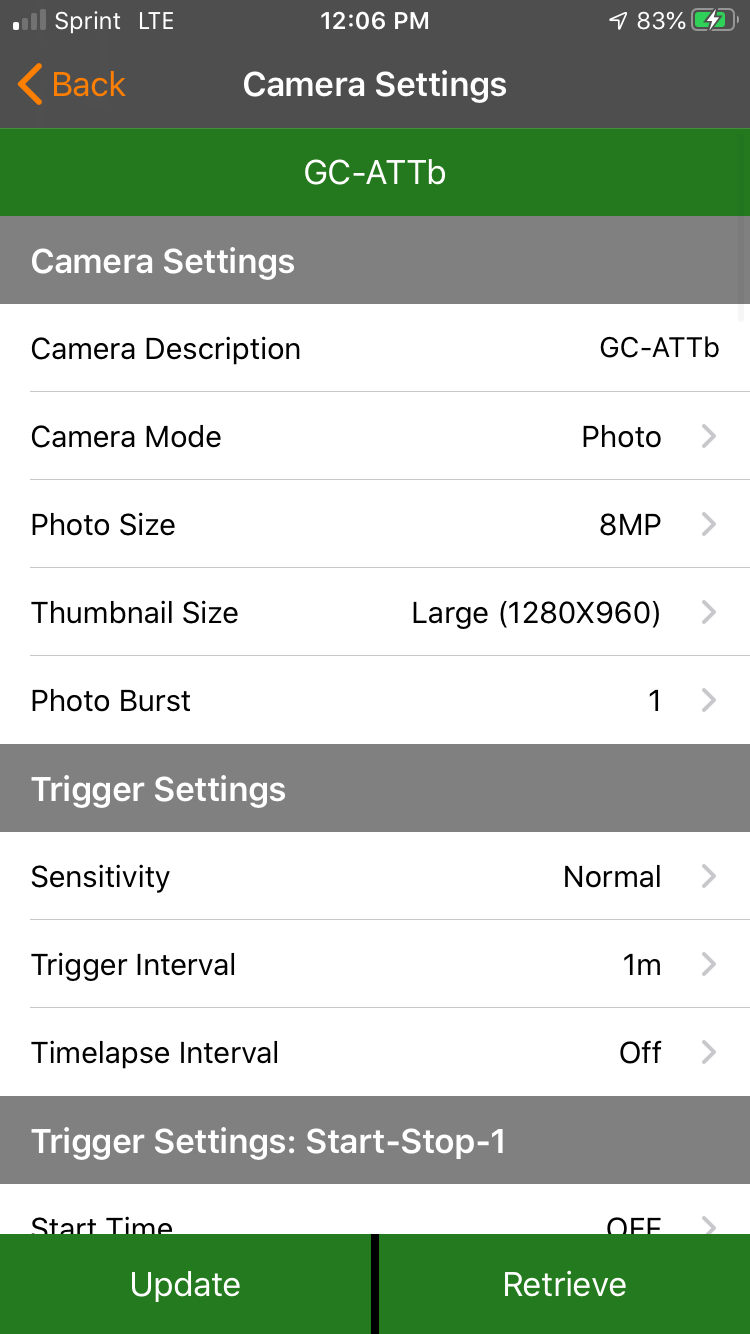
    My premium app shows its taking photos in the Larger 1280 format.  Trying to upload a screenshot of what i am seeing on the app right now. 

    0
    Comment actions Permalink
  • Landon Brim

    0
    Comment actions Permalink
  • John Lockburner

    Maybe the camera reset itself, try updating the settings. It's possible the SD card is bad too or that the firmware is quirky and needs to be updated. I saved the picture and checked the properties and it's definitely the 640 sized thumbnail.

    0
    Comment actions Permalink
  • John Lockburner

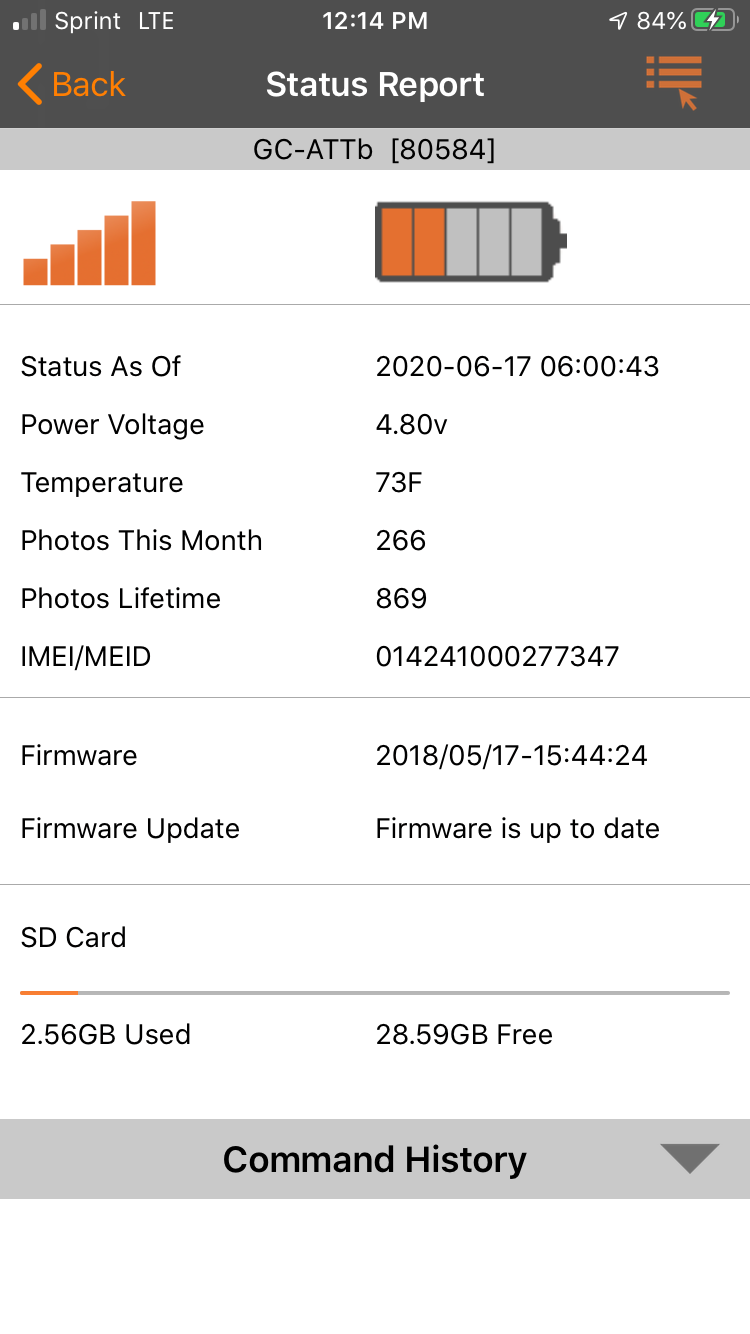
    Can you post a screen shot of the status report screen and the command history (drop down under the status report)

    0
    Comment actions Permalink
  • Landon Brim

    Weird.  Guess when I get to the deer lease next i'll check all the settings on the camera itself. 

    0
    Comment actions Permalink
  • Landon Brim

    0
    Comment actions Permalink
  • John Lockburner

    Try updating the settings and see if that helps. If not when you go you can try defaulting the camera and then updating the settings again, I would also take the firmware with you on an SD card to update the camera manually. Have you ever done a manual update?

    0
    Comment actions Permalink
  • Landon Brim

    No i have not and i am severely technically challenged!!!!!!

    0
    Comment actions Permalink
  • John Lockburner

    Here's a link to the instructions, go down to the manual update section. The second link is more instructions and the actual downloads page. You want to be sure to get the update for your exact camera model.

    https://support.spartancamera.com/hc/en-us/articles/360010408073-How-to-update-firmware

    https://my.spartancamera.com/download
     

    0
    Comment actions Permalink
  • Landon Brim

    Thanks John. I'll give it a go. Was hoping to be able to do all this remote without having to go back to the lease.  I'll head that way soon anyways, as the batteries will need to be replaced soon anyway.


    0
    Comment actions Permalink
  • John Lockburner

    Updating the settings now may fix it. Also be sure that you are using a class 10 SD card that's 32gb or smaller and 80 mbs or faster.

    0
    Comment actions Permalink
  • Landon Brim

    Perfect.  Thanks!

    0
    Comment actions Permalink
  • Landon Brim

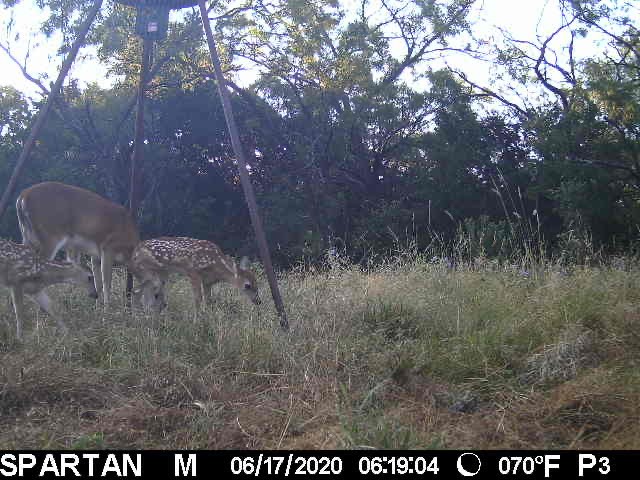
    You wont believe it......but I think that worked!  Here's what the pic looks like that was just sent to me.

    0
    Comment actions Permalink
  • John Lockburner

    That looks much better

    0
    Comment actions Permalink
  • John Lockburner

    Do you have real time turned on for the camera or did you get another picture or status report that updated he settings?

    0
    Comment actions Permalink
  • Landon Brim

    No kidding!  So much better!  Thanks for all of your assistance. 

    0
    Comment actions Permalink
  • Landon Brim

    I'm not sure about that.  I have it set to send me pics as they come in, at 1 min intervals.  You can see that the time is off by an hour.


    0
    Comment actions Permalink
  • John Lockburner

    You're welcome, 

    0
    Comment actions Permalink
  • John Lockburner

    Make sure that the time zone is set in the camera settings on the app and update the settings again, then request a status report and the time should correct itself. Check if real time is on or off, if it's on it's going to use batteries a lot faster than if it's turned off.

    0
    Comment actions Permalink
  • Landon Brim

    For fear of sounding stupid.  I don't have a Texas city as an option on my app.  I have tons of foreign places, but nothing to get me on a Central time zone.  

    0
    Comment actions Permalink
  • John Lockburner

    Try North Dakota Center

    0
    Comment actions Permalink
  • Landon Brim

    LOL. I don't have that option. 

    0
    Comment actions Permalink

Please sign in to leave a comment.