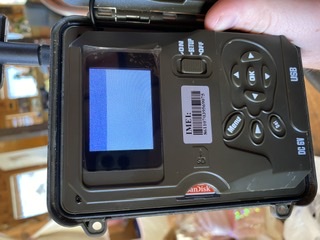
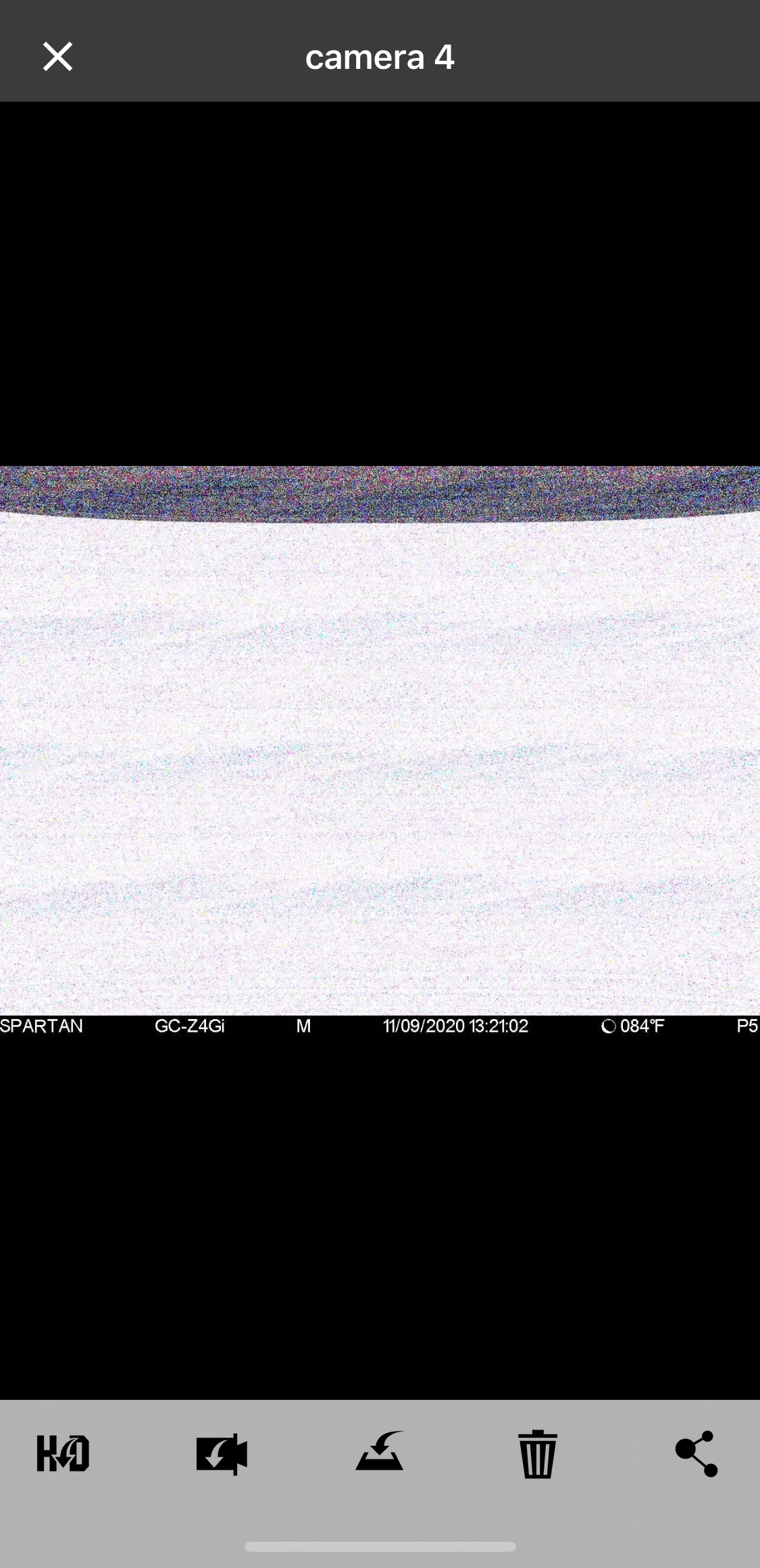
Camera taking fuzzy pics

Comments

30 comments

  • 0
    Comment actions Permalink
  • Tom Banks

    It’s still doing it. Iv tried multiple SD cards and even ordered some new ones to try. Still getting the same fuzzy pics. I’ll see if I can upload one

    0
    Comment actions Permalink
  • Tom Banks

    0
    Comment actions Permalink
  • John Lockburner

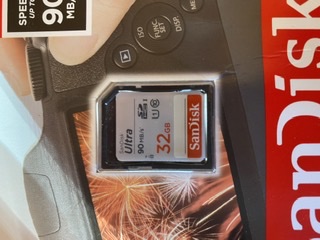
    That is almost always an SD card issue but there is a chance it could be something else. Can you post a picture of the SD card that you are using? Did you format it in he camera?

    0
    Comment actions Permalink
  • Tom Banks

    0
    Comment actions Permalink
  • Tom Banks

    This is the one I’m currently trying. Iv used about 5 lol

    0
    Comment actions Permalink
  • John Lockburner

    That one should be fine, just be sure to format it in the camera. You can also try blowing out the SD card slot. Those cans of compressed air work good for that.

    0
    Comment actions Permalink
  • Tom Banks

    It’s like it’s in slow motion to. I can move the camera around and it moves slow on the screen if you understand what I’m saying. 

    0
    Comment actions Permalink
  • John Lockburner

    I do I think.Is the cameras firmware up to date?

    0
    Comment actions Permalink
  • Tom Banks

    I believe so. Let me check. Can I just update it from the camera or is it and update I need to do via SD card? 

    0
    Comment actions Permalink
  • Tom Banks

    It also takes about a minute or 2 for it to actually come up on the screen to. Until then it looks like this

    0
    Comment actions Permalink
  • Tom Banks

    0
    Comment actions Permalink
  • John Lockburner

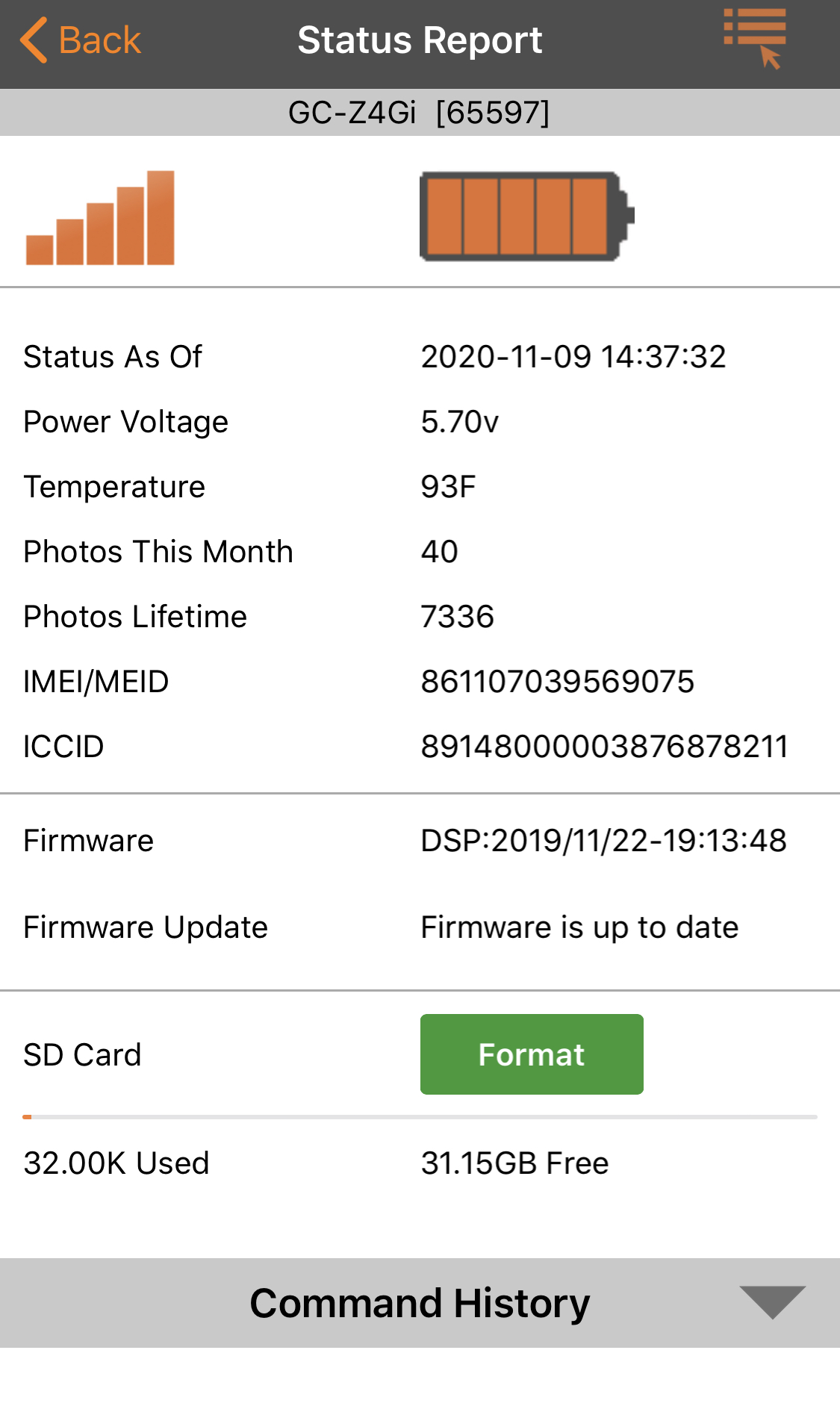
    It might be the switch, turn it off and on really fast a bunch of times with the batteries removed. Are you using the app/portal? If so you can check the status report to see if it's up to date and if not update from there.

    0
    Comment actions Permalink
  • Tom Banks

    This shows that it’s up to date 

    0
    Comment actions Permalink
  • John Lockburner

    OK, I see it's up to date. I would try a manual update by loading it to an SD card, here's the link to the update and instructions.

    https://my.spartancamera.com/download

    0
    Comment actions Permalink
  • Tom Banks

    0
    Comment actions Permalink
  • Tom Banks

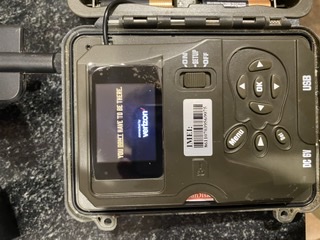
    Now it is stuck on this screen. Iv turned it off and on a few times and it keeps getting stuck here. 

    0
    Comment actions Permalink
  • John Lockburner

    Leave it turned on and take the batteries out over night. See what it's like in the morning. I would definitely do the manual update.

    0
    Comment actions Permalink
  • Tom Banks

    Still doing the same thing today. It won’t even get past the “you don’t have to be there” screen

    0
    Comment actions Permalink
  • John Lockburner

    Going to have to try the manual update that I posted in the link above.

    0
    Comment actions Permalink
  • Tom Banks

    It won’t let me make it that far in order to do the manual update. It literally gets stuck on that screen and won’t let me do a thing 

    0
    Comment actions Permalink
  • John Lockburner

    You'll follow the instructions for cameras without the firmware update in the menu, you won't need to access the screen.

    0
    Comment actions Permalink
  • Tom Banks

    Iv tried that and just tried it again and it is still stuck on “you don’t have to be there”
    Every time I turn it off and on that’s as far as I make it. I tried the FW update like you said and help the playback button down for about 5 minutes after switching it to setup and it’s still stuck on that screen

    0
    Comment actions Permalink
  • Tom Banks

    I finally got it to work one time and accept the update. It’s still doing the same thing though 

    0
    Comment actions Permalink
  • John Lockburner

    What's your email? I'll get tech to email you an RMA form to send it back

    0
    Comment actions Permalink
  • Tom Banks

    Tombanks9@yahoo.com

    thanks a bunch for all your help! 

    0
    Comment actions Permalink
  • Tom Banks

    Did you ever get tech to send me anything? I haven’t received anything from them. Thanks 

    0
    Comment actions Permalink
  • John Lockburner

    I'm sorry about that, try emailing tech at support@spartancamera.com and I'll tell them to look for the email. Is the email address that you gave me the one that you use for your account for the camera/portal?
    0
    Comment actions Permalink
  • Tom Banks

    Yea it is. I just sent them an email. Hopefully I’ll get a response shortly so I can get this thing fixed

    0
    Comment actions Permalink
  • John Lockburner

    Let me know if you haven't heard anything by tomorrow

    0
    Comment actions Permalink

Please sign in to leave a comment.