Camera not responding

-

Wow, that's really really old. That definitely needs to be updated and you'll have to do it manually since it's not connecting. See the link below for the updates and the instructions.
https://my.spartancamera.com/download -
Ok so I downloaded the update this morning to my computer and saved to a 16gb class 10 sd card I then put it in my camera held the playback button switched the camera to the setup position when the camera said no image I again hit the playback button once went to the menu screen to default and set back to default then scrolled down to information and the date is still showing 4/16/16 like it didn’t take
-
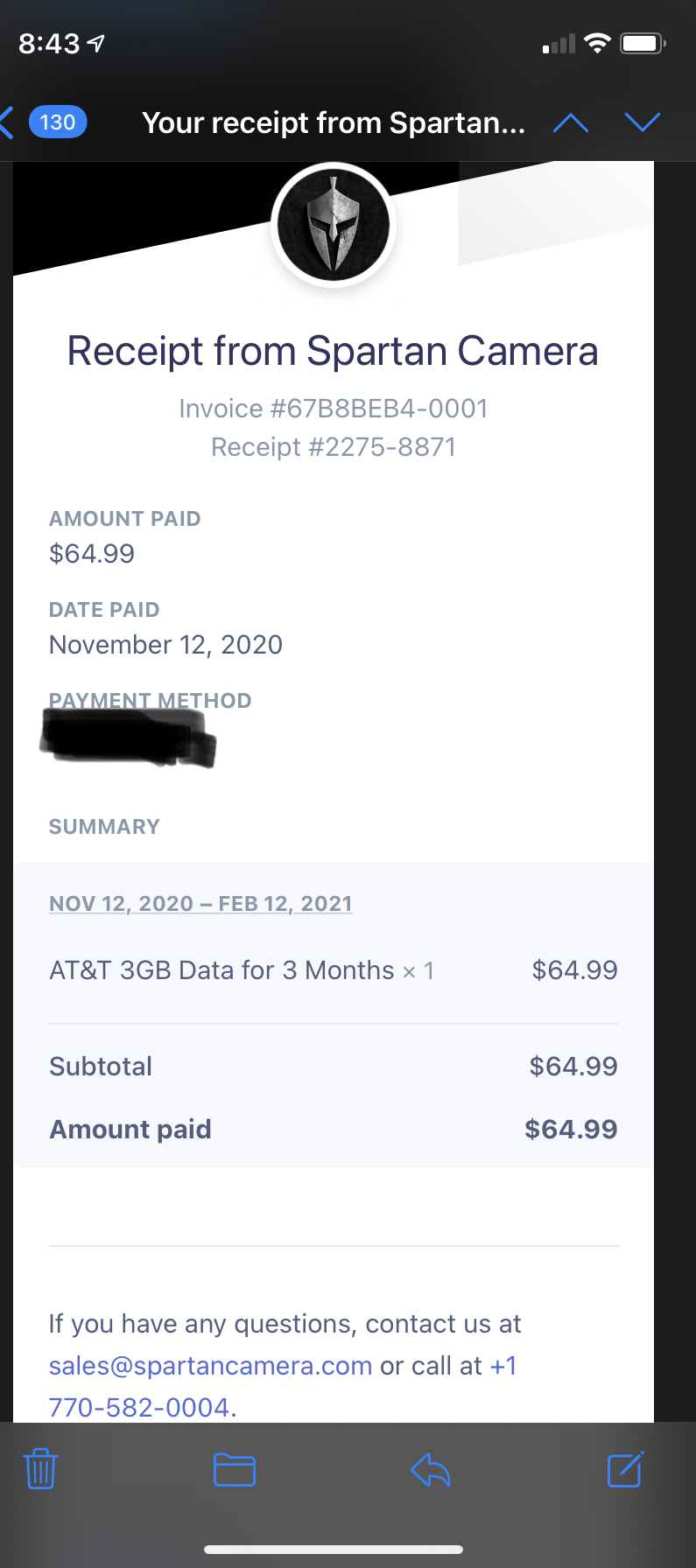
Make sure there are no numbers in parentheses after the file name on the card. If you do want to try and get a refund you'll have to email tech (support@spartancamera.com)

Please sign in to leave a comment.
Comments
44 comments