Comments

21 comments

  • John Lockburner

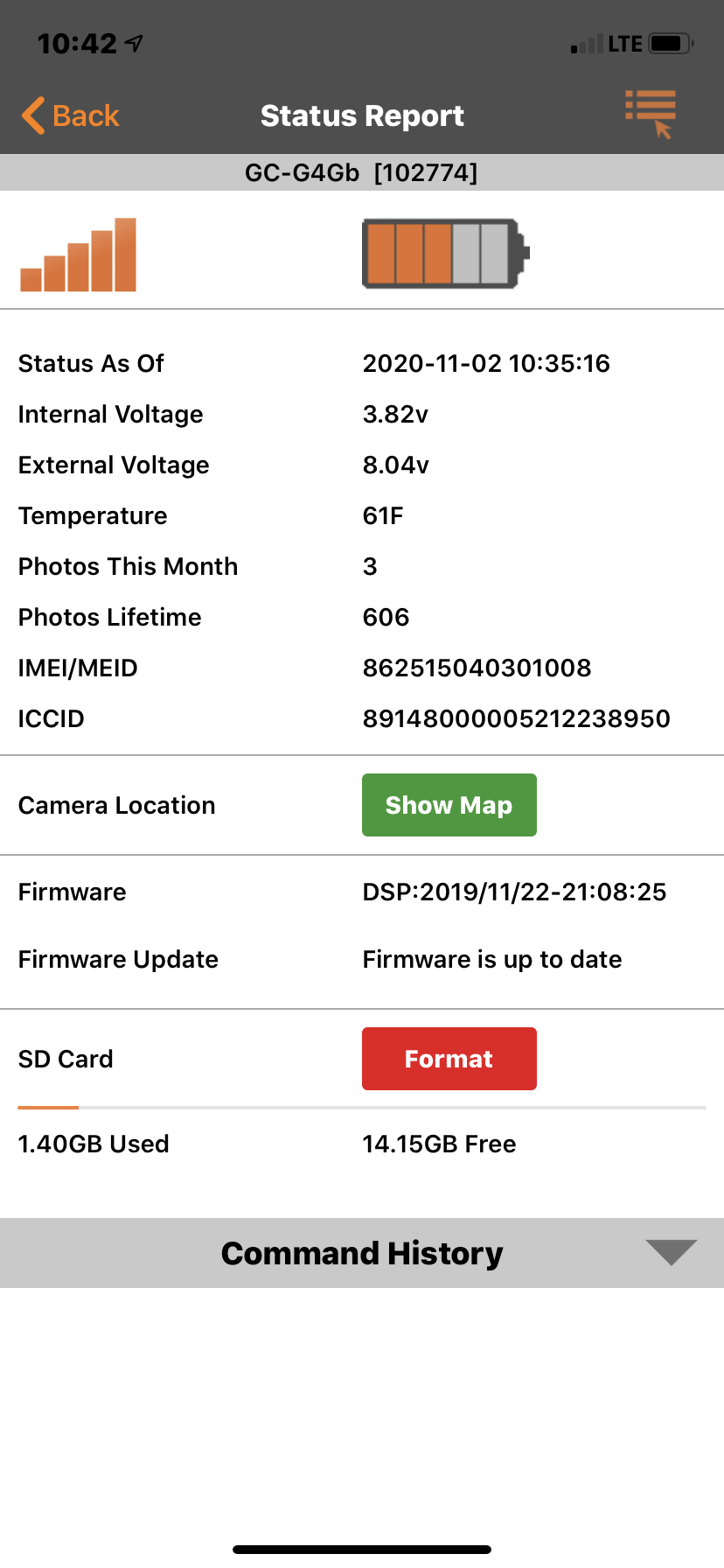
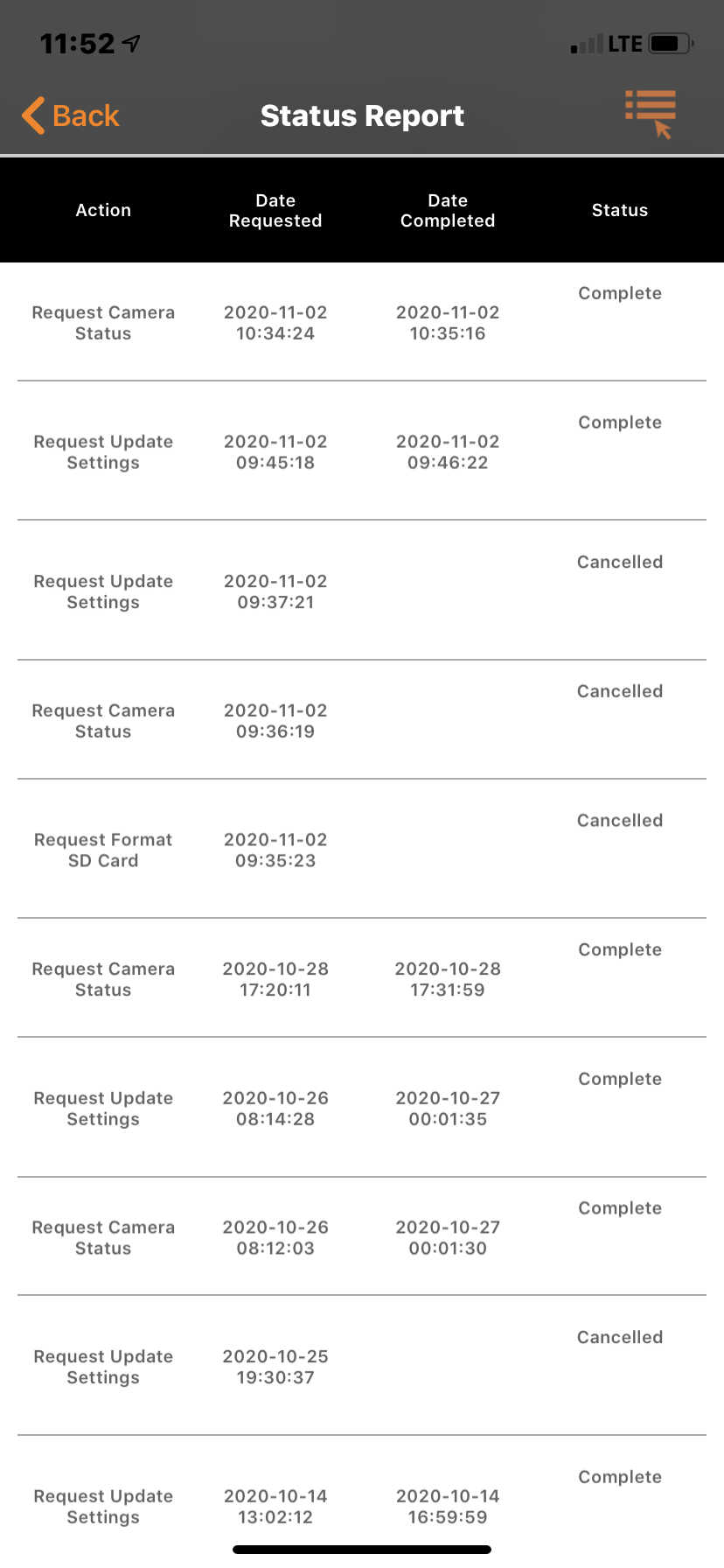
    The camera tried to send a picture at 10:35 this morning, I would try formatting the SD card. It also appears your battery is getting low.

    0
    Comment actions Permalink
  • David Craft

    I had it send 3 test pictures 

    0
    Comment actions Permalink
  • John Lockburner

    Was one of the test pics at 10:35?

    0
    Comment actions Permalink
  • David Craft

    It never shows format complete, I tried 2 cards. The camera acts as if it powers its self off 

    0
    Comment actions Permalink
  • John Lockburner

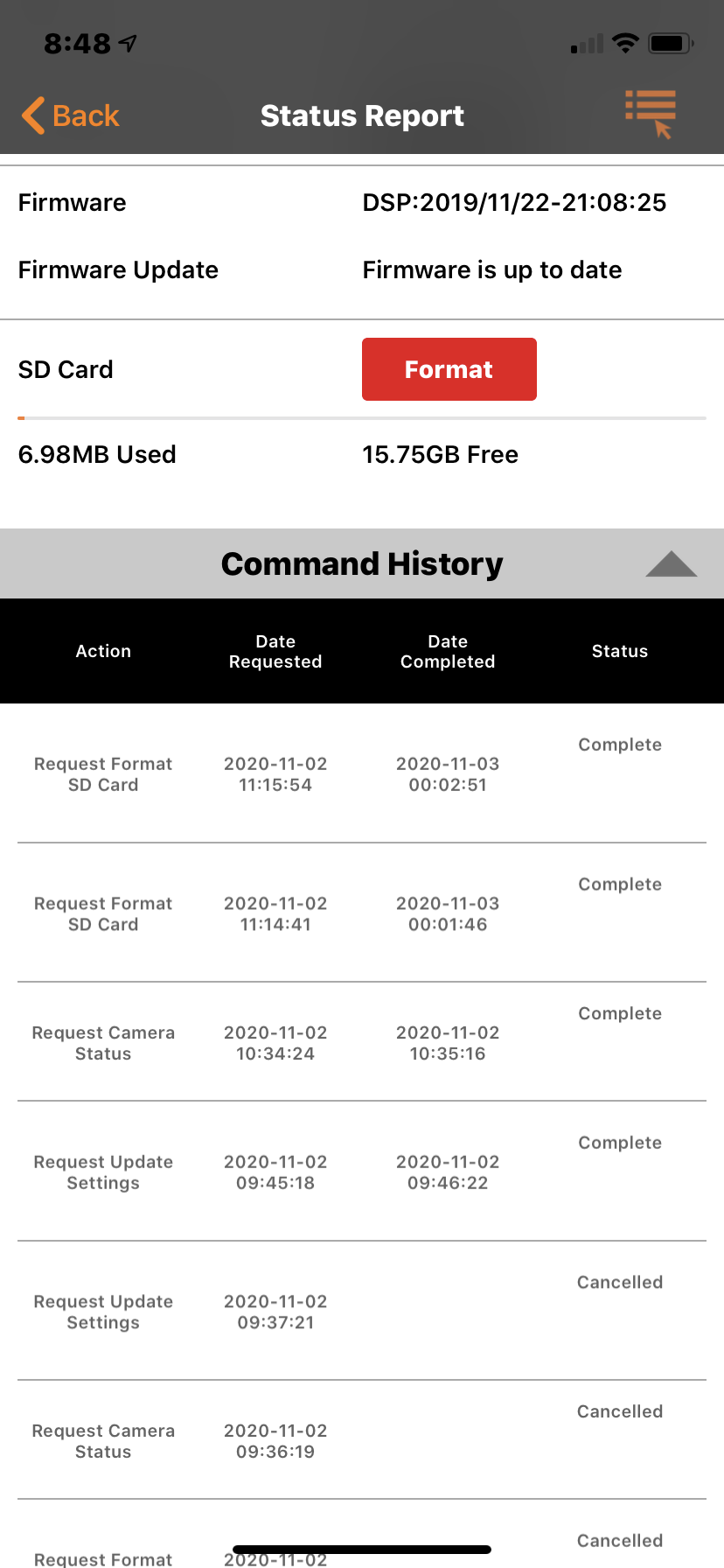
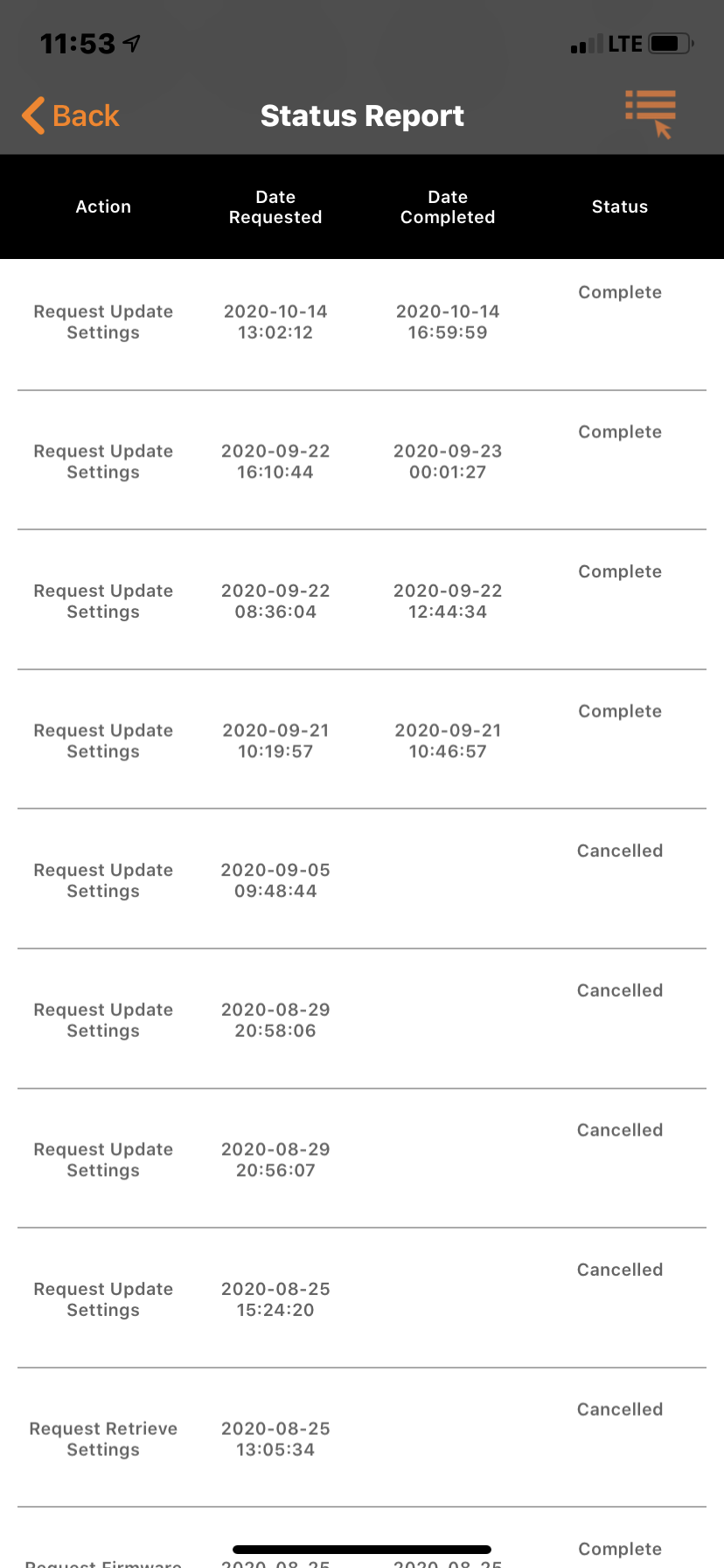
    Can you post  some screen shots of the command history?

    0
    Comment actions Permalink
  • David Craft

    0
    Comment actions Permalink
  • David Craft

    0
    Comment actions Permalink
  • John Lockburner

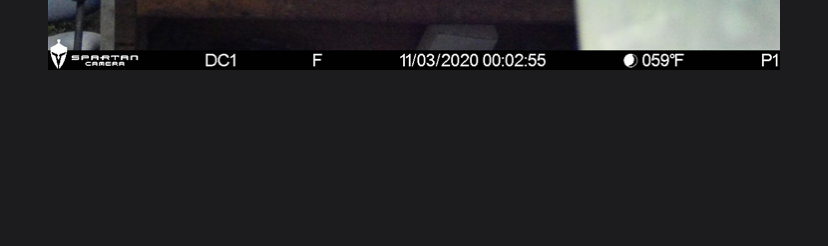
    I would request the format and leave it pending. It may take until the midnight status report for it to format. If the format is successful you should get a picture with an F on the bottom of it. You can also format in the cameras menu if you have the camera in hand.

    0
    Comment actions Permalink
  • David Craft

    Still having the same problems   format is complete and replaced batteries You can send a test picture but it won't send any on its on   It did send some at midnight when it formatted 

    0
    Comment actions Permalink
  • John Lockburner

    David, you got the picture with the F on the bottom of it? Any with an M?

    0
    Comment actions Permalink
  • David Craft

    6 pictures with a F none with M

    0
    Comment actions Permalink
  • David Craft

    0
    Comment actions Permalink
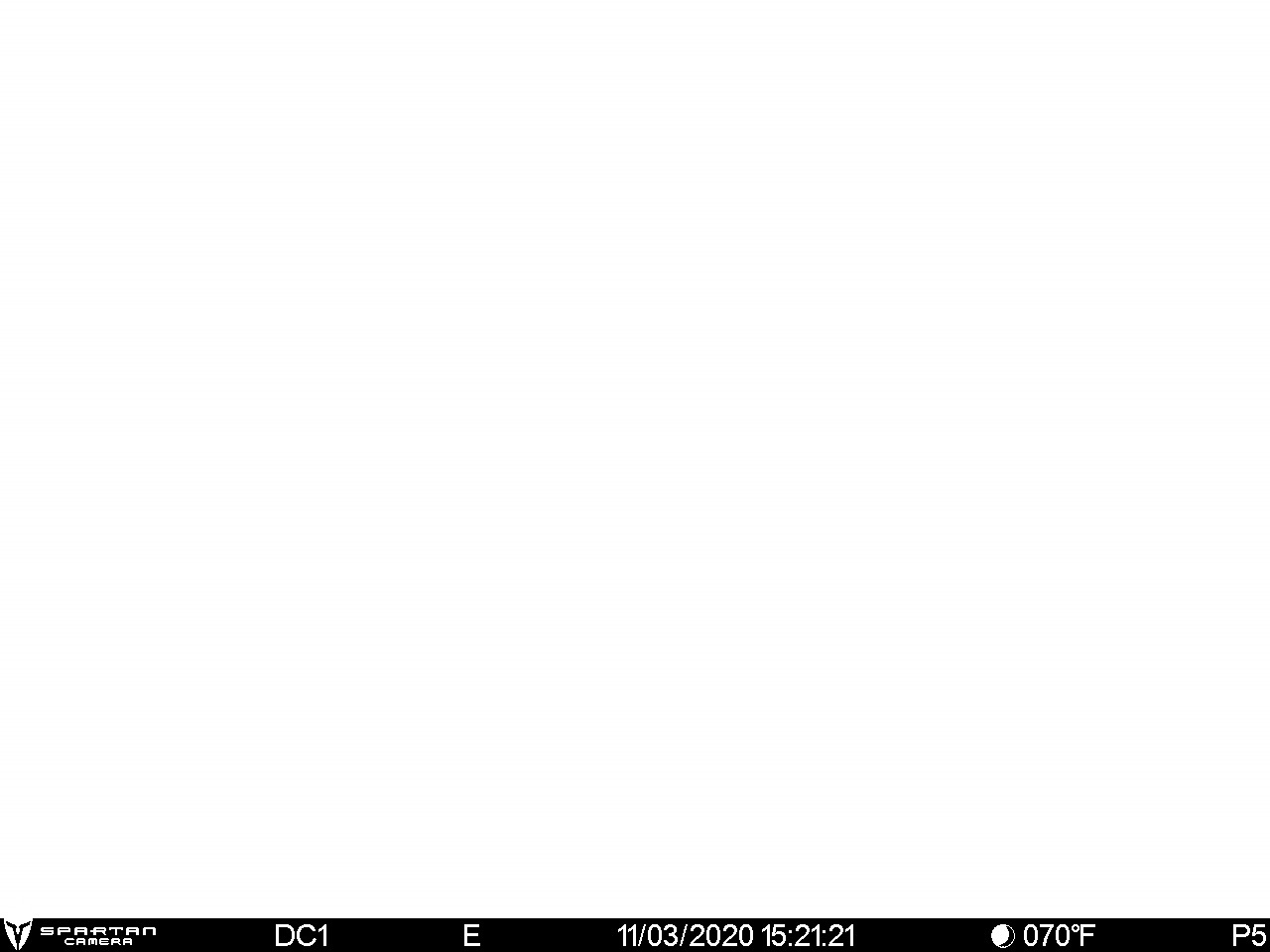
  • John Lockburner

    P1, your batteries are dead

    0
    Comment actions Permalink
  • David Craft

    THEY ARE NEW NOW AS OF THIS MORNING AND IT STILL DOSENT WORK 

    0
    Comment actions Permalink
  • John Lockburner

    Turn the camera off and back on, after it finds signal press the OK button to take a picture and then press it again to send the picture. Watch what happens and what it says on the screen. Also make sure that your SD card is 32gb or smaller, class 10, 80mbs or faster and a full sized card (not a micro in an adapter). If it sends try two or three more times without turning the camera off and see if it will continue to send.

    0
    Comment actions Permalink
  • David Craft

    It will send 500 test pictures.  The problem i have is once you close the camera the green led will flash when you move in front of it, but wont send any pictures. It also acts as if it is turned off when you open it back up after sitting. I've tried 2 different sd cards both 16gb

    0
    Comment actions Permalink
  • David Craft

    After turning it off and back on it sends a status report to my app. it will send a test picture

    0
    Comment actions Permalink
  • John Lockburner

    Gotcha, very odd. Have you tried defaulting the camera in it's menu? Also, once the camera arms itself after 3 minutes it will go dark like it's turned off and won't turn back on unless you cycle the power switch. Is the camera saving pictures to the SD card after the 3 minutes and it arms itself? In your settings do you have batch send turned on at all or any start/stop times set?
    0
    Comment actions Permalink
  • David Craft

    I did default setting , It only saves the test pictures, It is set to send no stop/starts that I can see. All settings are the same as another camera that is working 7 hours from me 

    0
    Comment actions Permalink
  • John Lockburner

    Are you arming the camera manually or letting it arm itself after 3 minutes?

    0
    Comment actions Permalink
  • Josh Foreman

    I’m having what seems like the same issue with my camera. When I finally get it to come on. I’m following this thread to see if there’s anything I can do for my camera also.

    0
    Comment actions Permalink

Please sign in to leave a comment.