Camera not sending pictures

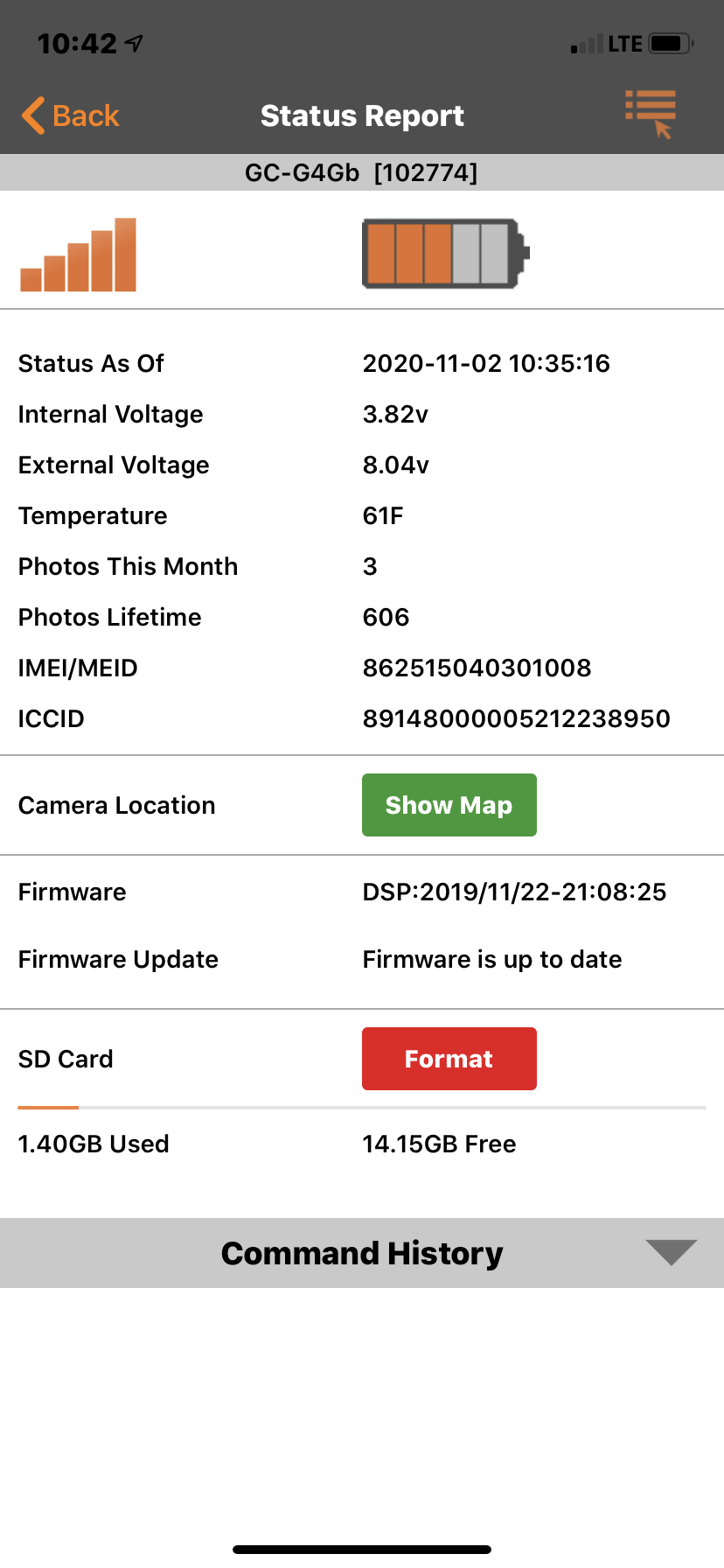 Camera has stopped sending pictures unless its a test picture
-

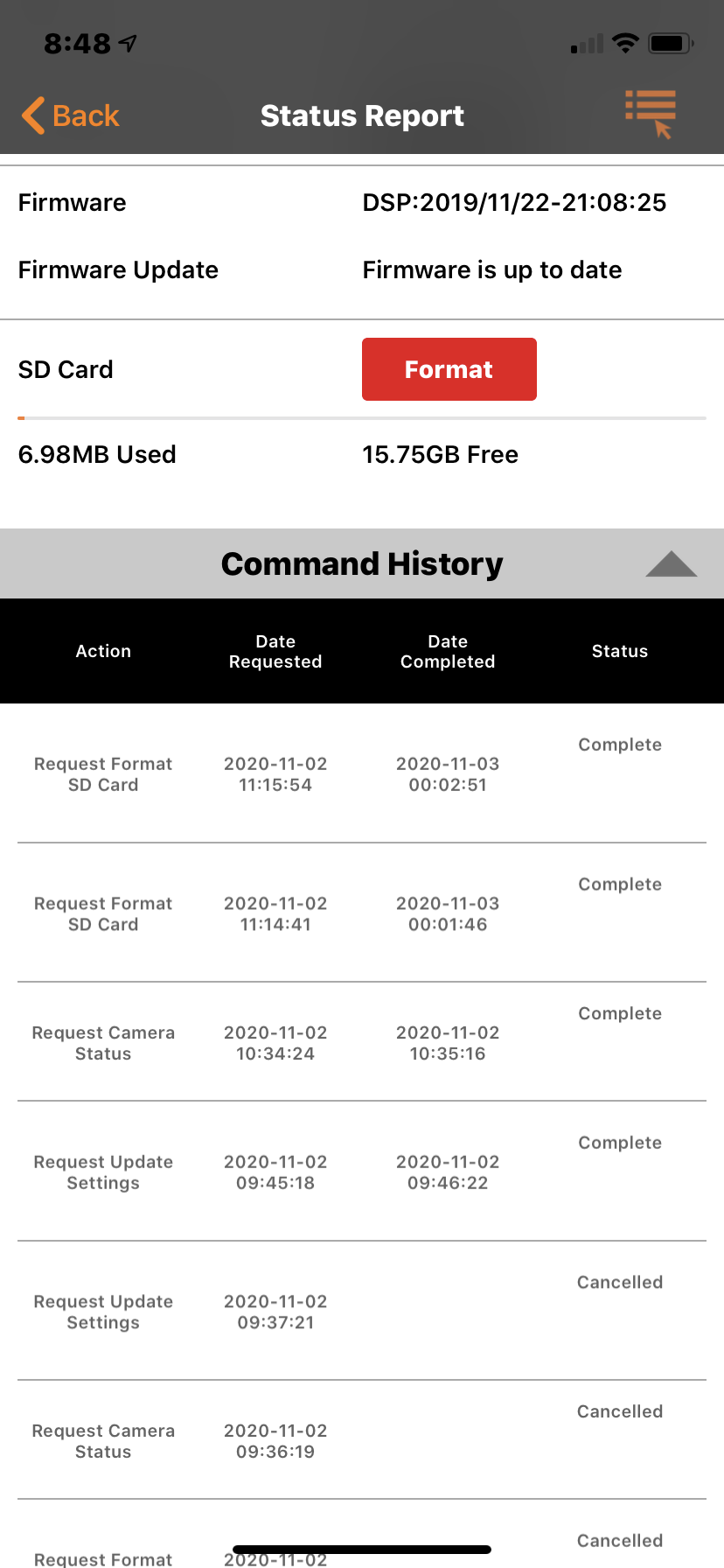
Turn the camera off and back on, after it finds signal press the OK button to take a picture and then press it again to send the picture. Watch what happens and what it says on the screen. Also make sure that your SD card is 32gb or smaller, class 10, 80mbs or faster and a full sized card (not a micro in an adapter). If it sends try two or three more times without turning the camera off and see if it will continue to send.
-
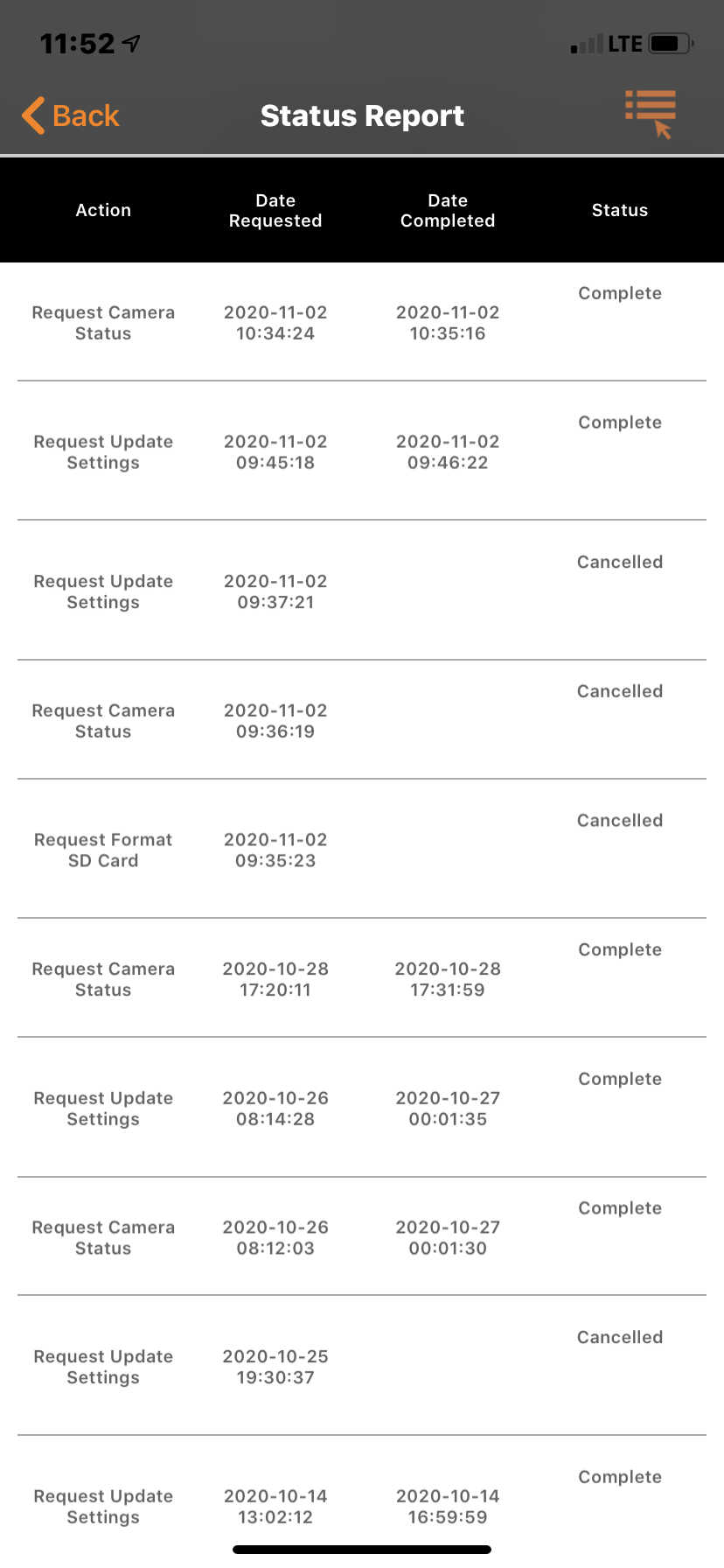
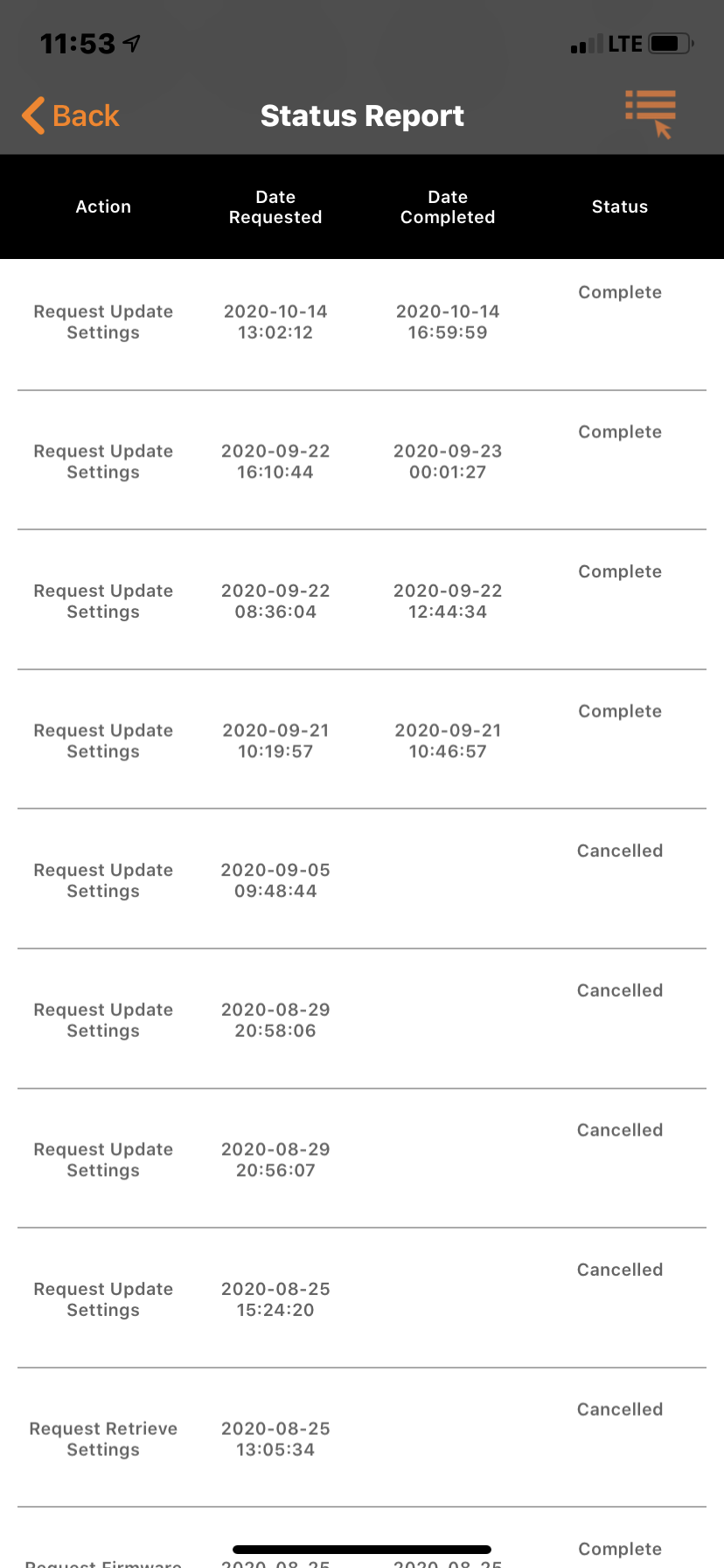
Gotcha, very odd. Have you tried defaulting the camera in it's menu? Also, once the camera arms itself after 3 minutes it will go dark like it's turned off and won't turn back on unless you cycle the power switch. Is the camera saving pictures to the SD card after the 3 minutes and it arms itself? In your settings do you have batch send turned on at all or any start/stop times set?

Please sign in to leave a comment.
Comments
21 comments