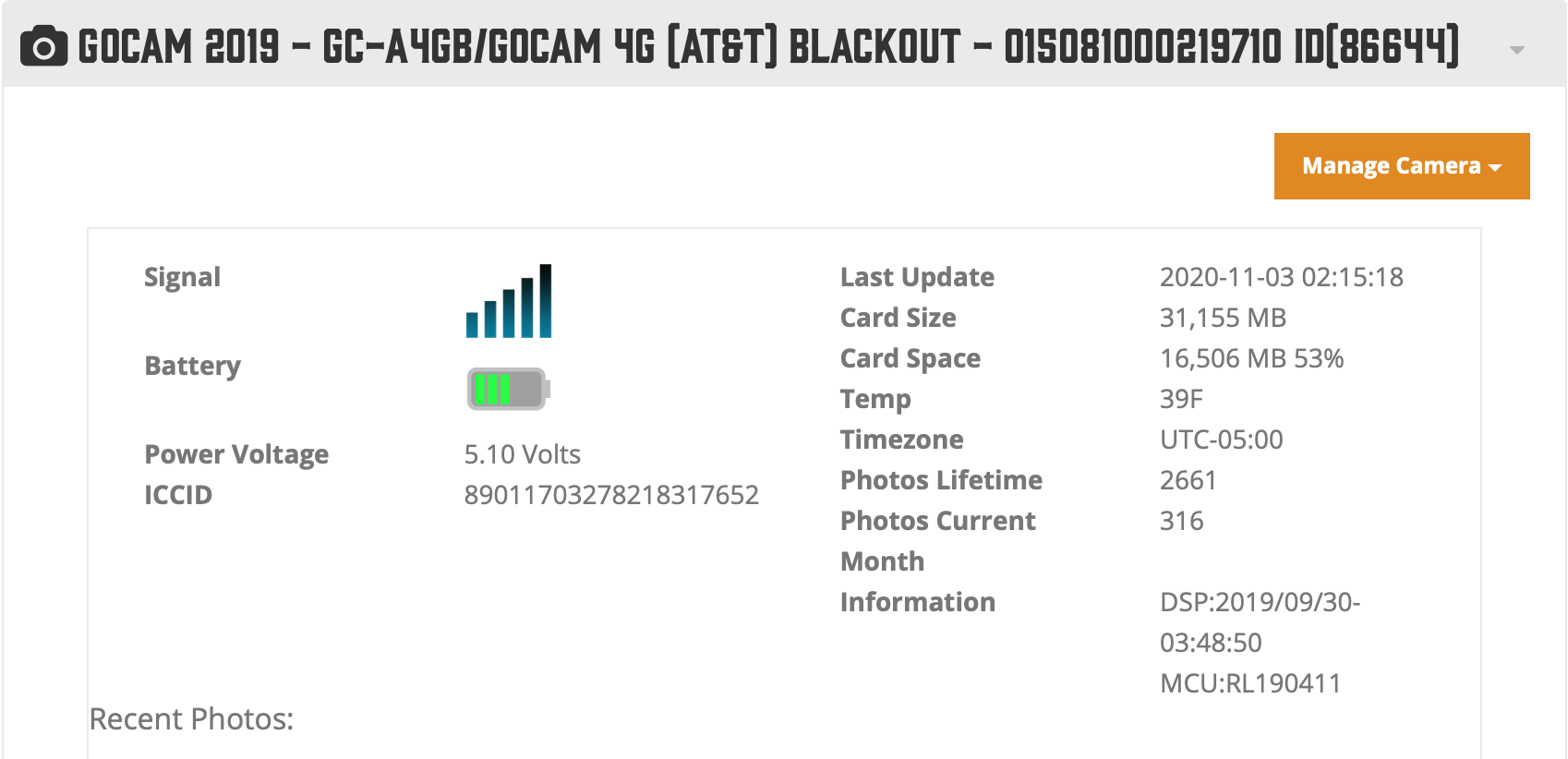
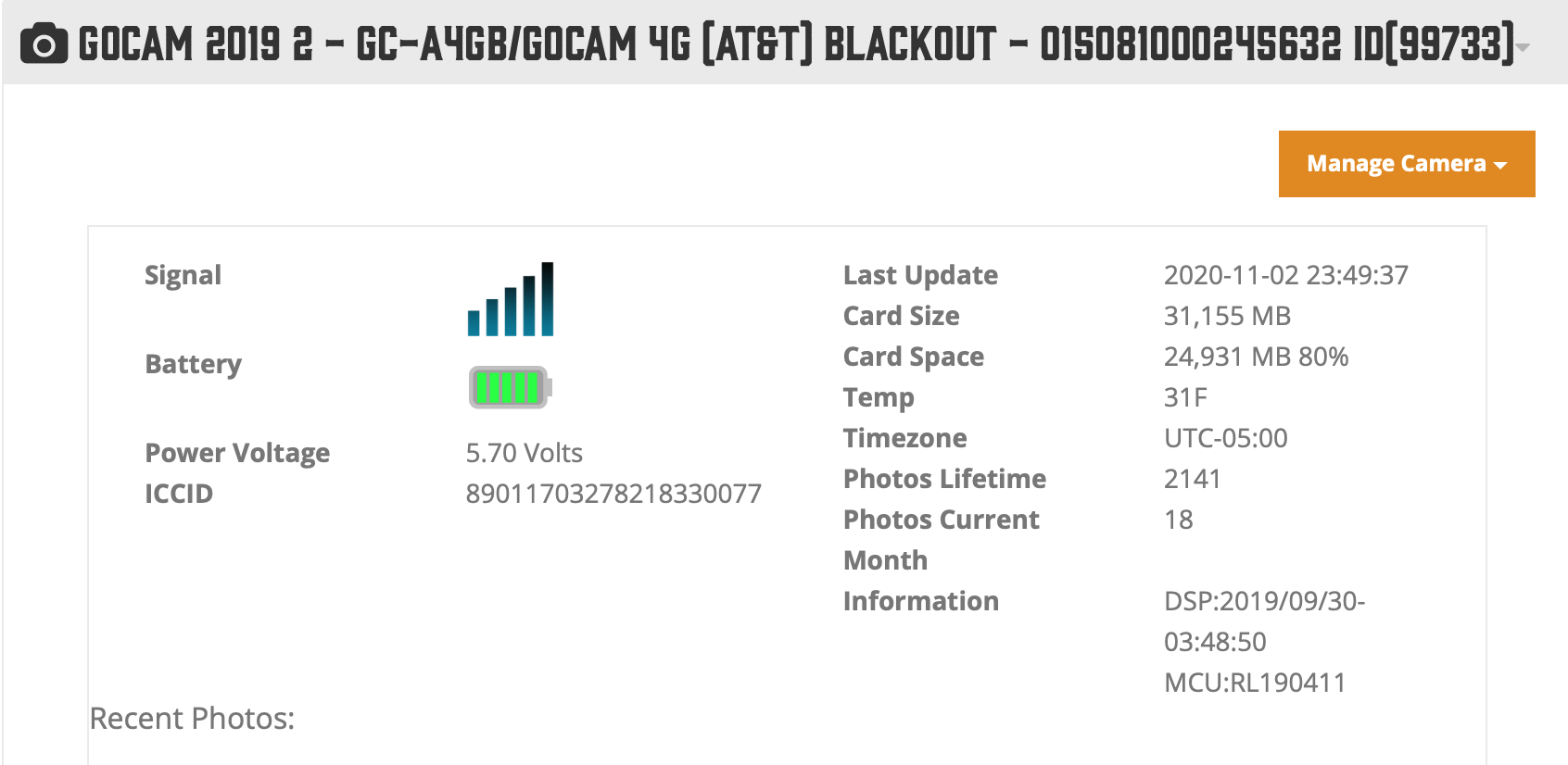
Abrupt end to photos and status reports for two separate GC-A4Gb AT&T cameras

Comments

38 comments

  • Erik Puffenberger

    Could AT&T have deactivated my SIM card?

    0
    Comment actions Permalink
  • John Lockburner

    Try removing the SIM and/or SD card and see if the camera will let you into the menu. Try each one individually and both together.

    0
    Comment actions Permalink
  • Erik Puffenberger

    I can get to the Menu (by pushing the menu button). What do you want me to check?

    0
    Comment actions Permalink
  • John Lockburner

    I'd like to see a picture of the info screen and was hoping that with the SIM or SD removed that you might be able to get to the APN settings

    0
    Comment actions Permalink
  • Erik Puffenberger

    I tried to enter the APN Setting area, but each time I got "System busy...". This was done with both SIM and SD cards present, just the SIM, just the SD, and neither.

    0
    Comment actions Permalink
  • John Lockburner

    OK, I sent your info to an inside tech and she couldn't figure out why they stopped sending, she sees no errors in the logs. I think She's already reached out to you.

    0
    Comment actions Permalink
  • Erik Puffenberger

    I sent the camera back to Spartan yesterday via UPS Ground.

    I won't get to retrieve the second camera for several weeks, then we can troubleshoot it. I suspect it is the same problem due to the loss of both cameras at the same time.

    0
    Comment actions Permalink
  • John Lockburner

    It sounds like it very well could be. Please let us know what they find out.

    0
    Comment actions Permalink

Please sign in to leave a comment.